Camera lens filter types and how to choose
by Georgy Politsarnov · Accessories, Photography Tips
As an Amazon Associate I earn from qualifying purchases. Links to Amazon on this page are affiliate links.
In short: Digital photography still needs four types of camera lens filters: protective (UV), neutral density, graduated and polarizing. White balance and processing have replaced conversion and color filters. Choose a multi-coated filter from a well-known manufacturer that matches your lens in optical quality, with a thin frame for wide-angle lenses.
Filters in the digital age
A lens filter is probably the most confusing accessory for someone new to photography. On the one hand, every photographer of the past used them in one way or another. And the salesperson at the store will most likely insist that you buy a filter. On the other hand, a lot has changed on the technical side of photography in recent years: certain types of filters have simply become unnecessary.
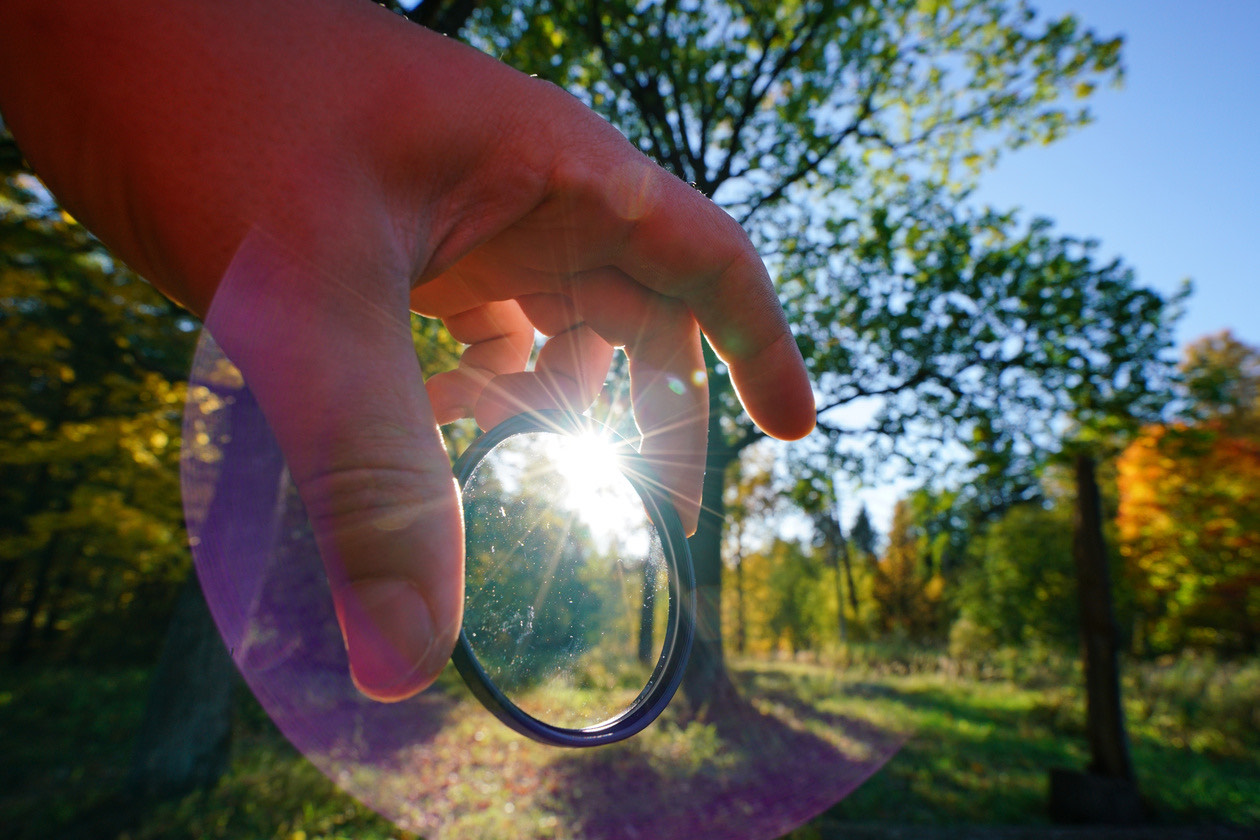
Even so, there are subjects you simply cannot shoot without the right filter. And the most basic task, protecting the front element of the lens from mechanical damage, has not gone away either. Below, we will talk about which filters photography really needs today and how to choose the best filter.
Which filters do digital cameras not need?
Since the start of the 21st century, photographers have moved from film cameras to digital ones in large numbers. This has certainly made shooting and processing pictures simpler. The move to digital technology has affected working with filters in the same way. For example, every modern digital camera can set the white balance by itself, adapting to the lighting conditions: incandescent lamps, sunlight and other sources. Yet not long ago, correct color rendering was achieved not with white balance presets but with glass filters of different tints and densities, which were also called conversion filters. So if you shoot with a digital camera, you can forget about this type of filter.
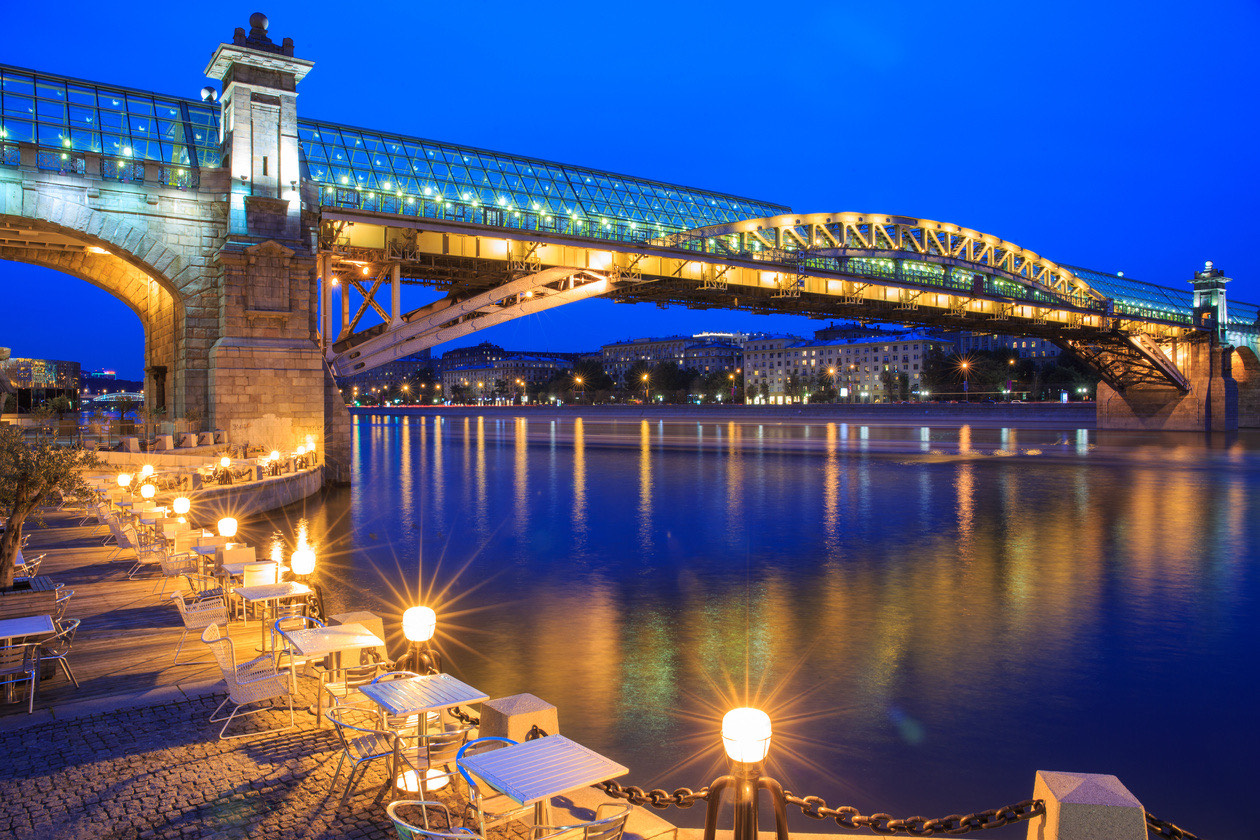
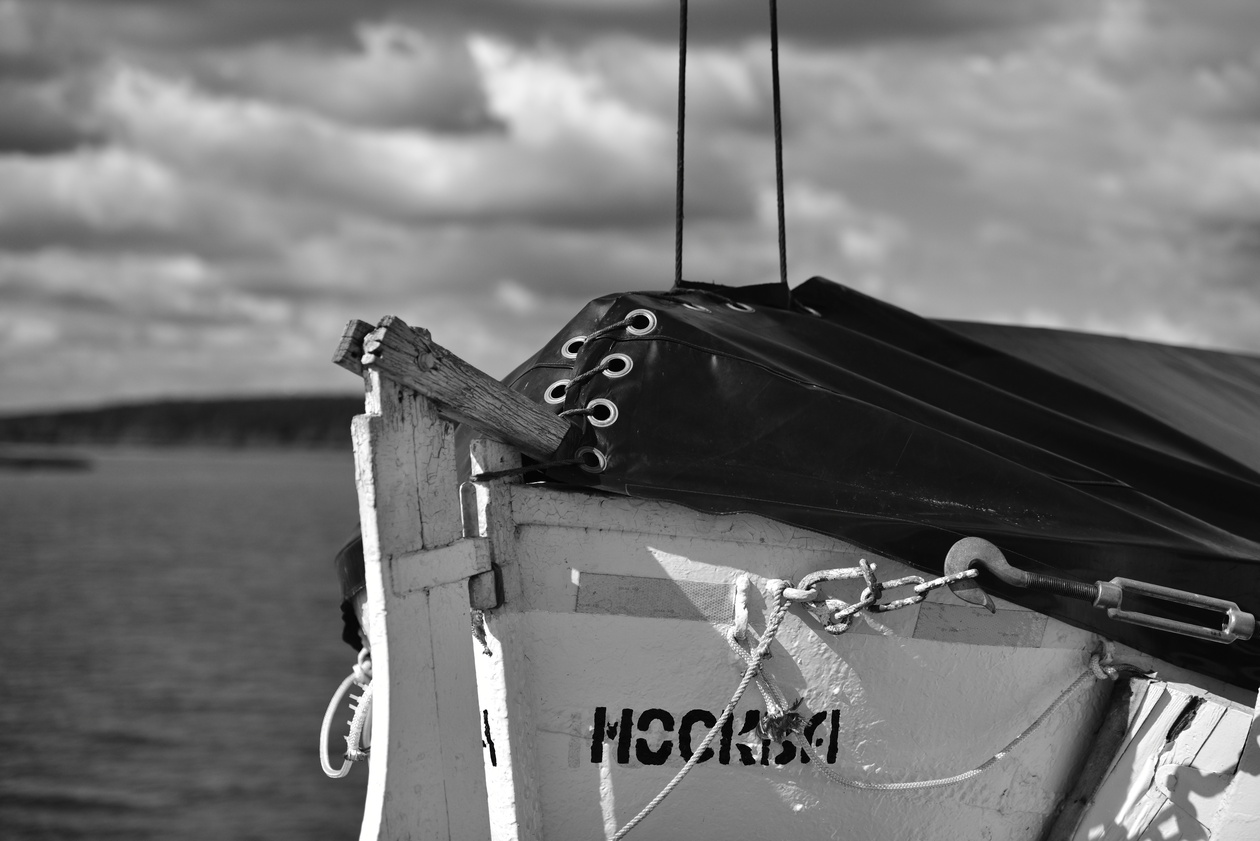
Besides conversion filters, plain color filters were also widely used: red, yellow, blue, green. They were used for black-and-white photography. With these filters, only light of a certain color reached the film unhindered, while the other colors were weakened. For example, a red filter made it possible to get an almost black, very dramatic and beautiful sky on black-and-white film. Today the same effect is easy to get both in digital processing and directly in the camera.
Soft filters, which reduce the sharpness of the frame for a particular artistic effect, have lost their former relevance: smoothing the texture and unevenness of the skin in portrait photography, or making high-contrast edges glow in other subjects. Digital retouching has replaced them. That said, things are not so clear-cut here. Certain branded soft filters give a unique effect, much as every lens has its own distinctive character of background blur. So you should not give up soft filters completely.
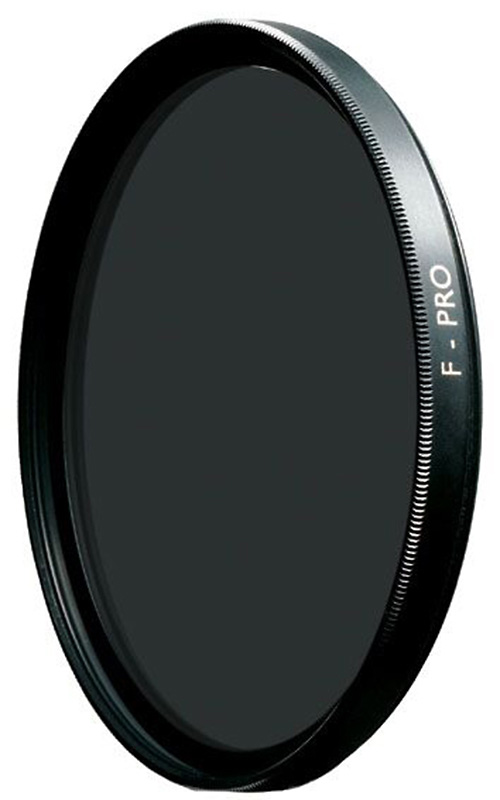
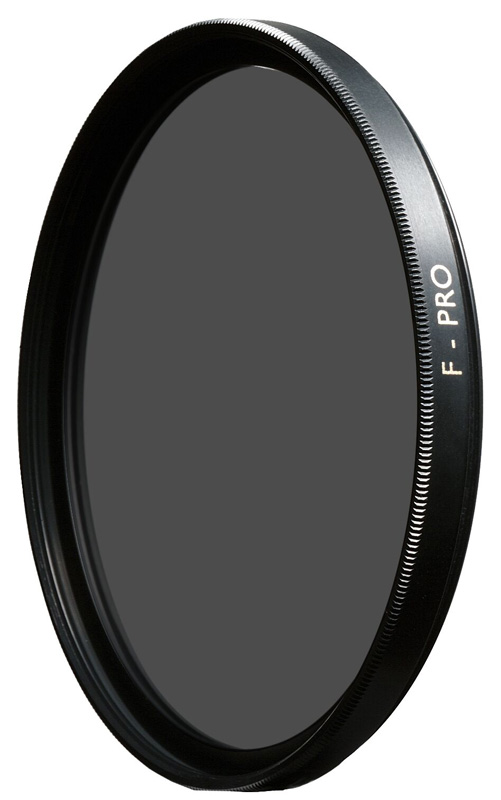
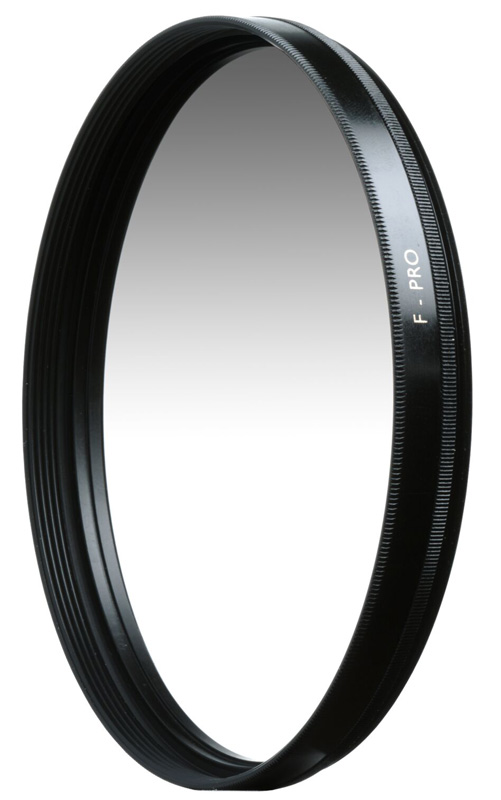
But there are still four types of filters you cannot do without. No digital technology can replace them. More on them below.
Which filters can you not do without?
You might think the filter is a thing of the distant past. Not at all! For a number of tasks, no computer program can replace a good old piece of glass with unique properties. Let us start with protection.
Protective or UV filters
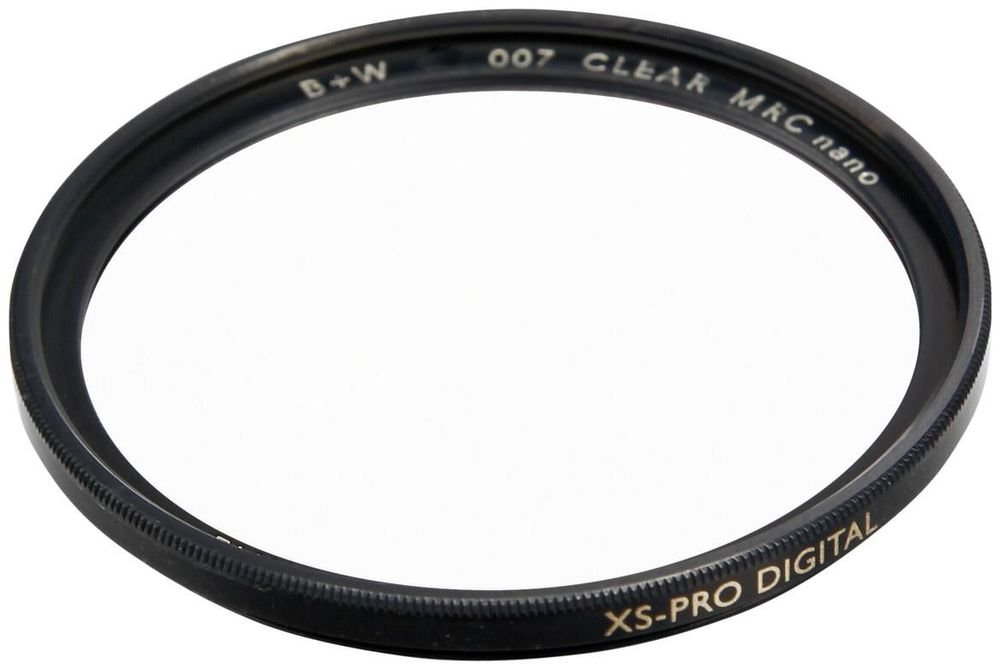
If you have an expensive lens, it is the right decision to protect the surface of its front element with one more protective layer of glass. UV (ultraviolet) filters are the usual choice for this. They are ordinary glass that does not let ultraviolet rays through. One caveat, however: a good filter is specially treated glass with properly matched multi-coating and a protective nano coating, in a quality frame.
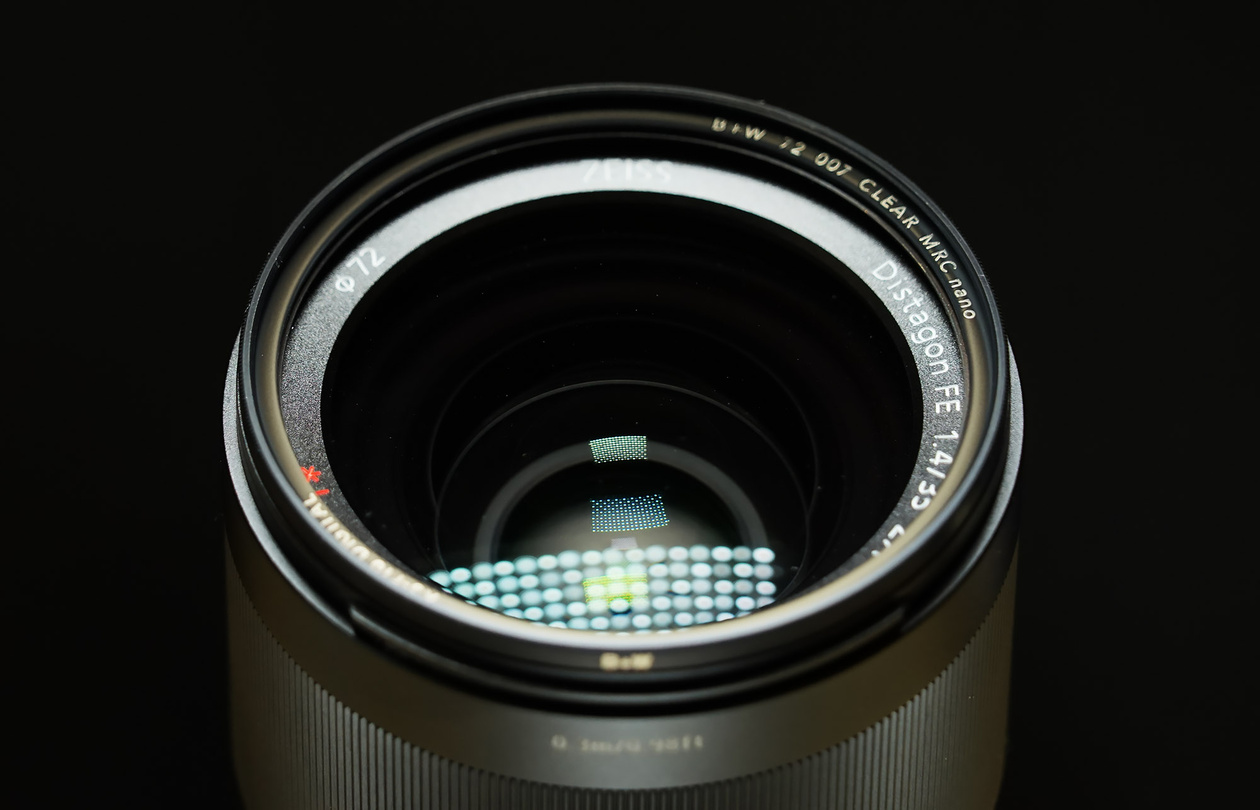
In film photography, UV filters were also used to reduce the blue cast in photos (film was sensitive to the invisible ultraviolet component of light). Now ultraviolet rays are additionally cut off by the filter on the camera sensor. So this function of a UV filter is no longer as relevant. On the other hand, manufacturers have given these filters a number of truly protective functions. Modern nano coatings help literally repel dirt from the surface of the filter. For example, this is how the MRC and MRC nano coatings work in B+W filters from the German company Schneider. Dirt, grease and fingerprints do not form smears on the surface, which means they do not reduce the contrast of the frame. Dirt is much easier to remove from a B+W filter: one wipe with a special cloth is enough. Of course, the effectiveness of the coating is directly proportional to the price of the filter. The MRC nano coating used in the professional B+W XS-PRO series of filters literally works wonders, not letting dirt linger on the surface of the glass. It is the ideal solution for important shoots, when raindrops or splashes of mud must not be given a single chance to affect the result. For a full guide, see Do you need a UV filter?.
Neutral density filters
The second type that is still relevant is neutral density filters. They darken the frame by a fixed number of stops. This is needed in one single case: when you need to lengthen the shutter speed considerably without stopping down the aperture further or lowering the sensitivity. You do not have to look far for examples: shooting with fast lenses in bright light, or getting ultra-long exposures by day or at night. But the role of these filters is becoming less significant every day. Modern cameras are starting to get electronic shutters that allow very fast shutter speeds and shooting wide open even at sunny noon. Ultra-long exposures have become easier to get thanks to multi-frame shooting with processing. Certain cameras already let you achieve this result right in the camera, without using a computer.
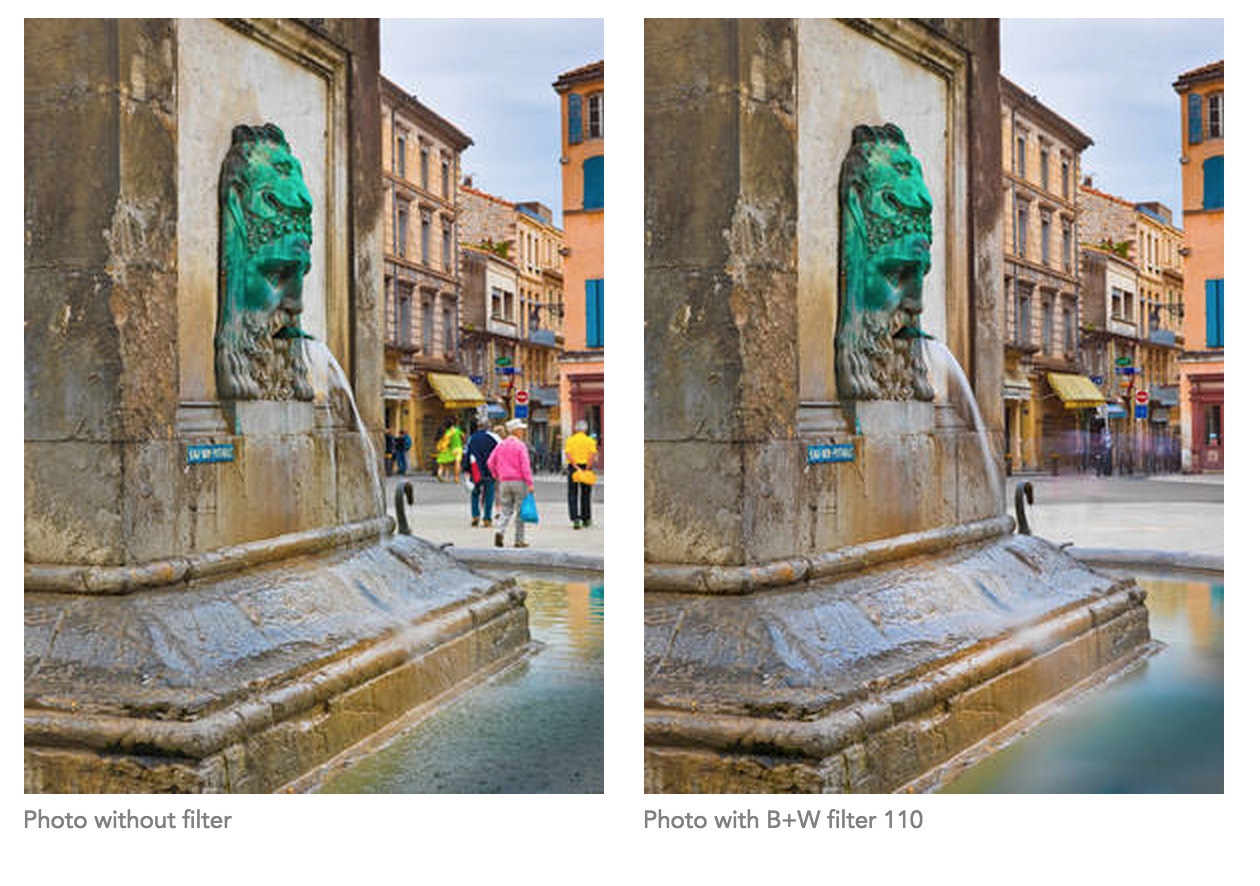
For a step-by-step guide, see ND filters: what they are and how to use them.
Graduated filters
You definitely cannot skimp on graduated filters: their effect is unique. They darken not the whole frame but only part of it. This is necessary for shooting landscapes when the sky in the frame is much brighter than the ground. The difference in exposure between the two parts of the frame cannot always be compensated in processing without degrading the picture (brightening the shadows inevitably raises the noise level). That is why compensating for the exposure difference with a graduated filter sometimes turns out to be the only possible way not to blow out the sky in the frame.
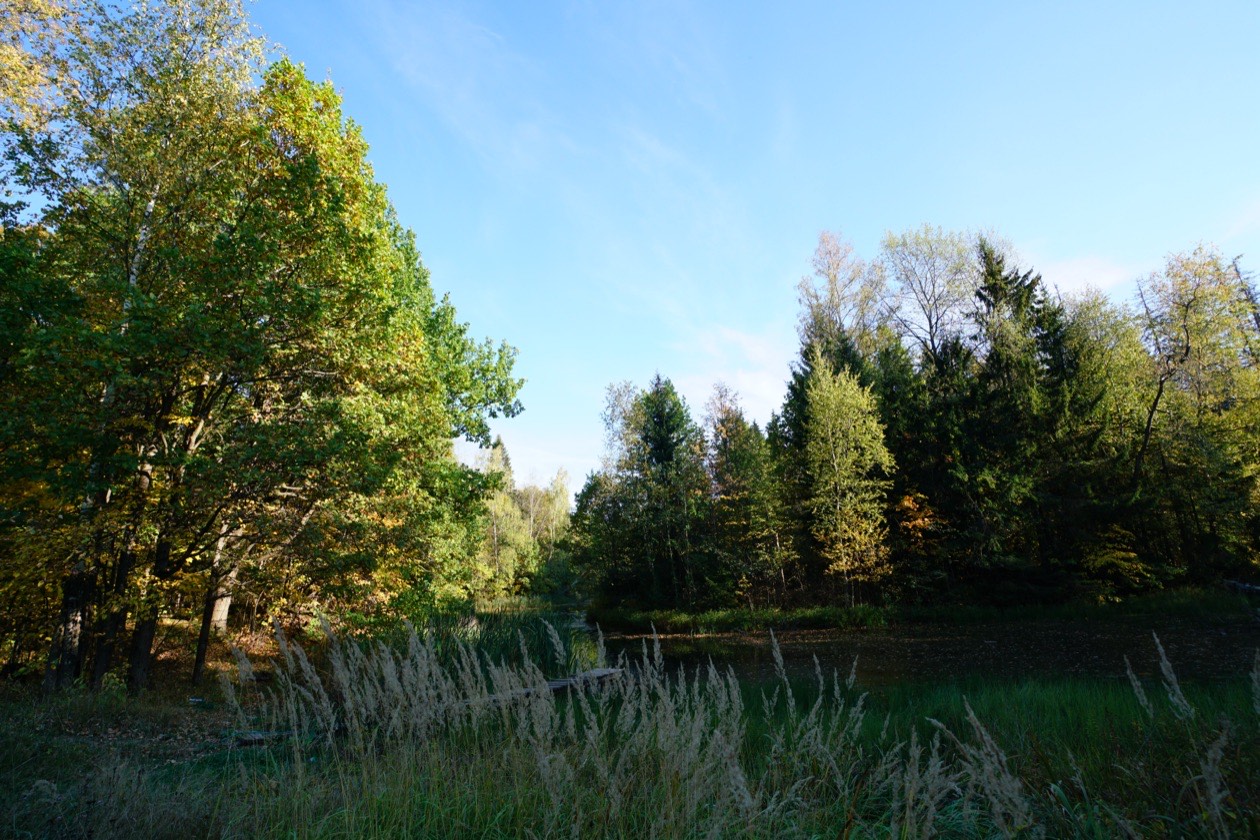
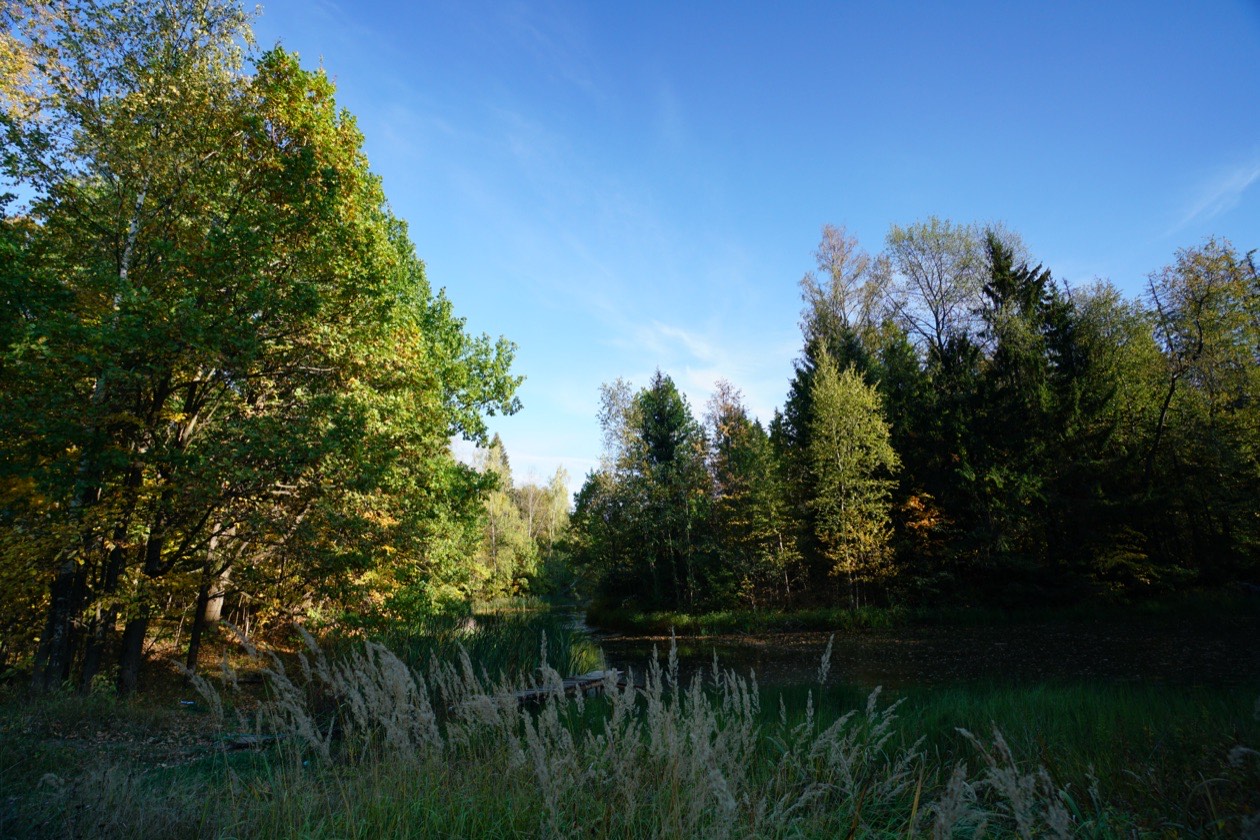
Why processing falls short: A sensor that clips a bright sky records no usable data in the clipped area, and later processing cannot bring it back. A graduated filter darkens the sky at the moment of capture, so the sky and the ground both stay within the sensor's range.
Polarizing filters
Finally, the most indispensable are polarizing filters. Computer processing can only imitate their effect, but it does not bring new detail into the frame. Polarizing filters themselves do.
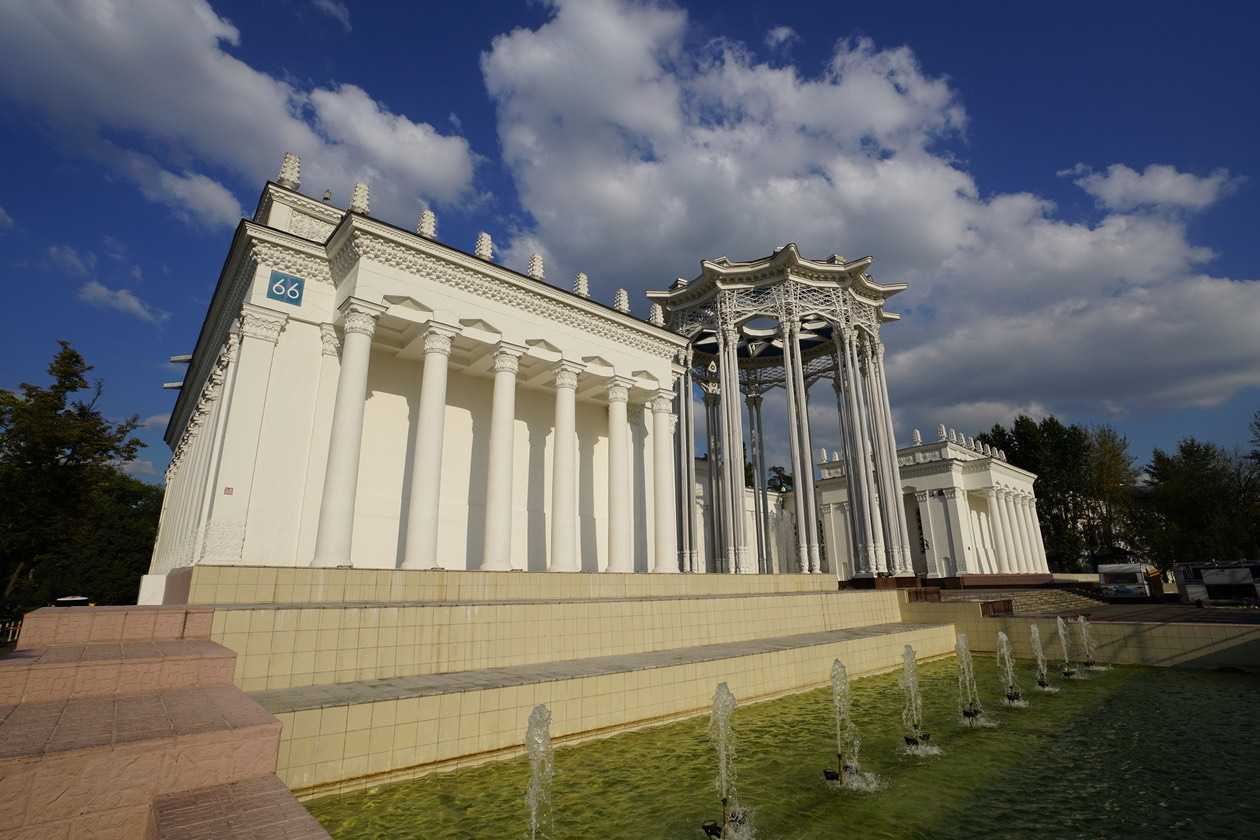
They work by cutting off polarized light reflected from non-metallic surfaces. For example, they can remove the reflection of the sky from the surface of water, making it more transparent. They can also be used to fight reflections in glass. Polarizing filters reduce the effect of haze in the frame, make the sky bluer and deeper, and emphasize the texture of clouds. The color rendering as a whole also changes: colors become cleaner and the excess bluish tint disappears.

But polarizing filters have one serious drawback: they reduce the exposure of the frame. If you forget to take such a filter off in time and keep shooting in poor light, it is easy to end up with a much higher noise level or ruined shots from a long shutter speed. In addition, the lower exposure can seriously affect handheld landscape shooting, especially at dusk. The B+W filter range includes a line of new circular polarizing KÄSEMANN filters with HTC film with increased light transmission. Compared with an ordinary polarizing filter, it lets through ⅔ of a stop more light, allowing shorter shutter speeds in the same conditions. And that is a serious advantage!
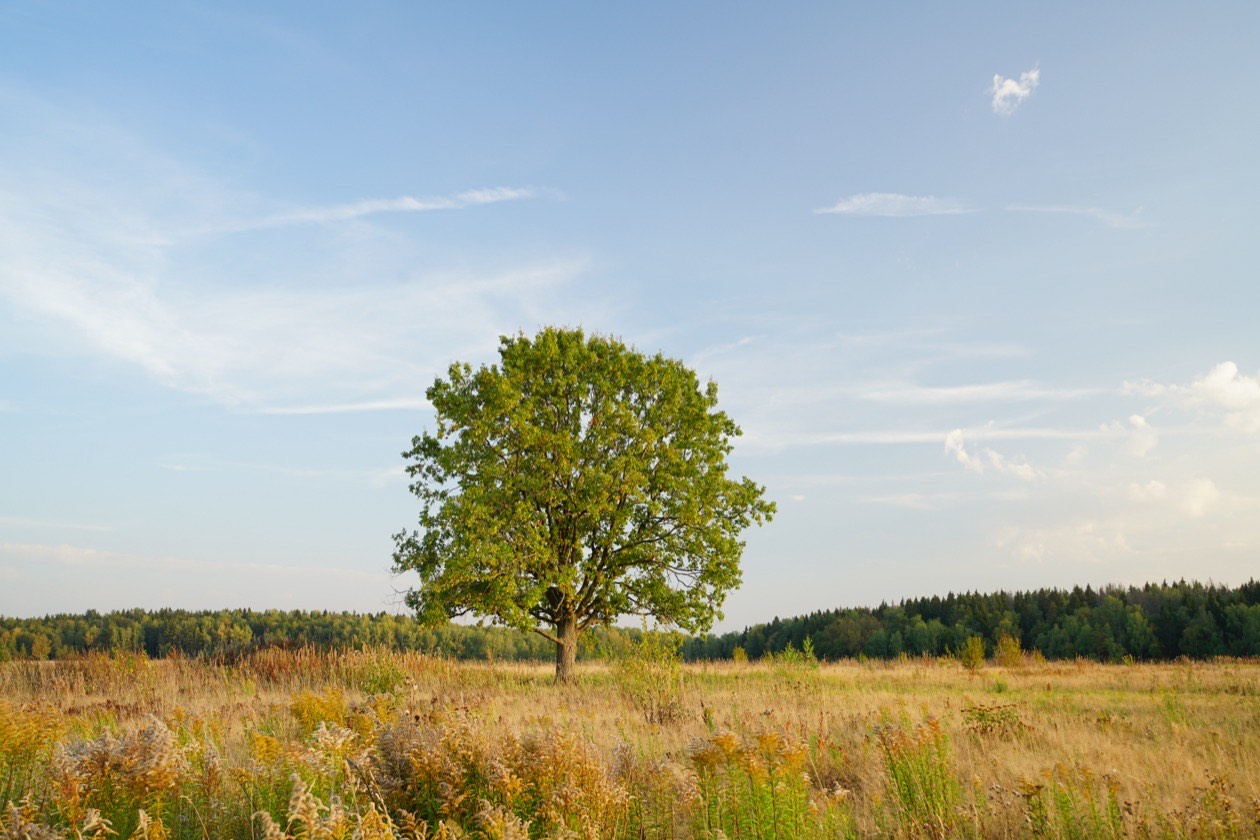
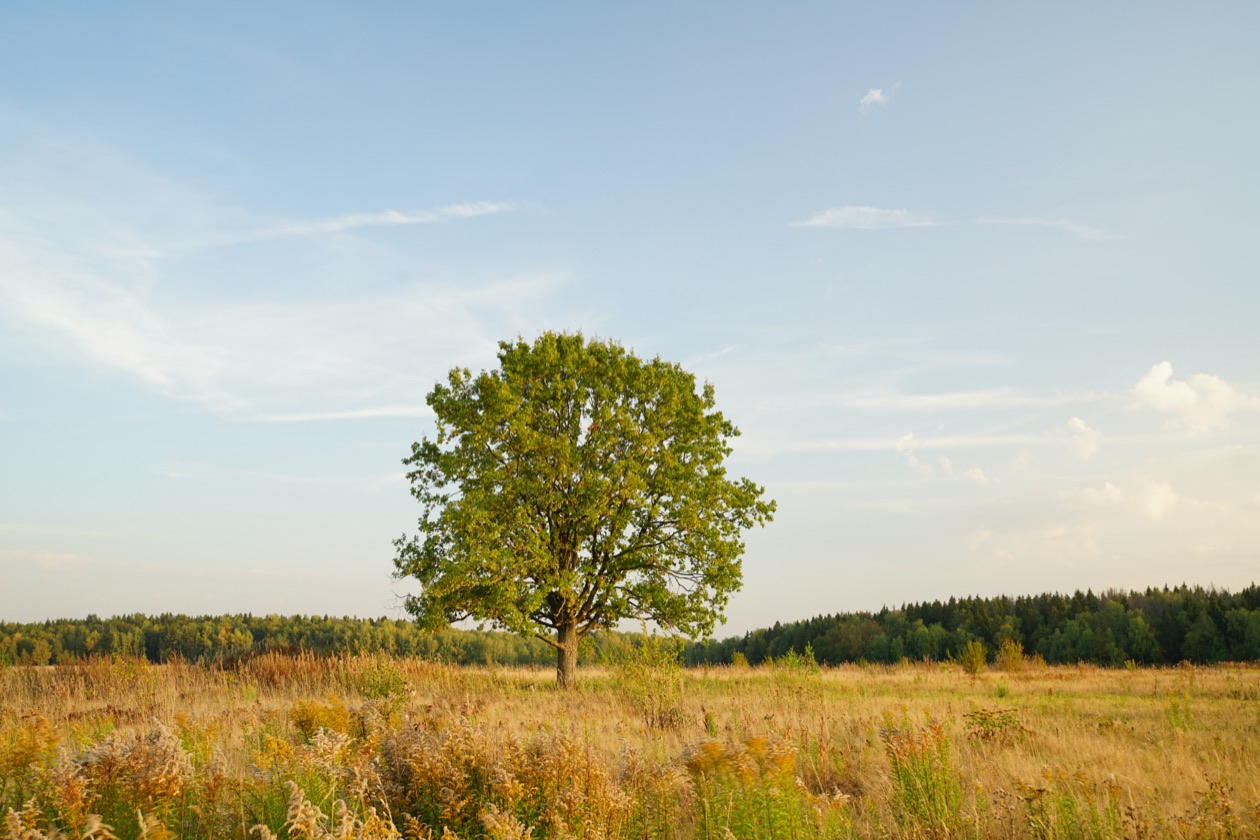
For more examples, see Polarizing filters: what are they and how to use them.
Types of camera filters compared
| Filter type | What it does | Still needed with a digital camera? | Can software replace it? |
|---|---|---|---|
| Conversion filters | Correct color rendering for the light source | No | Yes, the camera sets white balance by itself |
| Color filters (red, yellow, blue, green) | Let light of one color through for black-and-white film; red gives an almost black sky | No | Yes, in processing or in the camera |
| Soft filters | Reduce sharpness for an artistic effect | Optional | Mostly: digital retouching replaced them, but certain branded soft filters give a unique effect |
| Protective or UV filters | Protect the front element of the lens; block ultraviolet light | Yes, on an expensive lens | No for protection; the sensor filter now cuts ultraviolet |
| Neutral density filters | Darken the whole frame to lengthen the shutter speed | Yes, less every year | Partly: electronic shutters and multi-frame shooting |
| Graduated filters | Darken only part of the frame, such as a bright sky | Yes, for landscapes | Not always: brightening shadows raises noise |
| Polarizing filters | Cut polarized light reflected from non-metallic surfaces: reflections, haze, a bluer sky | Yes, the most indispensable | No: processing only imitates the effect and adds no new detail |
How to choose a quality filter?
The move from film to digital technology not only made it possible to give up certain types of filters, but also raised the requirements for the filters that are still relevant. Needless to say, the technical quality of pictures as a whole has multiplied over the past two decades. Not long ago, photographers were content with a 6-megapixel sensor. Now pictures from full-frame DSLRs and mirrorless cameras can consist of 40–50 million points, providing the highest level of detail. One caveat, however: the potential of such cameras can be realized only with quality and sometimes expensive lenses. A filter is also a link in the optical design, and choosing the wrong one can cancel out the benefit of buying a top lens.
If you think this applies only to professional gear, you are badly mistaken. The pixel density on the sensor of an enthusiast camera with a 24-megapixel APS-C sensor (and that covers all modern enthusiast DSLRs and mirrorless cameras) is slightly higher than that of a 50-megapixel full-frame camera! This means the lens quality requirements for such cameras are just as high.
How can a filter harm your image?
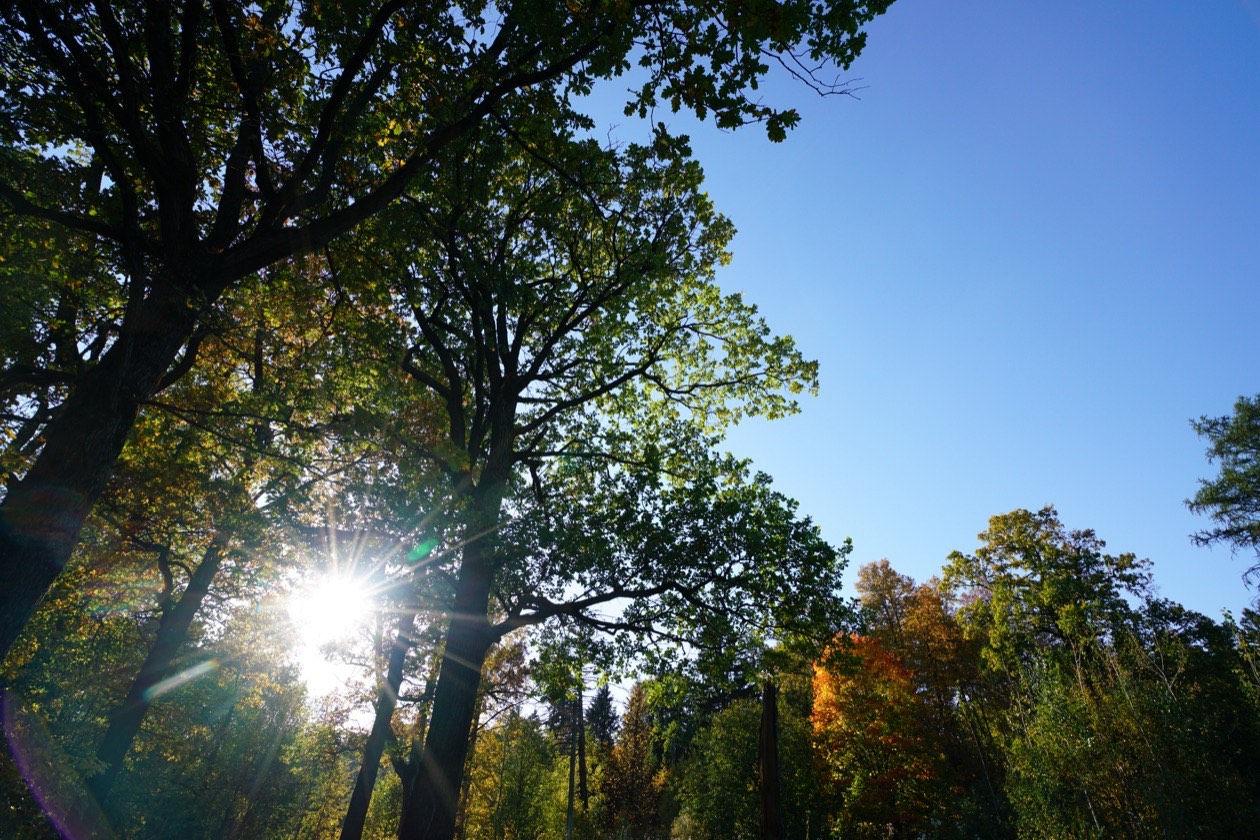
Every filter is one more element of the optical design. It can reduce detail and cause unwanted flare, veiling glare and a simple drop in contrast. That is why it is important for its optical quality to match or exceed that of your lens. Multi-coating and a well-known manufacturer are the minimum quality requirements. When it comes to shooting subjects in difficult light, sometimes only filters from the top price segment can handle such conditions without introducing distortions into the frame. Oddly enough, when choosing a filter, price is almost always proportional to quality.
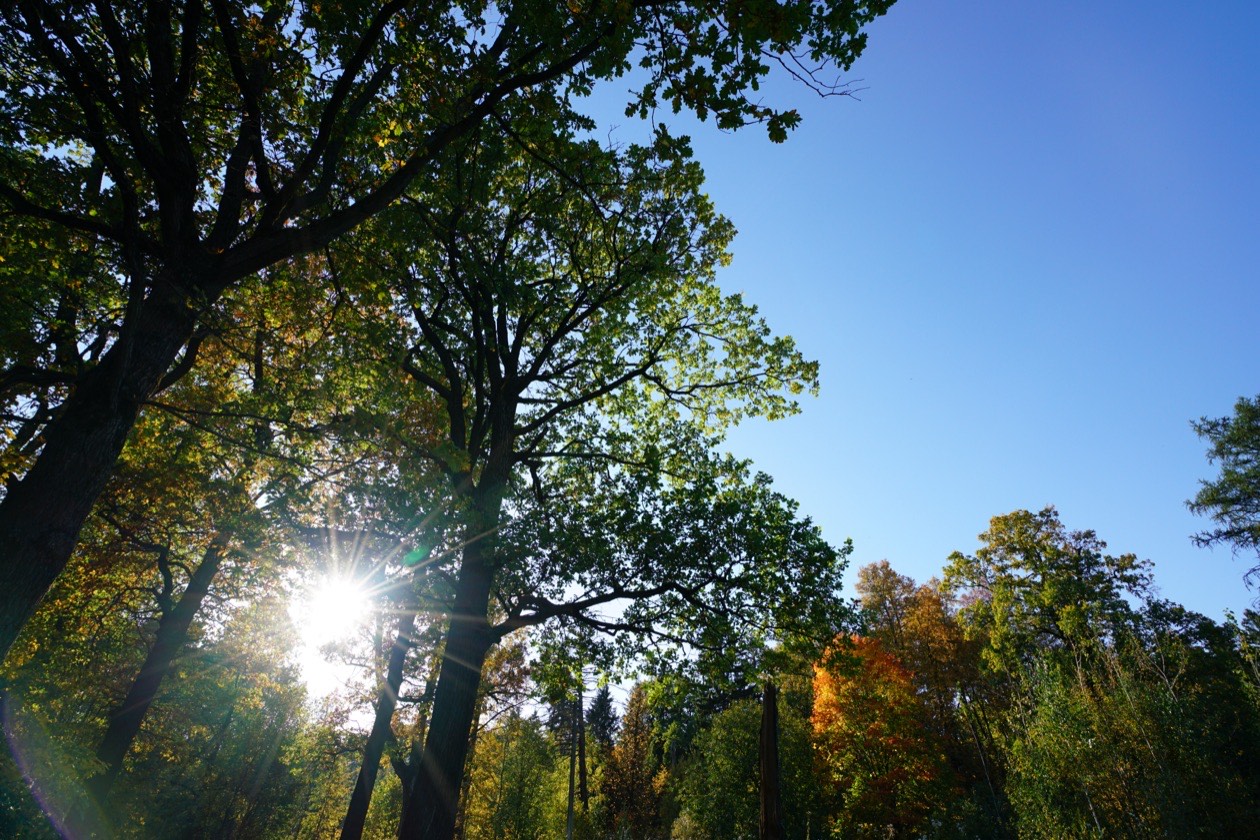
If you use wide-angle or ultra-wide-angle lenses, you also need to pay attention to the filter frame. A thick frame commonly causes darkening in the corners of the frame. Here again the same pattern applies: more expensive professional filters usually have a thin frame, while budget models can easily "creep" into the frame because they are bulkier.
To choose a filter, run through these checks in order:
- Match the filter to the lens: its optical quality should match or exceed that of your lens.
- Treat multi-coating and a well-known manufacturer as the minimum quality requirements.
- For subjects in difficult light, look at filters from the top price segment.
- On a wide-angle or ultra-wide-angle lens, choose a filter with a thin frame so it does not darken the corners.
Comparing filters in practice
So as not to make unfounded claims, I ran a small test. It included two B+W protective filters and one mid-price protective filter whose manufacturer we decided not to name. After all, despite its quite substantial price and multi-coating, it picked up the most flare and veiling glare. The result was a very clear demonstration that it is sometimes better to give up a filter altogether than to use the first one that comes to hand or the one the salesperson recommends.
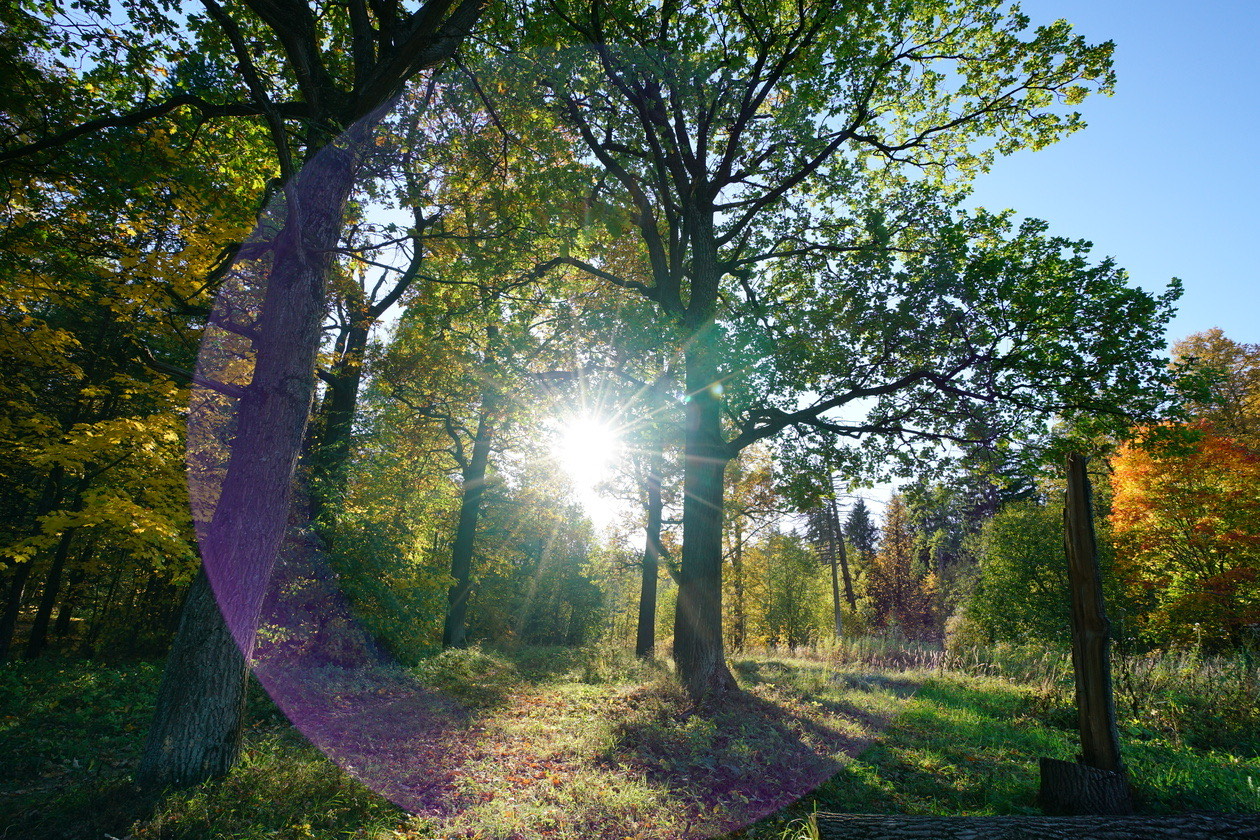
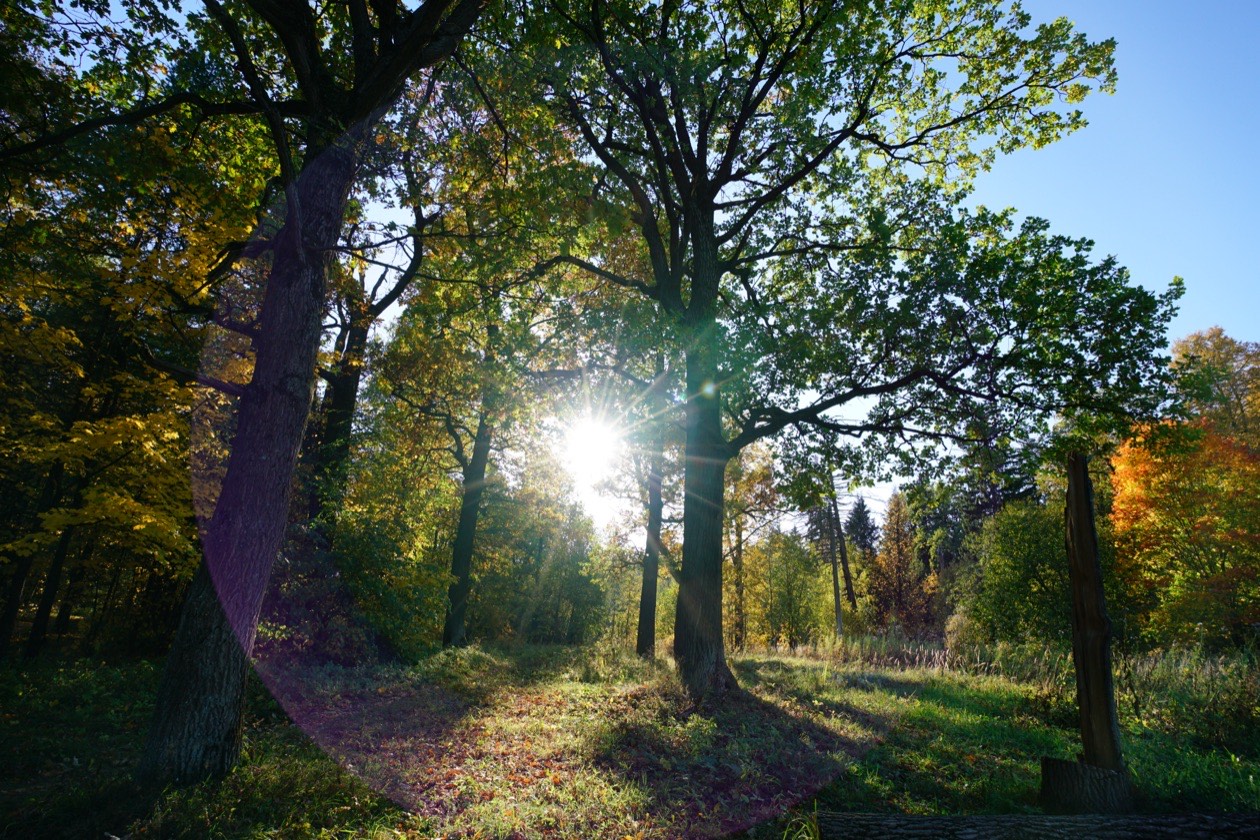
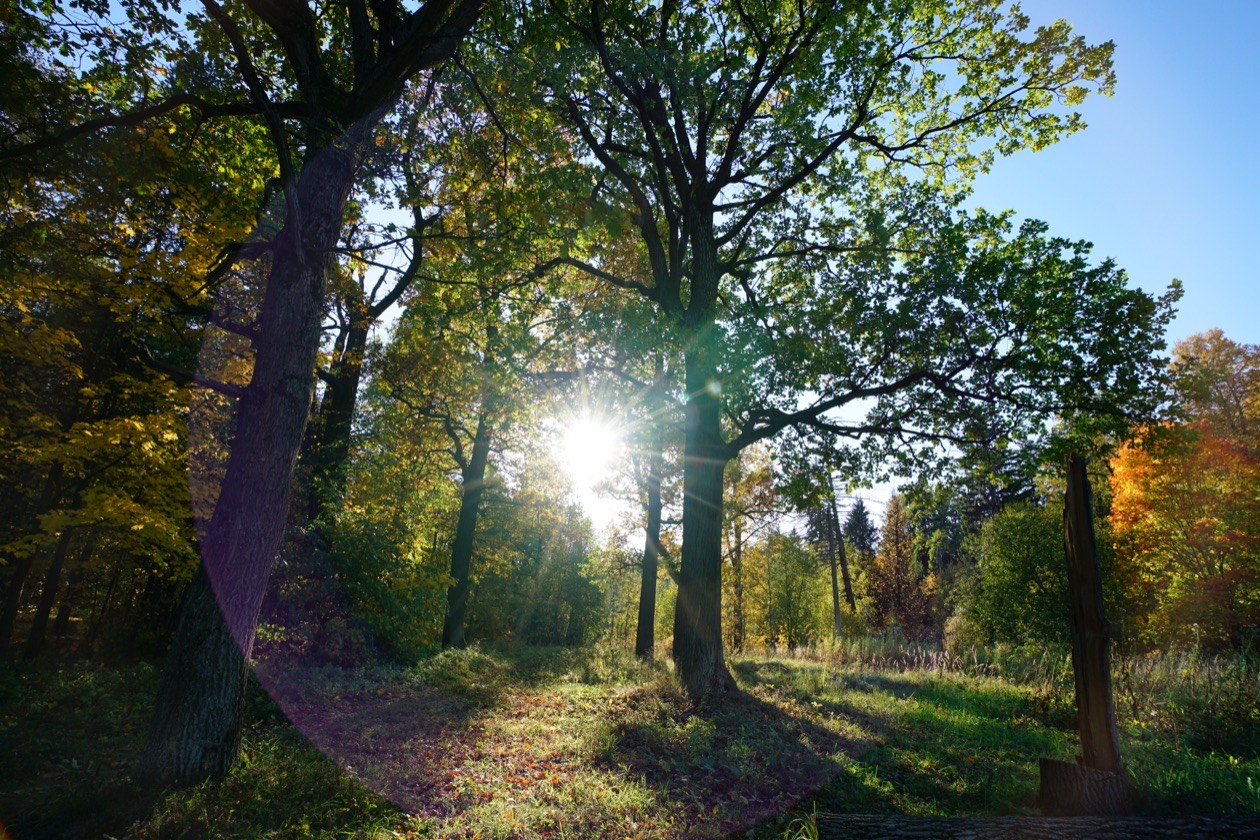
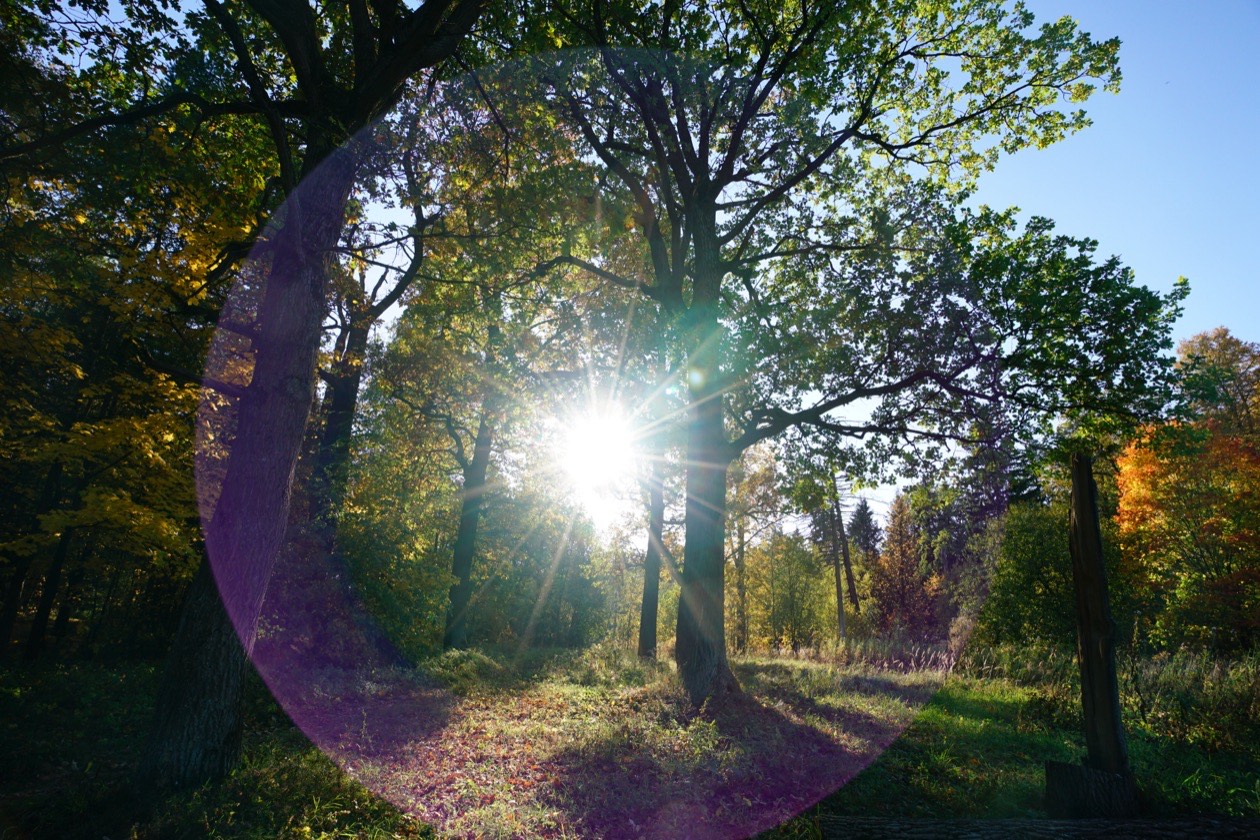
At the same time, both B+W models delivered acceptable image quality under the same conditions, without increasing the amount of flare and veiling glare in the frame. What is more, in the shots taken with them, the lens flare is less noticeable. The overall contrast of the picture did not suffer either. All three filters in the comparison preserved high detail with a 42-megapixel camera.
Rule of thumb: A filter is one more element of the optical design, so its optical quality should match or exceed that of your lens. In this test, a mid-price multi-coated filter picked up the most flare and veiling glare, so it is sometimes better to shoot with no filter than with the first one that comes to hand.
Conclusions
In the age of digital photography, four types of filters have not lost their relevance. These are protective filters (we include classic UV filters among them), graduated, neutral density and polarizing filters. Modern technology has literally given them new properties. For example, the proprietary MRC nano coating from B+W can prevent dirt from forming on the surface of the glass, making any such filter truly protective. Dirt literally rolls off them! The new B+W KSM HTC POL-CIRC circular polarizing filters let through ⅔ of a stop more light than ordinary polarizers, allowing handheld shooting at faster shutter speeds or lower ISO.
Of course, filters like these are not cheap, especially compared with certain budget lenses. However, if you use top lenses, you should choose a filter of the same class. Our small test showed that in difficult lighting conditions, the difference in filter prices is directly proportional to the difference in the level of flare and veiling glare in the photo.
Frequently asked questions
- What types of camera lens filters do you still need?
- Digital photography still needs four types of lens filters: protective or UV filters, neutral density filters, graduated filters and polarizing filters. The camera's white balance has replaced conversion filters, processing or in-camera settings have replaced color filters for black-and-white work, and digital retouching has replaced soft filters for most uses.
- What does a graduated ND filter do?
- A graduated ND filter darkens only part of the frame, such as a bright sky, so the sky and the ground both stay within the sensor's range. A hard-edge filter suits an abrupt horizon, and a soft-edge filter suits a gradual change such as a mountain against the sky. Processing cannot recover a clipped sky, because the sensor recorded no data there.
- How do you find your lens filter size?
- Look for the ⌀ symbol on the front of the lens: a marking such as ⌀55 mm means the lens takes a 55 mm filter. The number is the diameter of the filter threads in millimeters. Most filters use a 0.75 mm thread pitch, and a filter with a different pitch will not fit, so the diameter and pitch must both match the lens.
- Can editing software replace a polarizing filter?
- No, processing can only imitate a polarizer's effect and brings no new detail into the frame. A polarizing filter cuts polarized light reflected from non-metallic surfaces, so it removes sky reflections from water and glass, reduces haze and makes the sky bluer. It also reduces exposure, so take it off when the light gets poor.
- Can a lens filter hurt image quality?
- Yes. Every filter is one more element of the optical design, and it can reduce detail, add flare and veiling glare, and lower contrast. Multi-coating and a well-known manufacturer are the minimum requirements. In the author's test, a mid-price multi-coated protective filter picked up the most flare, while two other protective filters did not increase flare under the same light.
- Do wide-angle lenses need thin filters?
- Yes, a thick filter frame on a wide-angle or ultra-wide-angle lens can darken the corners of the frame. Hoya's filter guide puts the threshold at lenses of 20 mm or wider on a full-frame camera and advises thin-frame or low-profile filters for them. More expensive professional filters usually have thin frames, while bulkier budget models can creep into the frame.
Sources
- Photographic filter, Wikipedia contributors (2026)
- Graduated neutral-density filter, Wikipedia contributors (2026)
- Choosing a UV / Protector Filter, Hoya Filters (2026)
Originally published on Prophotos.ru. The original was prepared with a photo retailer, which explains its focus on B+W filters.