What is shutter speed in photography?
by Konstantin Voronov · Photography Tips
As an Amazon Associate I earn from qualifying purchases. Links to Amazon on this page are affiliate links.
In short: Shutter speed is the time the shutter stays open, from 1/4000 s or 1/8000 s up to 30 seconds on current cameras. Longer times let in more light and blur motion; shorter times freeze motion but need more light. Handheld, stay at or faster than 1/(2 × focal length), and use a tripod for anything longer.
Shutter speed, or exposure time, is the time the camera takes to make a frame. At first it all seems simple, but the deeper you go into the topic, the more complex and interesting it becomes.
How the shutter measures time
In a modern camera, the shutter times the exposure. On a DSLR the mirror flips up, the shutter opens for the length of the shutter speed and then closes. Before the shot, the sensor is covered by the shutter's opaque curtains, and it opens only for a short time to make the frame. The shutter is a precise mechanism that can open for the set time with an accuracy of thousandths of a second.
Shutter speed is measured in seconds and, more frequently, in fractions of a second. Even the most affordable current DSLRs and mirrorless cameras offer shutter speeds from 1/4000 s to 30 seconds.
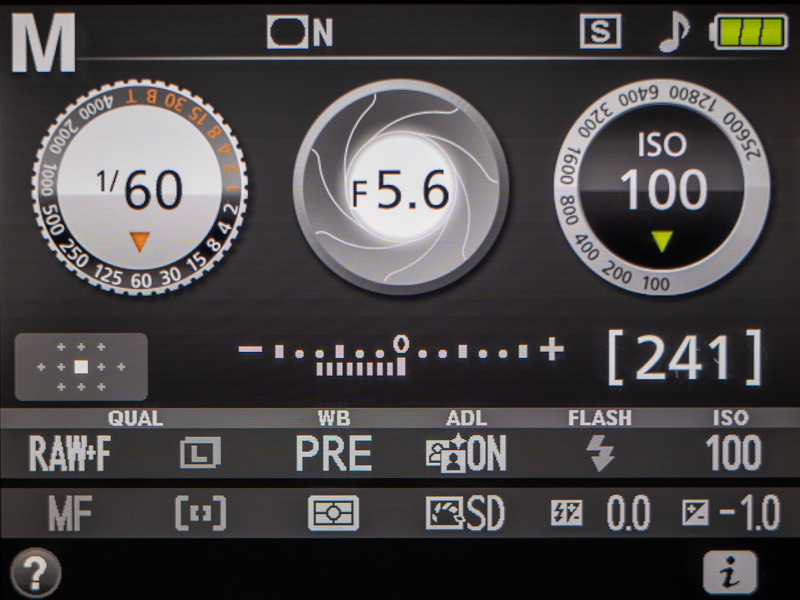
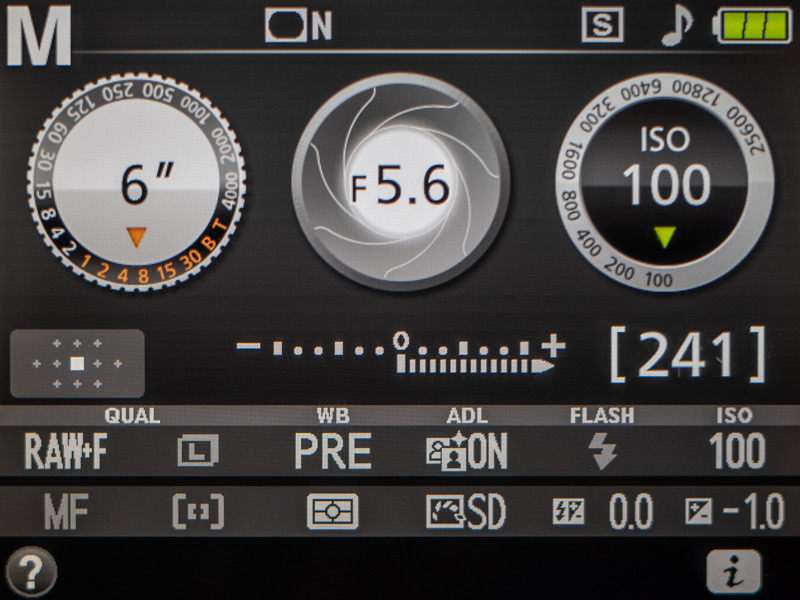
The current shutter speed is always shown on the screen and in the viewfinder, even if you shoot in automatic mode.
Most of the time, shutter speed is written as a fraction. The larger the number under the line, the shorter the shutter speed. For example, 1/100 s (one hundredth of a second) is longer than 1/1000 s (one thousandth of a second).
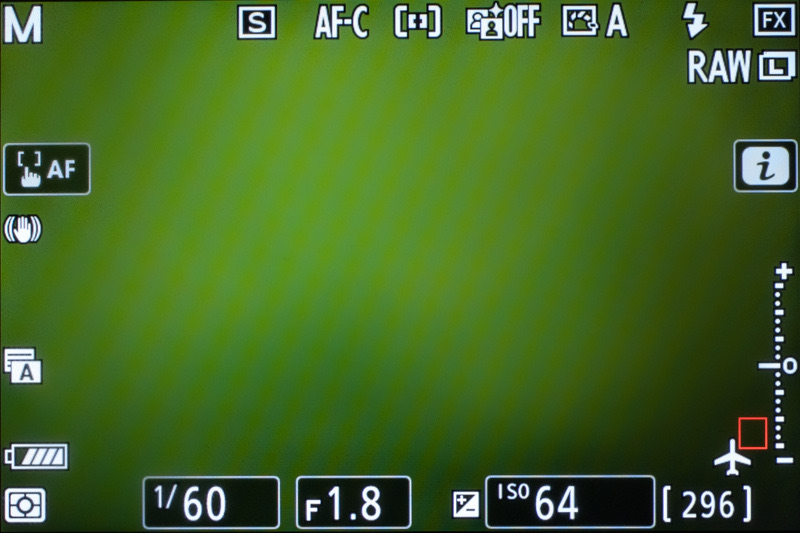
Keep in mind that certain cameras drop the numerator of the fraction, so the same 1/100 appears on the display simply as 100. It still means one hundredth of a second. This is how shutter speed appears, without the numerator, in the optical viewfinder of a DSLR and on the top information display of advanced cameras.
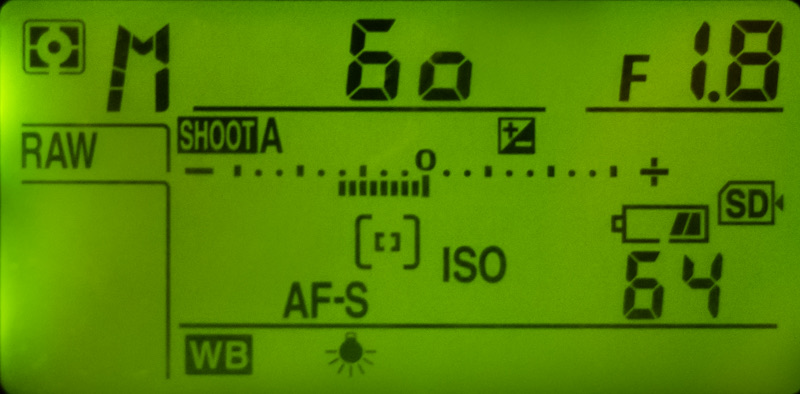
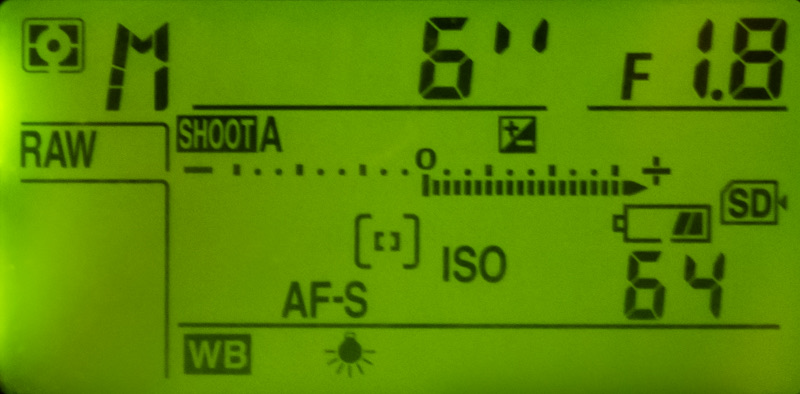
When shutter speeds get longer and you count whole seconds, a double prime (″) marks them. For example, 2 means 1/2 s, while 2″ means two seconds.
What does shutter speed affect?
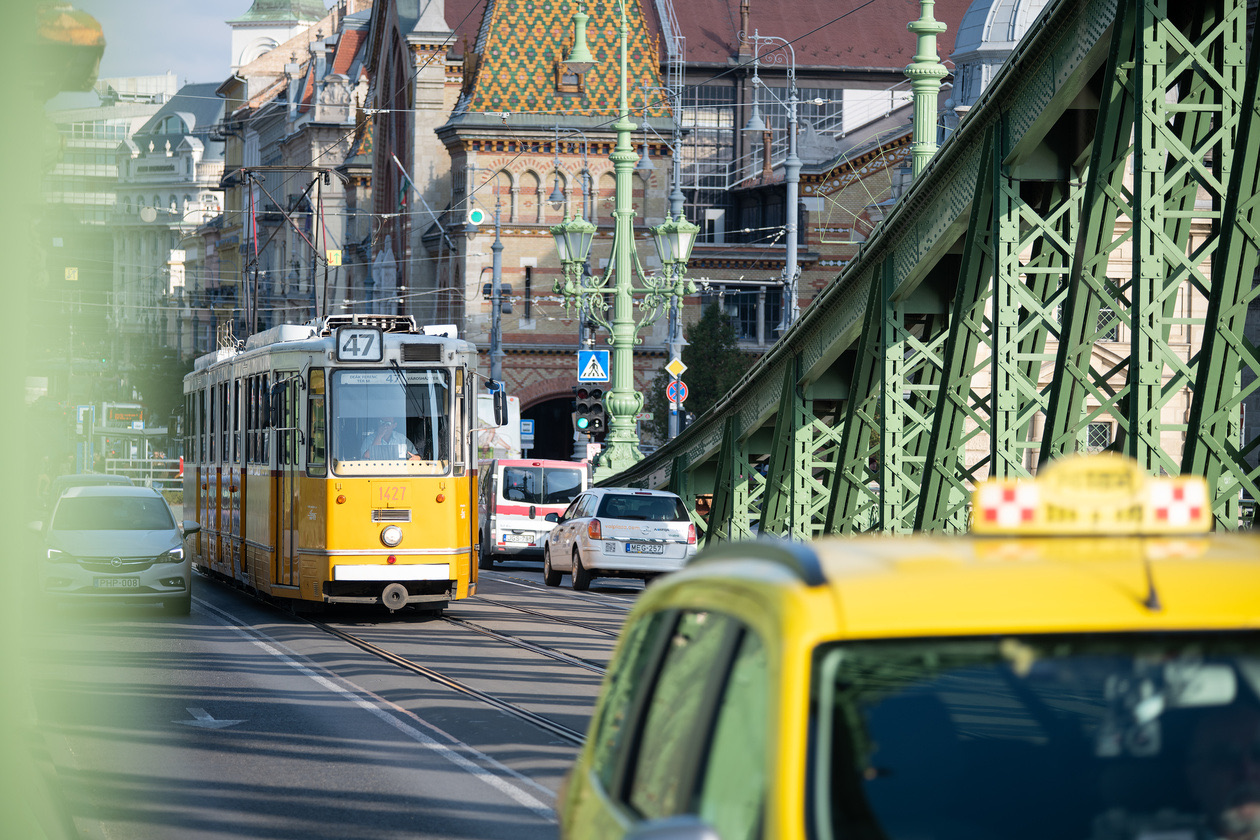
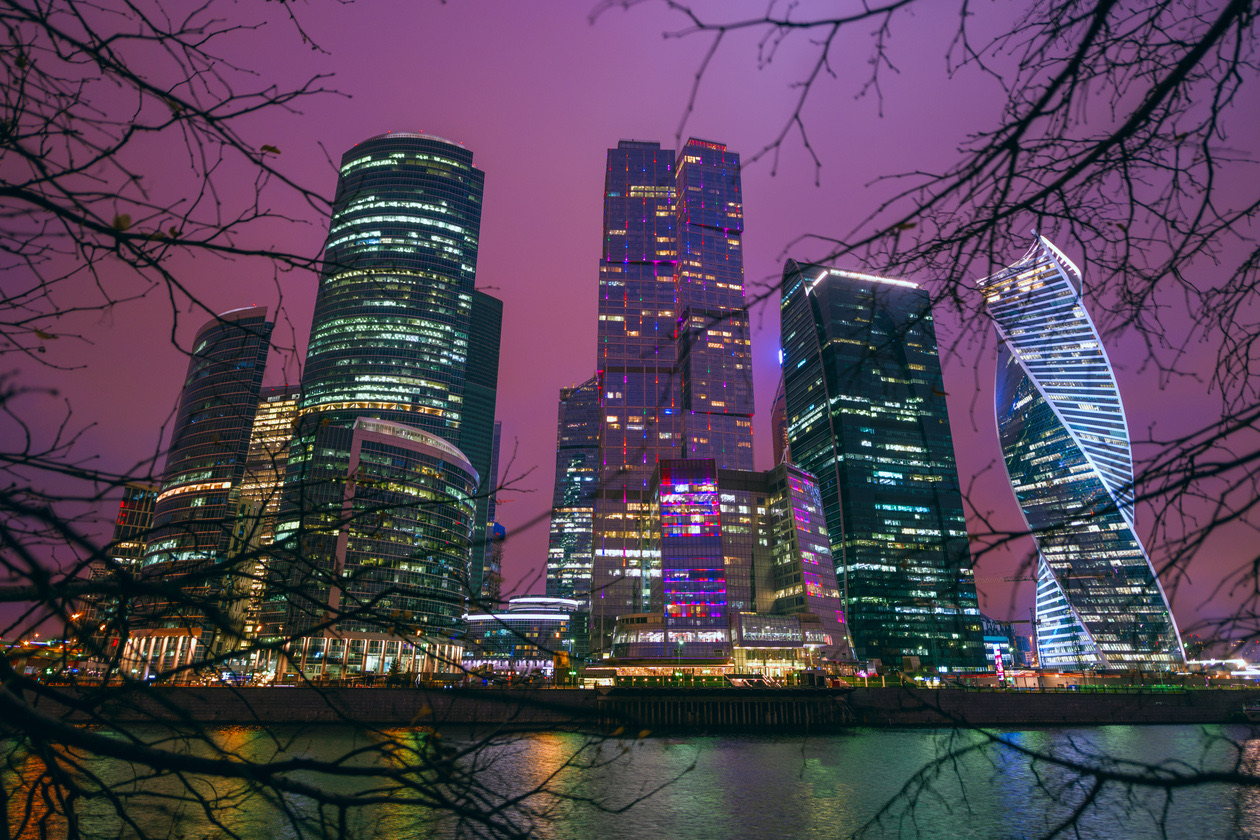
The amount of light reaching the sensor. The longer the camera's shutter stays open, the more light reaches the sensor and the brighter the frame. On a clear day outdoors, enough light for a good frame reaches the sensor in a short time. In poor light, the same amount of light takes a long time to collect, so the shutter speed has to be longer. And blurred frames in a night city or in dim light are exactly the result of shooting at a shutter speed that is too long.
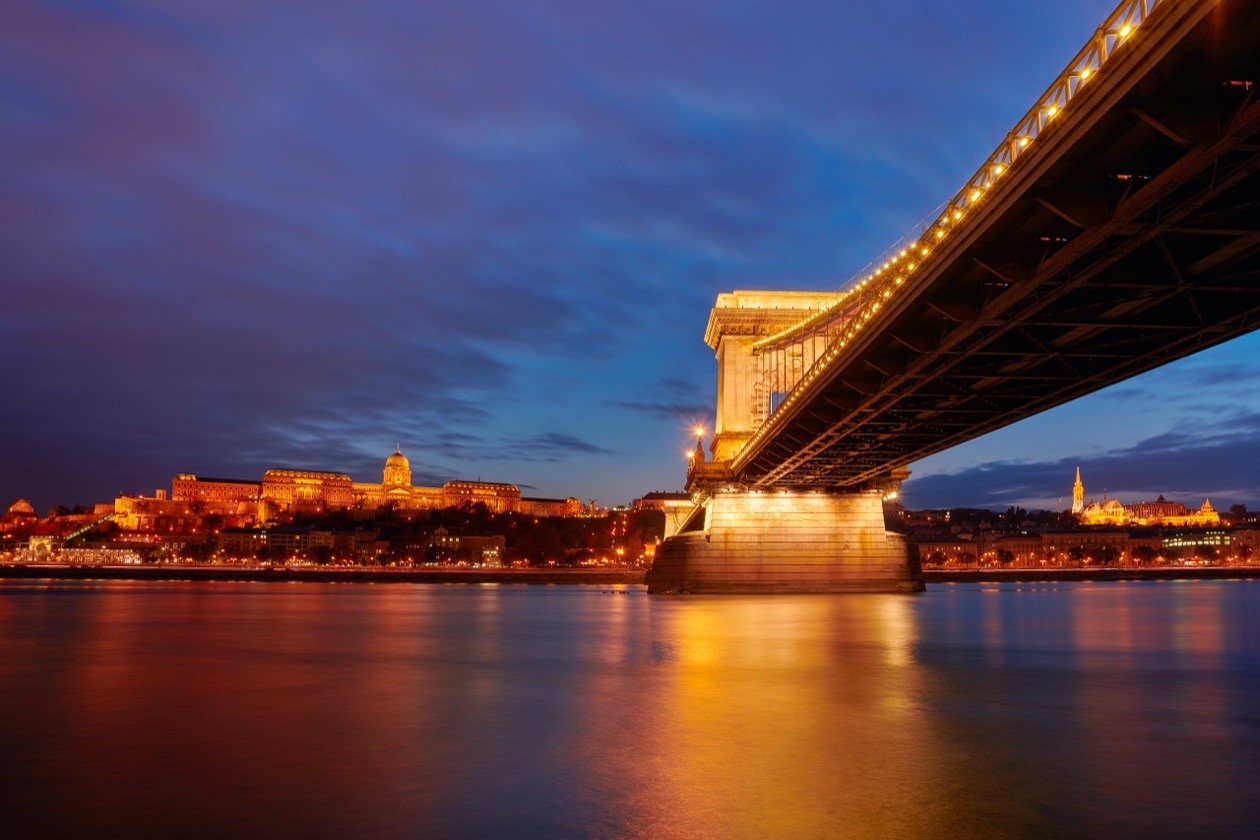
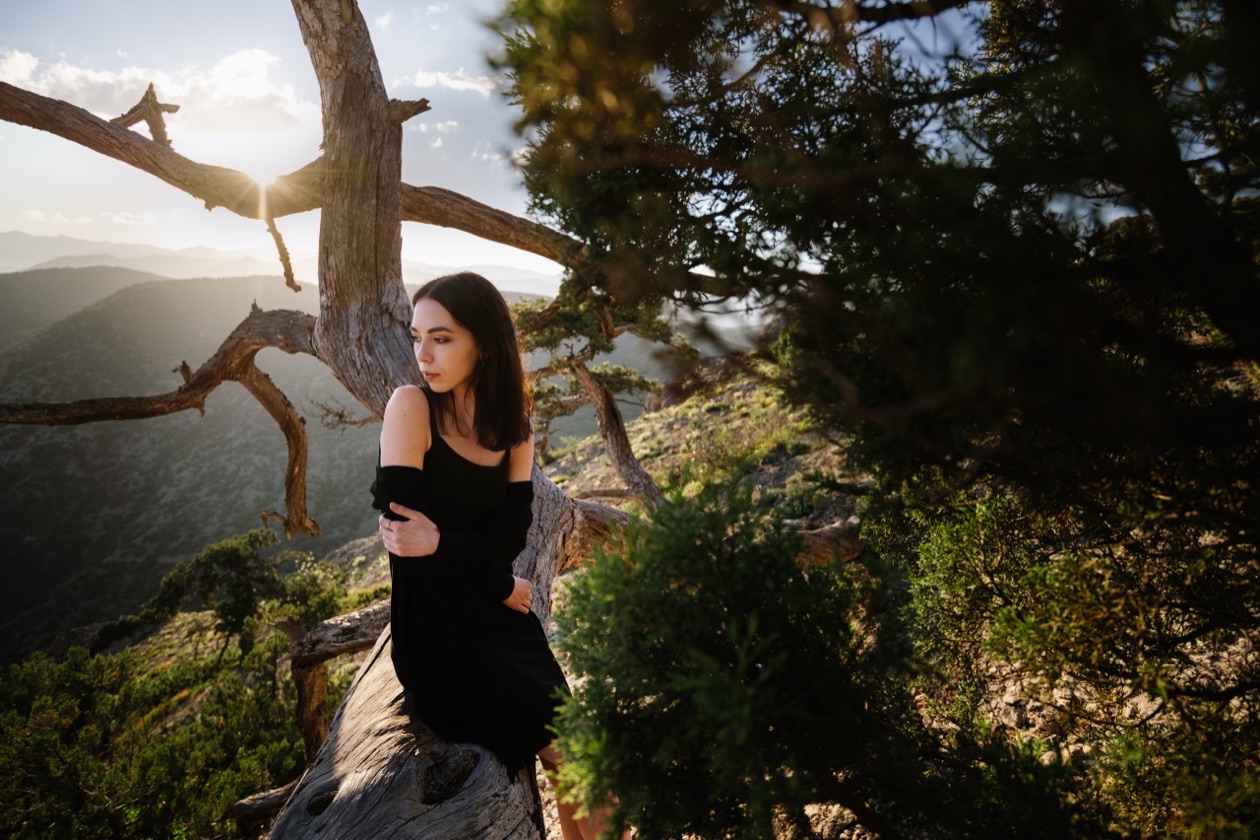
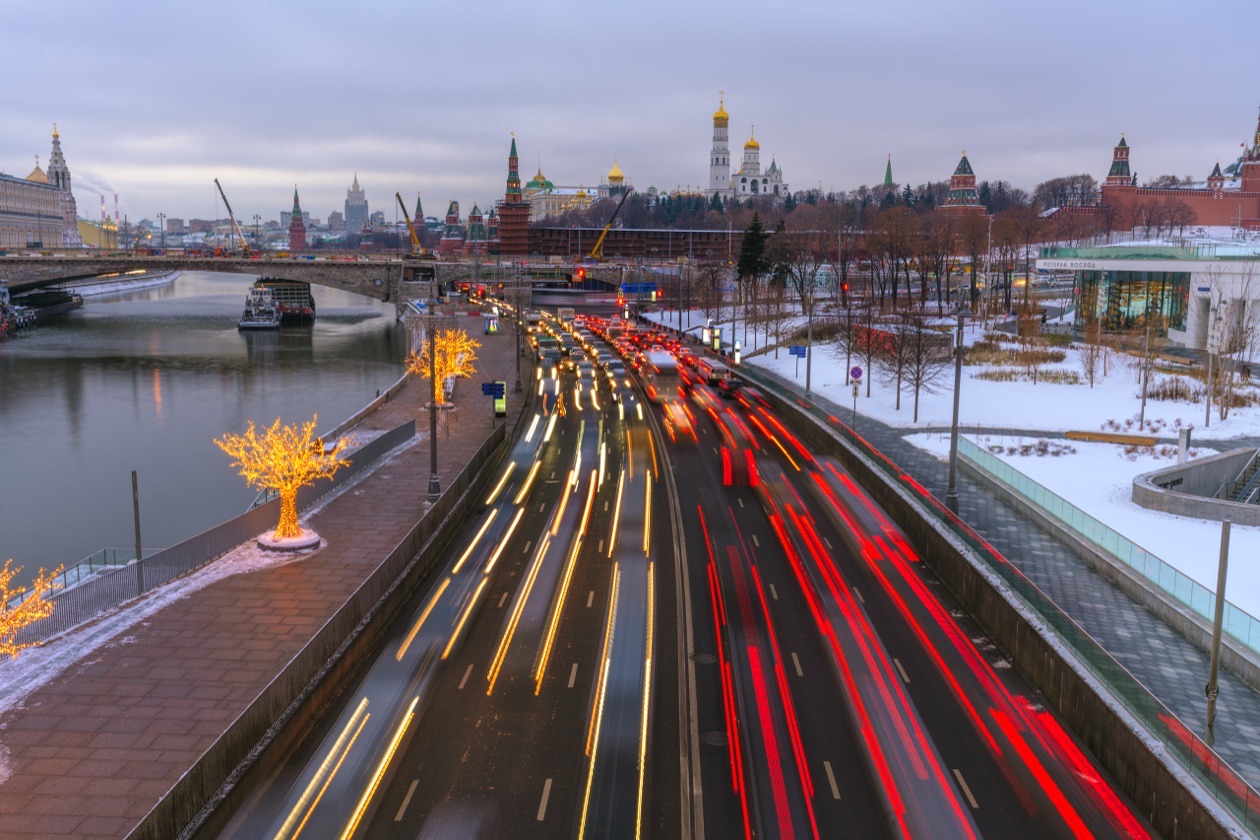
How moving subjects look in the photo. The faster something moves in the frame, the shorter the shutter speed you need to "freeze" its motion. We deliberately leave specific values for later here: what matters is the principle. Sometimes, for artistic reasons, it is worth blurring moving subjects to separate the static and dynamic parts of a still picture. The classic example is blurred water or sky in landscape photos.
In automatic modes, scene programs and the P and A modes, the camera sets the shutter speed itself, guided by its internal algorithms. At times the machine does better than a user who has only just picked up a camera. But in difficult scenes it can also get it wrong.
The risk factors are fast motion and poor light (and for a photographer, that means any light except a sunny summer noon). A simple example: in the "Sport" scene program, the camera sets a shorter shutter speed than usual to render motion sharply. But it does not know the specifics of your shoot: the kind of sport, the level of the athletes and other particular factors. As a result, it may misjudge the shutter speed and you get blurred photos.

Shutter speed is also a creative tool. Different values give completely different frames, which is easy to see by photographing sea surf. Put the camera on a tripod and try shooting the incoming waves at shutter speeds from 1/1000 s to 30 seconds. Every frame will be different! The photographer's skill is the ability to set the shutter speed to suit the conditions and the creative task.
Shutter speed chart
Editor's note: this chart is computed. Each full stop halves or doubles the time; the two columns between full stops are the one-third steps cameras commonly click through, which follow the same series as ISO numbers (Wikipedia, F-number). The "Stops vs 1/125 s" column counts how much more or less light each full stop lets in than 1/125 s. The uses come from the motion guide further down this page.
| Full stop | ⅓ stop longer | ⅔ stop longer | Stops vs 1/125 s | Starting point for |
|---|---|---|---|---|
| 1/8000 s | 1/6400 s | 1/5000 s | −6 | Top shutter speed of advanced bodies |
| 1/4000 s | 1/3200 s | 1/2500 s | −5 | Top shutter speed of affordable bodies |
| 1/2000 s | 1/1600 s | 1/1250 s | −4 | |
| 1/1000 s | 1/800 s | 1/640 s | −3 | Sport, birds in flight, playing animals |
| 1/500 s | 1/400 s | 1/320 s | −2 | Jogging people, children in sports class, pets on a walk |
| 1/250 s | 1/200 s | 1/160 s | −1 | |
| 1/125 s | 1/100 s | 1/80 s | 0 | Walking, talking people |
| 1/60 s | 1/50 s | 1/40 s | +1 | A person standing still; handheld limit with a kit lens |
| 1/30 s | +2 | Tripod or stabilization for still subjects | ||
| 1/15 s, 1/8 s, 1/4 s | +3 to +5 | Softly blurred water from a tripod | ||
| 1/2 s, 1 s | +6, +7 | Handheld only with strong stabilization | ||
| 2 s, 4 s, 8 s, 15 s, 30 s | +8 to +12 | Night scenes, light trails, smooth water | ||
| Bulb (B) | any | Longer than 30 s, with a remote release |
Modes in which you set the shutter speed
Mode S, shutter priority (marked Tv on Canon cameras). In this mode the photographer controls the shutter speed and the camera picks a suitable aperture. It is a convenient mode when there is no time to watch every exposure parameter but you need to control the shutter speed, most frequently when shooting motion. You can also use it in poor light: by fixing the shutter speed at the value you need, you stop the camera from making it too long and avoid camera shake (more on that below).
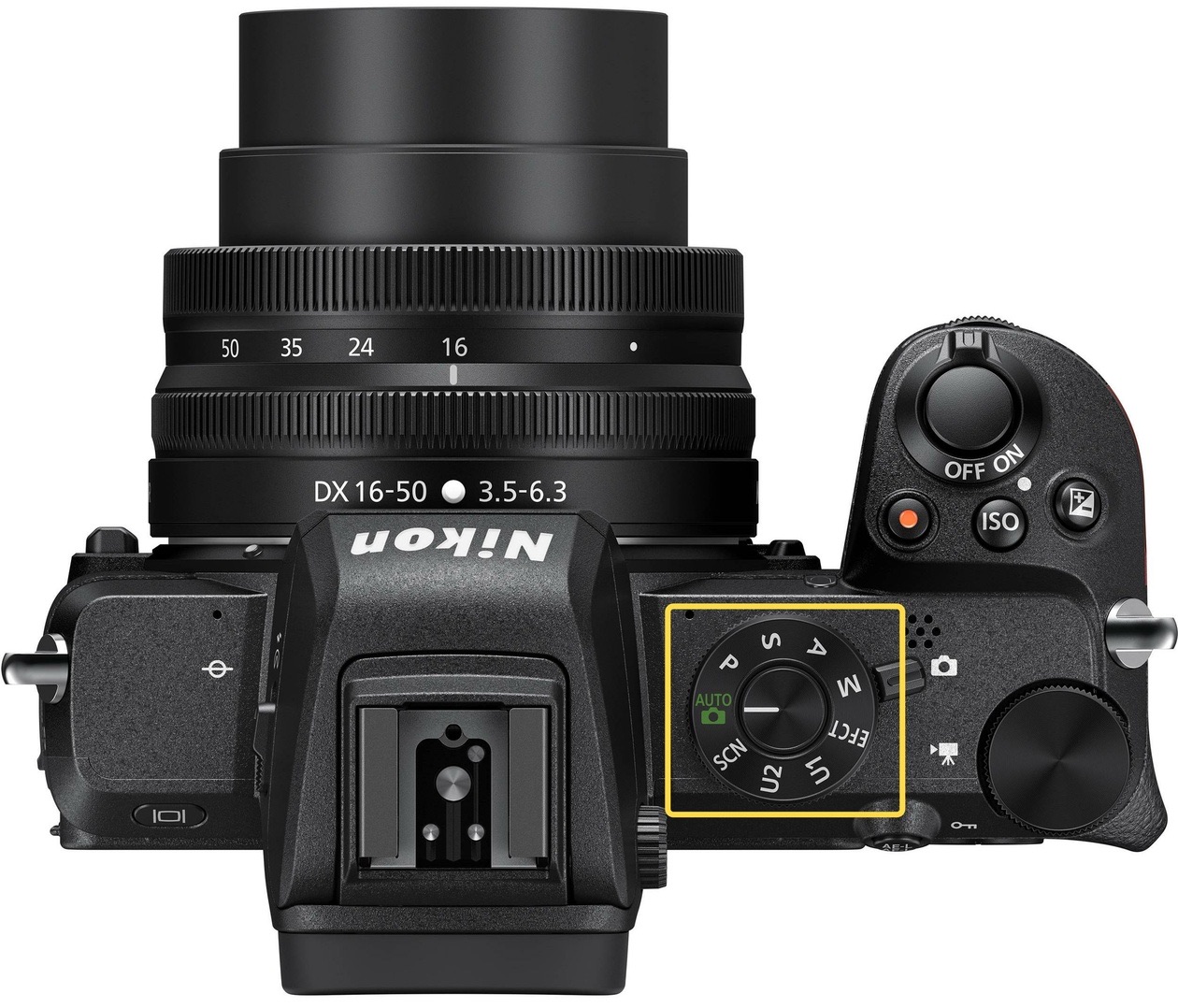
A classic beginner's mistake: shooting in S mode gives dark frames. This means the shutter speed is too short, and the camera, which controls the aperture in this mode, cannot collect enough light in that time even with the aperture fully open. When that happens, the aperture value starts blinking on the display and in the viewfinder. Do not miss that moment! To get bright frames in such a situation, raise the ISO or hand it over to the camera altogether (Auto ISO), and lengthen the shutter speed a little if the subject allows.
Mode M, manual mode. Here the photographer controls all three exposure parameters. Having set a shutter speed, you need to pick a suitable aperture and ISO. In plenty of cases you will need to control all three tightly: landscape, interiors, architecture and studio work with strobes are examples of genres where you cannot do without manual mode. Mode M takes experience and skill and is poorly suited to fast-moving work, because the light can change constantly and you would have to keep correcting the exposure. To adapt mode M for fast reportage shooting, turn on Auto ISO. On modern cameras, Auto ISO is a real lifesaver when you need to control both shutter speed and aperture and still shoot fast. A simple example is a portrait walk: the model will not wait while you fiddle with the camera. You need a shutter speed short enough to avoid blur and an open aperture to blur the background, and the camera picks the brightness itself by adjusting the sensitivity flexibly and precisely. The full comparison of modes is in aperture priority, shutter priority and manual.
The shutter speed mistake: camera shake
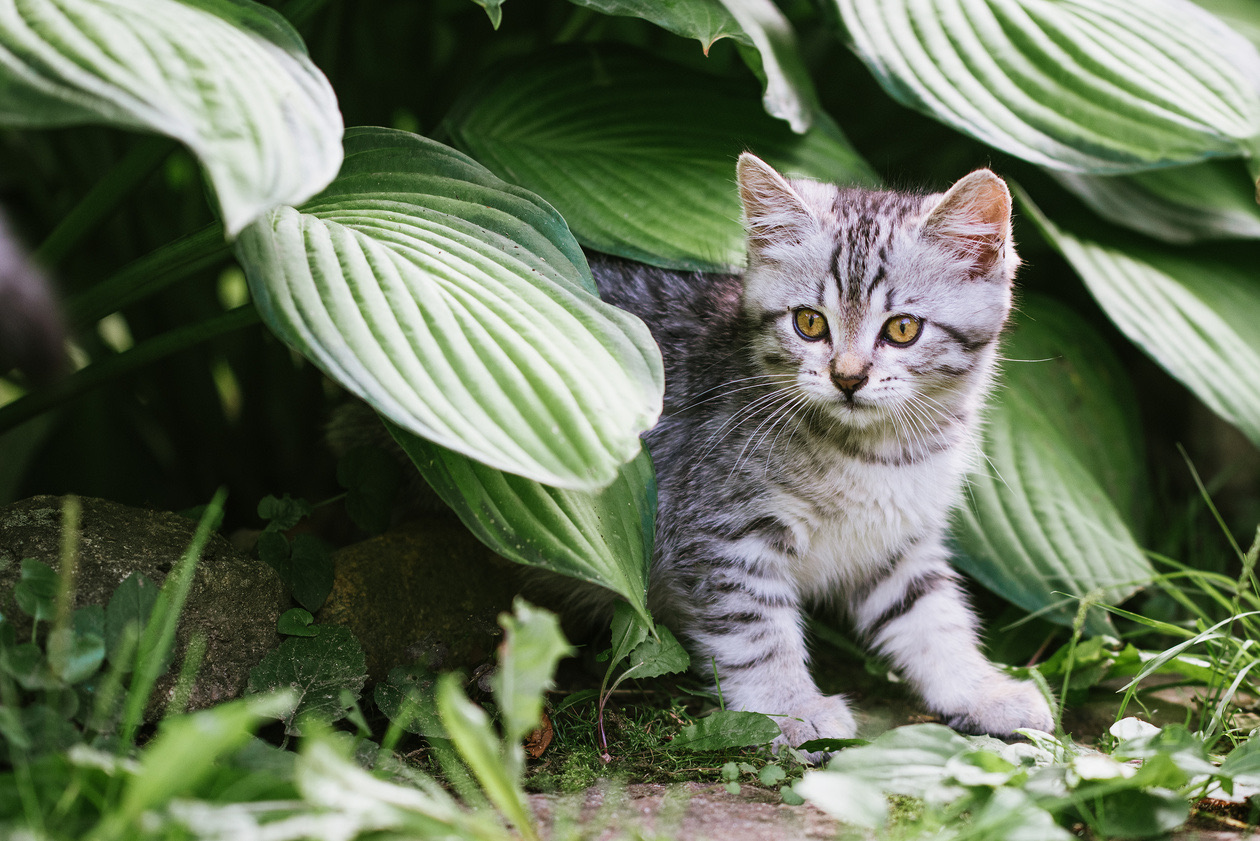
Shutter speed is responsible for how motion is rendered. The faster the motion, the shorter the shutter speed needed to render it sharply. But sometimes even a completely still subject comes out blurred. The cause is our own movement: a camera in your hands always moves and trembles a little, and you have to allow for it. Blur from the camera trembling is called camera shake. What makes camera shake bad is that it cannot be removed in processing. Now and then a blurred image can work as an artistic effect, but more frequently it is simply a technical defect.

How to shoot without camera shake. If your camera has a kit lens, simply do not set shutter speeds longer than 1/60 s. And if the camera itself set a longer shutter speed (in auto, P or A mode), turn on the built-in flash, improve the lighting or raise the ISO.
If you have lenses with a long zoom, you may have noticed that the more you zoom in, the more the picture shakes in the viewfinder. So with telephoto lenses the advice not to go longer than 1/60 s no longer works. It turns out that the safe handheld shutter speed also depends on the lens's angle of view, its focal length. To find the safe shutter speed for a particular focal length, photographers derived a formula from experience:
Slowest handheld shutter speed = 1 / (focal length × 2)
So at a focal length of 50 mm, the slowest safe shutter speed is 1/100 s, and at 200 mm it is already 1/400 s. A stricter version of the formula uses ×3 instead of ×2. This is needed with cameras of more than 30 megapixels, because the higher the detail in the pictures, the more visible every flaw.
Editor's note: the table below applies the formula. Results are rounded to the next faster shutter speed the camera offers. Wikipedia's article on image stabilization gives the older film-era version, 1/(focal length), and recommends 1/(2 × focal length) for high-resolution digital sensors, using the 35 mm equivalent focal length; on a crop-sensor camera, multiply the focal length by the crop factor first. The last column applies 5 stops of stabilization (32 times longer) to the ×2 result.
| Focal length (35 mm equivalent) | ×2 rule | ×3 rule (above 30 MP) | With 5-stop stabilization, ×2 rule |
|---|---|---|---|
| 24 mm | 1/50 s | 1/80 s | about 0.67 s |
| 35 mm | 1/80 s | 1/125 s | about 0.46 s |
| 50 mm | 1/100 s | 1/160 s | about 0.32 s |
| 85 mm | 1/200 s | 1/320 s | about 0.19 s |
| 135 mm | 1/320 s | 1/500 s | about 0.12 s |
| 200 mm | 1/400 s | 1/640 s | about 0.08 s |
| 300 mm | 1/640 s | 1/1000 s | about 0.05 s |
Tip: do not jerk the camera. A beginner's mistake is not knowing how to press the shutter button properly. If you reflexively jerk the camera at the moment of the shot, camera shake will follow you even at very short shutter speeds such as 1/250 s and even 1/1000 s. Learn to press the shutter button smoothly and calmly, control yourself at the moment of pressing, and work out a stable stance for shooting. Practice so that you are fully prepared when an important shoot comes.
Stabilization: insurance against camera shake
Image stabilization is meant to compensate for the camera trembling in the photographer's hands and to protect the picture from blur. The stabilization system can sit in the lens or directly on the camera sensor. The Nikon Z 6 and Z 7 use sensor stabilization, which works with any lens mounted on the camera: even lenses without stabilization get it on these bodies.
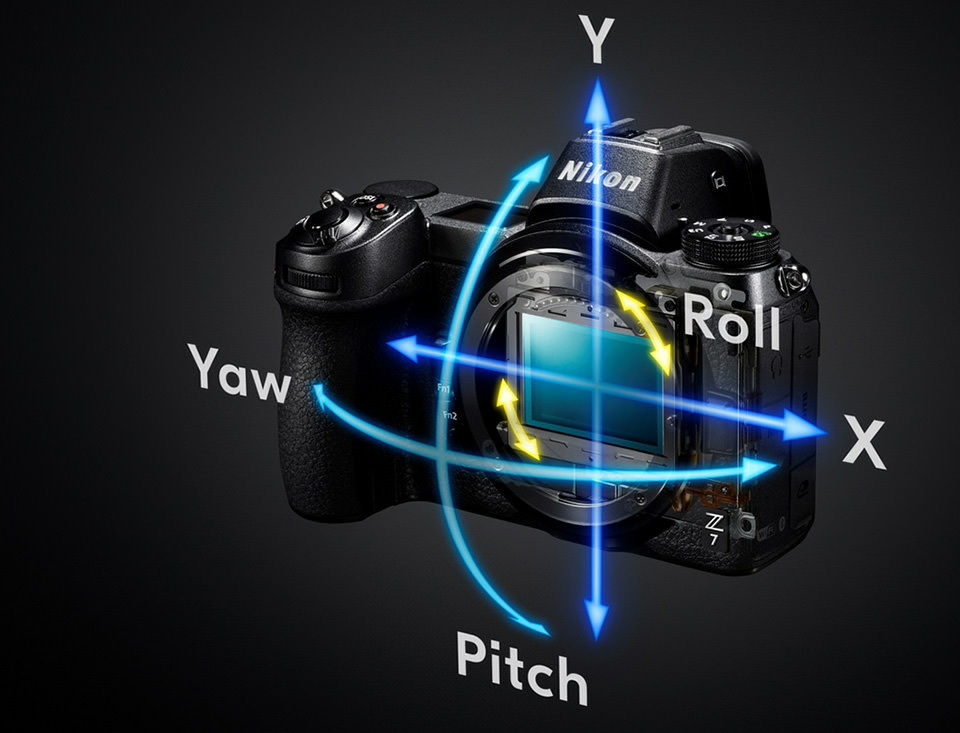
The stabilization of the Nikon Z 6 and Z 7 is rated at 5 stops. This means that if you get sharp handheld frames at 1/60 s without stabilization, with it you can shoot at about 1/2 s.
Editor's note: the arithmetic: 5 stops is 32 times longer, so 1/60 s becomes 32/60 s, about 1/2 s (1/5 s would be a gain of about 3.6 stops). Wikipedia's article on image stabilization puts the typical gain at 2 to 5.5 stops.
Do not overuse stabilization: it compensates only for the camera trembling in your hands, never for the movement of the subject. So set the shutter speed by the motion in the frame, not by what the stabilization can handle. Still, stabilization is a real lifesaver. With the Nikon Z 7, my share of frames with camera shake has dropped practically to zero, and new shooting possibilities have opened up.

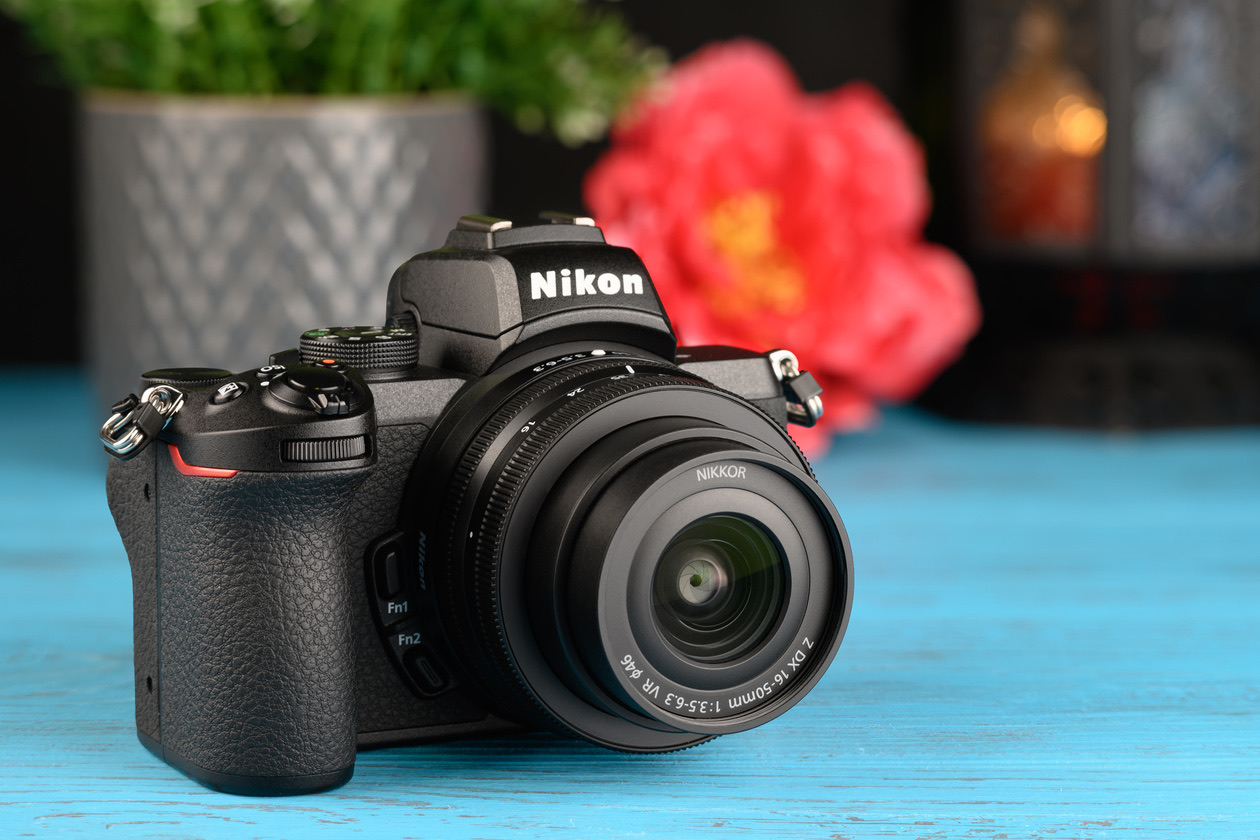
Cameras without sensor stabilization rely on stabilized lenses instead. The Nikon Z 50, an affordable model, has no sensor stabilization, but its kit lens, the NIKKOR Z DX 16–50mm f/3.5–6.3 VR, and the compact NIKKOR Z DX 50–250mm f/4.5–6.3 VR telephoto both have effective lens stabilization. That keeps the camera lighter and cheaper without limiting the user.
How to shoot at long shutter speeds: the tripod
Why does a camera offer shutter speeds longer than 1/60 s at all, if they always give camera shake when hand-held? Because to work with such shutter speeds, the camera has to be on a support. A table, a curb or a stack of books can do the job, but there is a dedicated device for it: a tripod. A tripod guarantees a sharp frame at long shutter speeds. It also keeps the viewpoint constant, which matters, for example, for catalog shooting (all products shot from the same angle) and panoramas. Super-telephoto lenses that magnify the picture very strongly can only be used on a tripod, because otherwise you cannot even compose the frame for the shaking image in the viewfinder. A tripod is also the simplest and most reliable way to stabilize the camera when recording video. It is easier to say where a tripod is not used: in reportage and wedding photography, where you need to move fast with the camera.
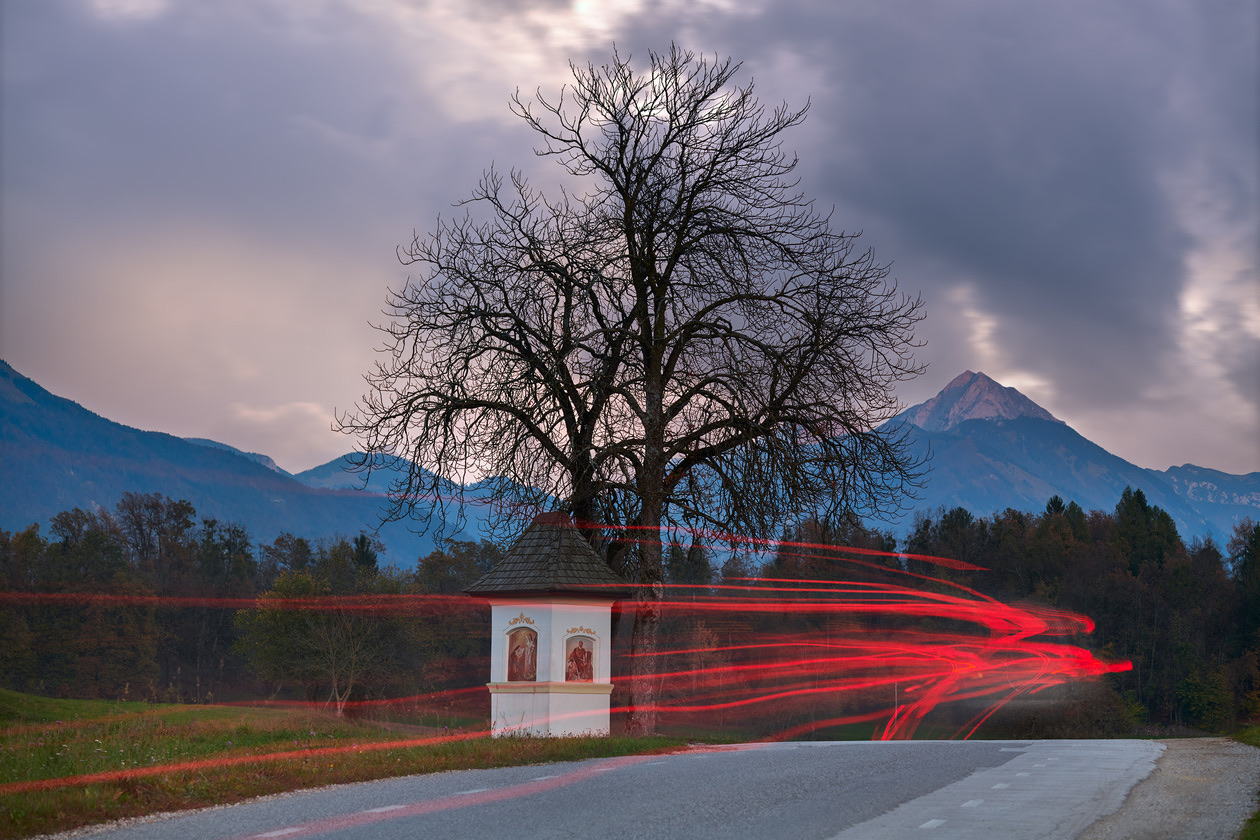
Editor's note on what to buy for long exposures, in the order the advice above implies:
- No purchase: any firm support (a table, a wall, a curb) plus the camera's self-timer, so your finger does not shake the camera at the moment of the shot.
- A tripod: the dedicated tool for sharp frames at long shutter speeds and for a fixed viewpoint.
- A remote release: makes Bulb exposures longer than 30 s practical, and it removes the last bit of movement from pressing the button.
- An ND filter: in bright daylight, even the smallest aperture and minimum ISO may not give a shutter speed long enough to blur water or clouds. A neutral density filter cuts the light by a fixed number of stops: an ND8 lengthens the shutter speed by 3 stops, an ND1000 by 10. Densities and how to choose one are covered in ND filters for long exposure, and other filter types in camera lens filters explained.
How to set the shutter speed correctly
Cooking recipes frequently end with the phrase "salt to taste", which always puzzles anyone with no experience in the kitchen. Unfortunately, working with shutter speed is the same kind of "salt to taste": there are no universal tips or exact numbers that always work. The best way to learn to set the shutter speed is to gain your own experience by shooting. Still, here are pointers for setting the shutter speed in different shooting situations. They are far from the only options, but they are a base a beginner can start from.
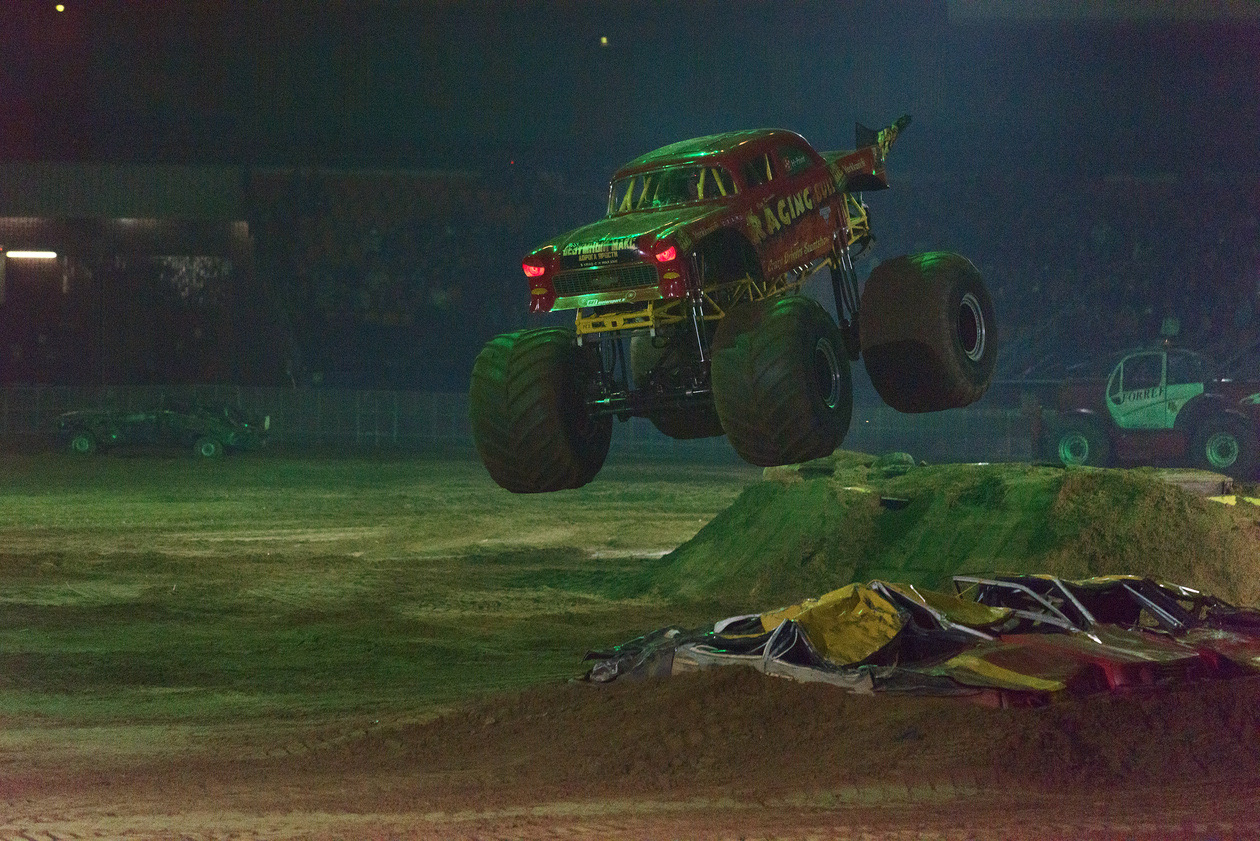
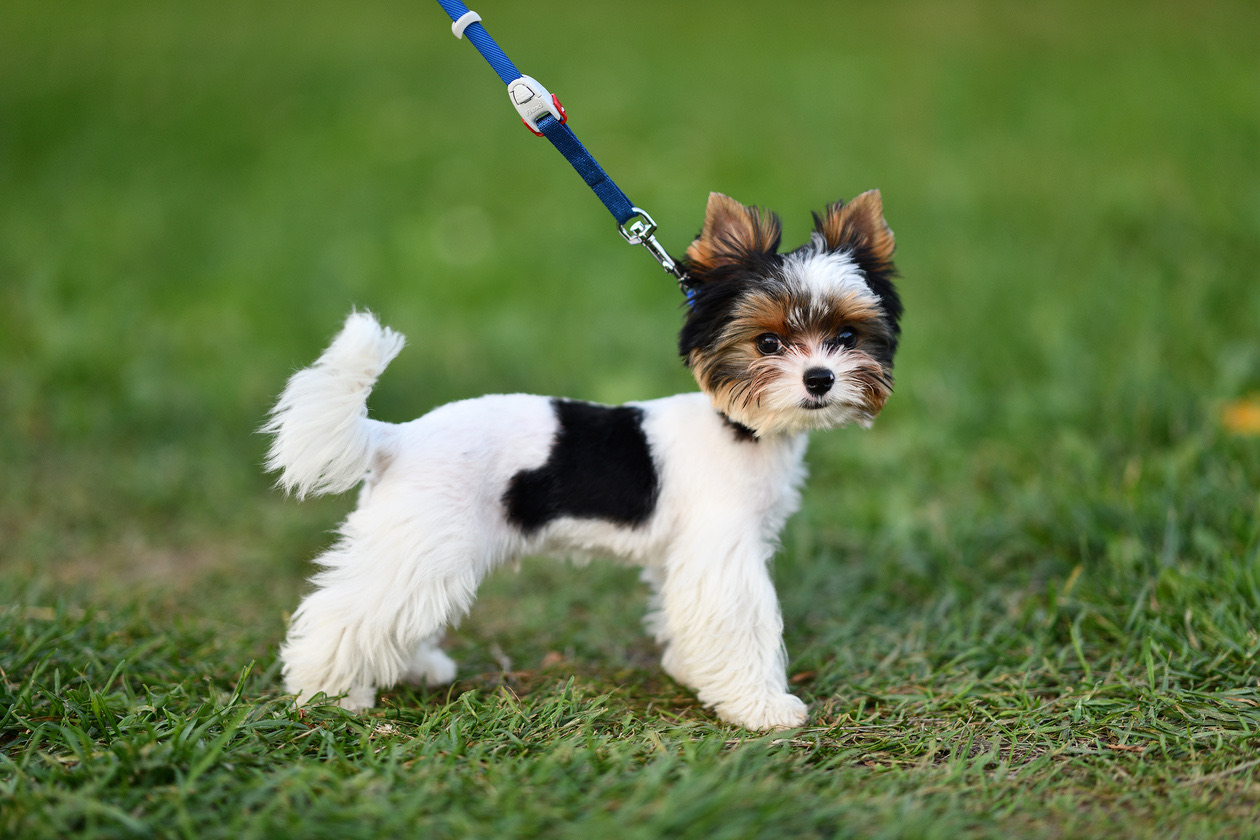
The most important thing is learning to set the shutter speed for moving subjects. Remember that without a tripod, every subject is moving relative to the camera, because of the camera's unavoidable trembling in your hands. Here is a short cheat sheet for particular kinds of moving subjects. These values are not an axiom but a starting point for setting up the camera.
| Subject | Shutter speed |
|---|---|
| A person standing still | 1/60 s or shorter |
| A person walking or talking | 1/125 s or shorter |
| A jogging person, actively gesturing person, small children in a sports class, pets on a walk | 1/500 s or shorter |
| Athletics, wrestling, figure skating, football, hockey, birds in flight, playing animals | 1/1000 s or shorter |
If you use a telephoto lens (with a long zoom), calculate the shutter speed with the formula given above.



To get good frames at an important event (a child's school performance or a competition), take a series of test shots before it starts, examine them at full magnification for blur and work out which shutter speed suits the situation. Do not set an unnecessarily short shutter speed: that gives dark frames, shooting at inflated ISO values and lower picture quality. So the main thing in setting the shutter speed is finding the right middle ground.
Rule of thumb: Choose the shutter speed for the motion in the frame, check it with a test shot at full magnification, and only then fill in the light with aperture and ISO. Too short wastes light; too long blurs the frame for good.
Verdict
Being able to set the shutter speed is one of the main steps in mastering a camera, and you can only learn it in practice. To start, watch how the camera sets the shutter speed in automatic mode, but then begin to act on your own: only that way will you learn to take sharp, expressive pictures in any conditions.
Editor's note: shutter speed is the setting to fix first whenever something in the frame moves, or when you hand-hold a long lens. The single purchase that most extends what you can do with it is a tripod; an ND filter matters only once you want long exposures in daylight. How shutter speed trades against aperture and ISO is in the exposure triangle explained, and how ISO fills in the light is in what ISO is.
Frequently asked questions
- What is shutter speed in photography?
- Shutter speed is the exposure time: how long the shutter stays open and lets light reach the sensor when you take a frame. It is measured in seconds and, more frequently, in fractions of a second. A longer shutter speed makes the frame brighter and blurs anything that moves, while a shorter one freezes motion but lets in less light.
- What is a fast shutter speed?
- A fast shutter speed is a short one, a small fraction of a second. As starting points, 1/500 s or shorter freezes a jogging person, children in a sports class or pets on a walk, and 1/1000 s or shorter freezes athletics, football, hockey, figure skating, birds in flight and playing animals. A long telephoto lens needs an even shorter one.
- How do you change shutter speed on a camera?
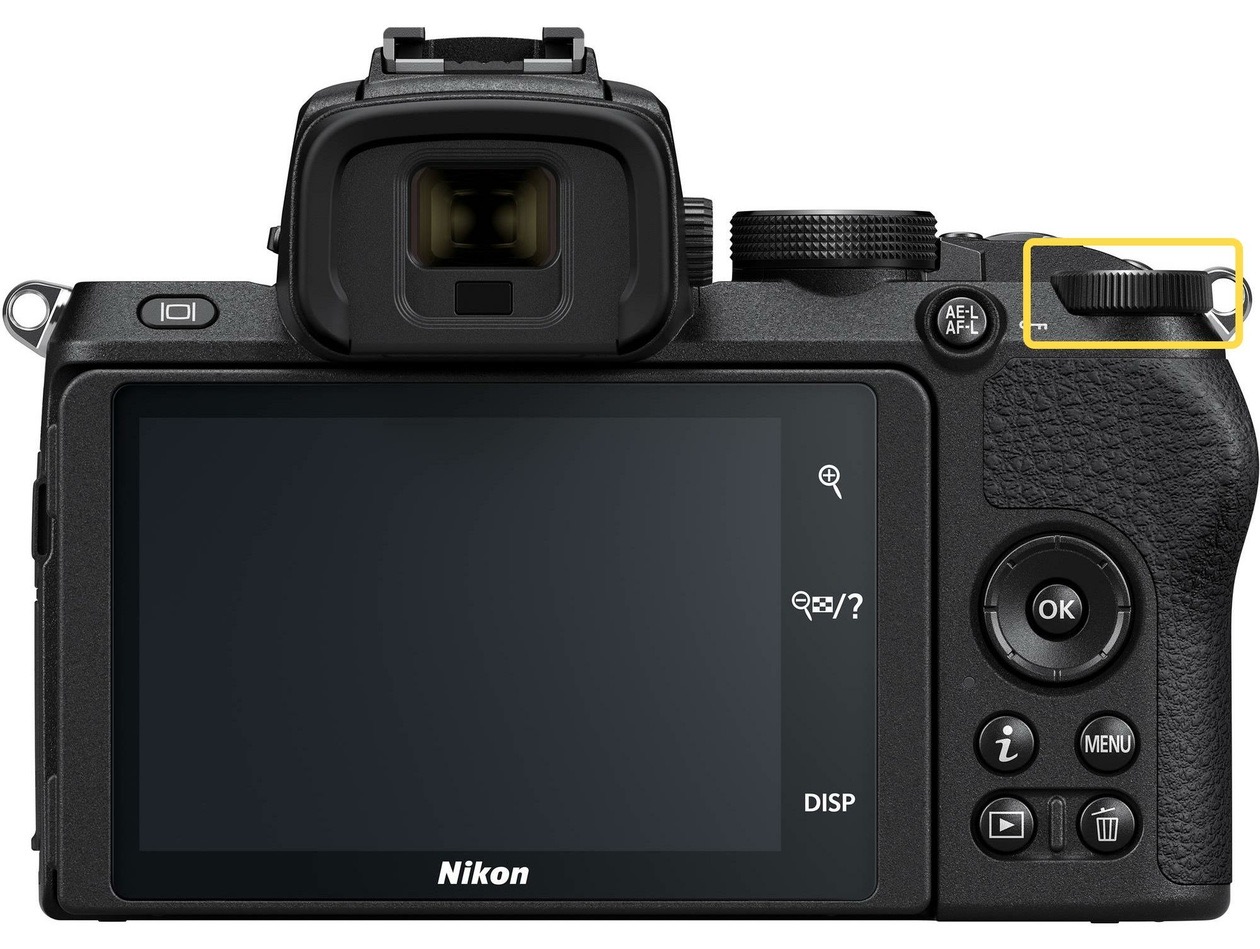
- Switch to shutter priority (S, called Tv on Canon) or manual mode (M) and turn the command dial. In S the camera then picks the aperture to match; in M you set the aperture and ISO yourself. On cameras with two dials, the rear dial sets shutter speed by default in S and M on Nikon bodies; check your manual for other brands.
- What is the slowest shutter speed you can hand-hold?
- A rule of thumb is 1 divided by twice the focal length: 1/100 s at 50 mm and 1/400 s at 200 mm. With cameras above 30 megapixels, use three times the focal length, because the higher detail shows every flaw. With a basic kit lens, simply avoid shutter speeds longer than 1/60 s. Stabilization extends these limits for still subjects only.
- How is shutter speed written on the camera?
- As a fraction: the larger the number under the line, the shorter the time, so 1/1000 s is shorter than 1/100 s. Viewfinders and top displays frequently drop the numerator and show 100 for 1/100 s. Whole seconds carry a double prime, so 2 means 1/2 s and 2″ means 2 seconds.
- When do you need a tripod?
- Whenever the shutter speed is longer than you can hand-hold: night scenes at low ISO, blurred water and clouds, and light trails, where exposures run from seconds to minutes. A tripod also keeps the same viewpoint for catalog and panorama shots and is the only way to frame with super-telephoto lenses. Reportage and weddings, where you move fast, usually do without one.
Sources
- Shutter speed, Wikipedia (2026)
- Image stabilization (camera shake and the 1/mm rule), Wikipedia (2026)
- Bulb (photography), Wikipedia (2026)
- EOS M50 Mark II manual: Shutter-Priority AE Mode (Tv), Canon (2026)
- ILCE-7SM3 Help Guide: Using the mode dial, Sony (2026)
Originally published on Prophotos.ru.