Aperture priority, shutter priority or manual
by Konstantin Voronov · Photography Tips
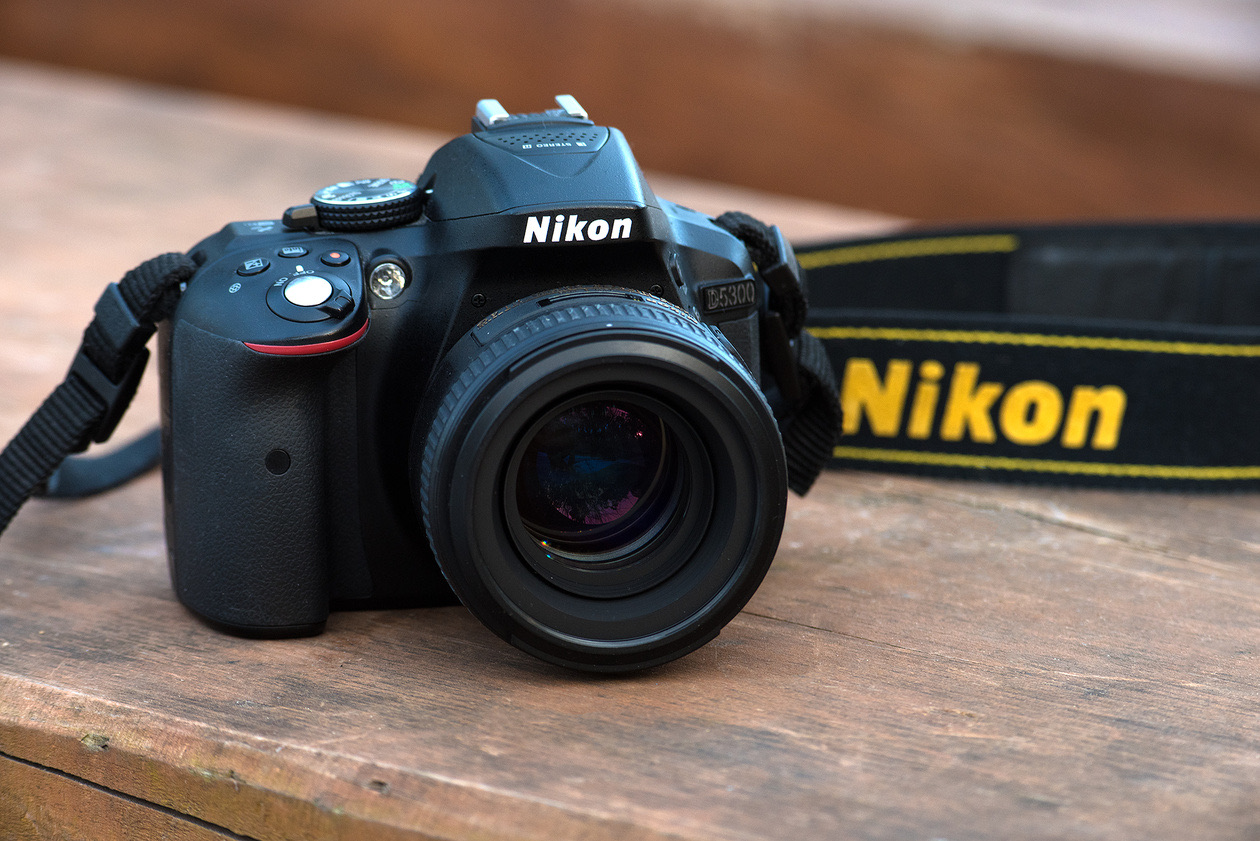
In short: P, S, A and M differ only in who sets the shutter speed and the aperture. In A (Av on Canon) you set the aperture, in S (Tv on Canon) the shutter speed, in M both, and in P neither. Pick the mode by what matters in the frame: background blur means A, motion means S, difficult light or studio flash means M.
Shooting modes and exposure settings
In the previous lesson we met the three exposure parameters: shutter speed, aperture and sensitivity (the exposure triangle explained). We worked out what each one is responsible for and why a photographer should be able to set them. Today we look at the modes in which these parameters can be controlled, and at the modes that work best for portraits, landscapes and reportage.
Of course, a photographer does not always set every exposure parameter by hand. Most of the time the camera does everything, or almost everything. That does not mean the photographer needs to know nothing about it. When shooting different subjects, one exposure parameter or another plays the key role. The photographer should take control of that main parameter, while the others can safely be left to the camera.
Let us find out how the camera works with the exposure parameters and how the photographer can adjust them, and go through the characteristics of each mode and how to use it.
Scene programs and the fully automatic mode
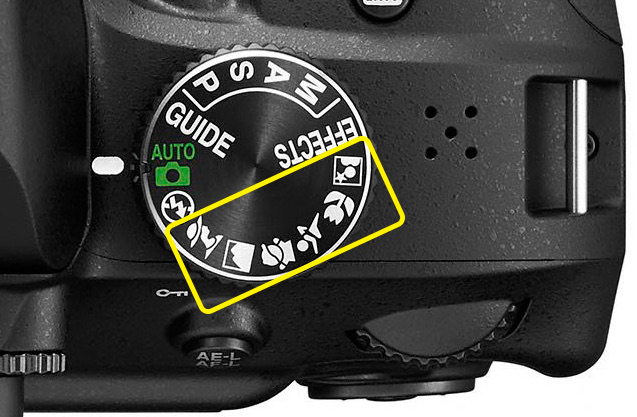
Automatic scene programs ("landscape", "portrait" and others) do not let the photographer adjust the shooting parameters: the camera takes everything on itself. For example, in "landscape" mode it prefers to close the aperture for more depth of field; in "portrait" mode it shoots with the aperture open, which blurs the background; in "sport" mode it tries to use a shorter shutter speed. But the automatic choice is not always the best one.
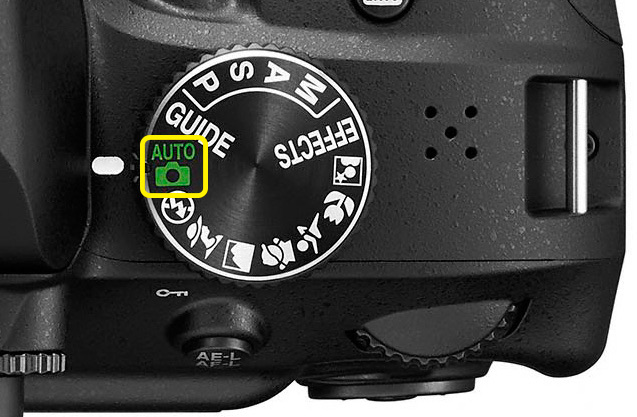
Modern cameras in fully automatic mode usually try to work out what kind of scene is in front of them and set the parameters to match. The fully automatic ("green") mode lets even a child take pictures. However complex the camera's controls, in this mode you only need to know where the shutter button is. It is the right mode for beginners, children and anyone who does not want to learn the finer points of setting shooting parameters.
Note that professional-level cameras (for example, the Nikon D810 and Nikon D4s) may have no automatic modes at all. If you are not very confident with camera settings but want to buy a professional camera, hoping it will take professional pictures for you, we have to disappoint you. Professional cameras are like Formula 1 cars: only an experienced driver can handle them properly. Be ready to learn how to use them.
Typical mistakes automatic modes can make:
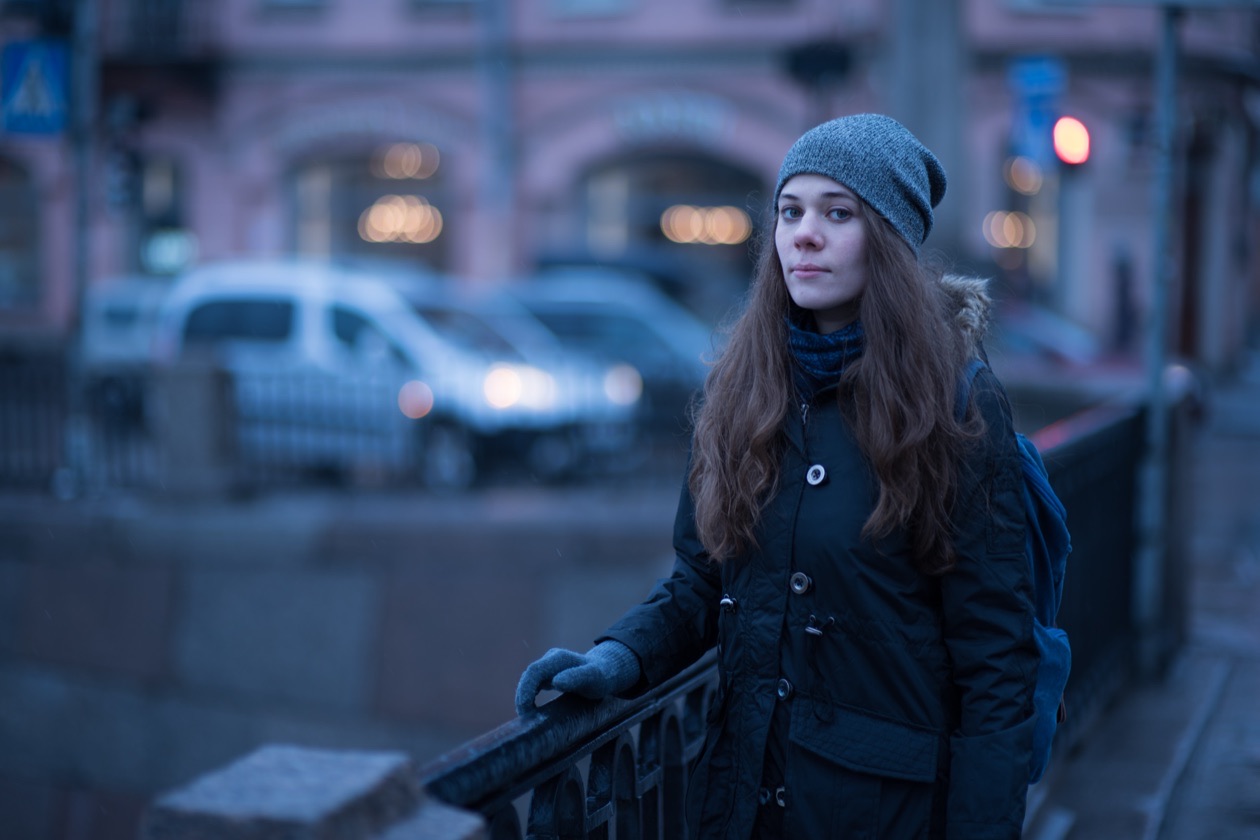
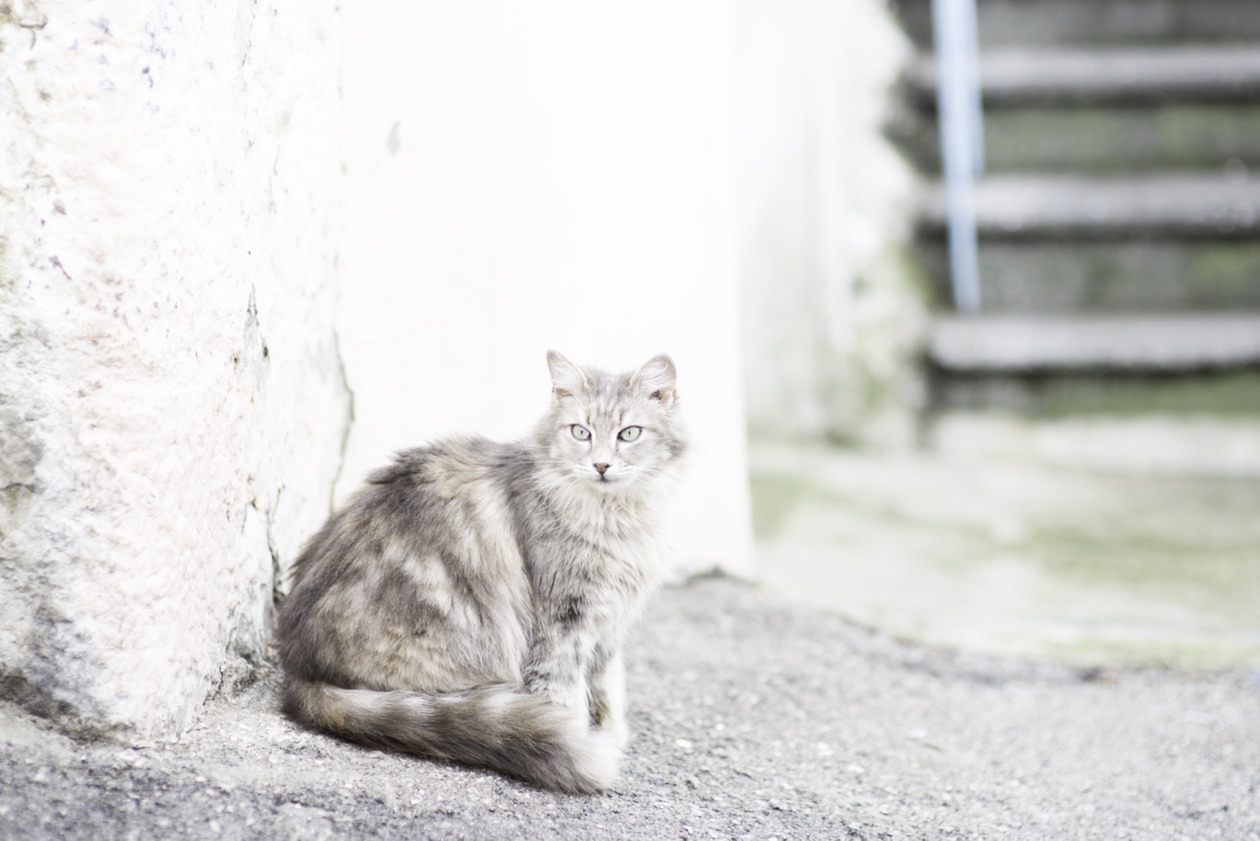
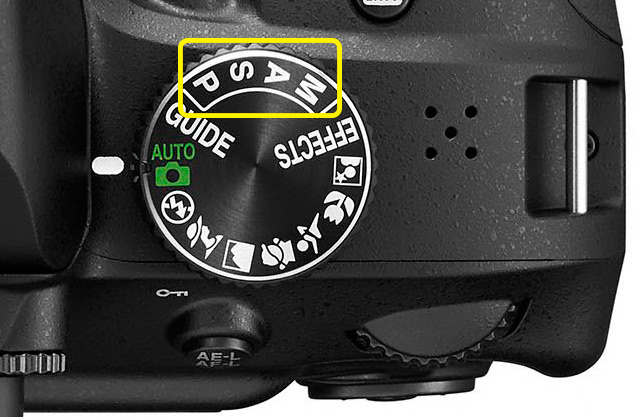
Besides, the automation knows nothing about your creative ideas. Should the background be blurred? What should be sharp? So the automatic mode cannot choose suitable exposure and focus settings. For the photographer to set the parameters precisely, there are more advanced modes, sometimes called "creative" and sometimes semi-automatic. The four classic modes, found on every serious camera, are marked P, A, S and M. All of them let you adjust white balance, set up autofocus and so on. They differ in how they handle the exposure parameters.
The four modes compared
Editor's note: the table sums up the sections below. The Canon and Sony names come from those makers' own manuals (Canon EOS M50 Mark II, Sony ILCE-7SM3).
| Mode (Nikon) | Canon | Sony | You set | The camera sets | Best for |
|---|---|---|---|---|---|
| P, program | P | P | ISO, exposure compensation, program shift | Shutter speed and aperture | Walks, travel, being ready for the unexpected |
| S, shutter priority | Tv | S | Shutter speed, ISO, exposure compensation | Aperture | Sport, motion, poor light |
| A, aperture priority | Av | A | Aperture, ISO, exposure compensation | Shutter speed | Posed portraits, landscapes, travel photos |
| M, manual | M | M | Shutter speed, aperture, ISO (or Auto ISO) | Nothing, or ISO with Auto ISO on | Sunrise, sunset, backlight, studio flash, learning |
P, program mode
In this mode the camera sets the exposure pair: the shutter speed and the aperture. The photographer can adjust the sensitivity and apply exposure compensation. We can also change the exposure pairs (combinations of shutter speed and aperture) the camera chose. This is called program shift. If P mode has settled on a closed aperture with too long a shutter speed and you want to change these values (shoot with an open aperture and a shorter shutter speed), use program shift: simply turn the command dial, and the camera offers other combinations of shutter speed and aperture. Mode P is fairly easy to learn, and beginners frequently use it.
Manuals and articles frequently say that advanced photographers use this mode when they have no time or wish to set the exposure parameters more carefully.

But in an unexpected situation, you will almost certainly forget to switch the camera to P. The conclusion: prepare for any emergency in advance by choosing the right mode and more or less universal settings. That universal mode may well turn out to be P for you.
S, shutter priority
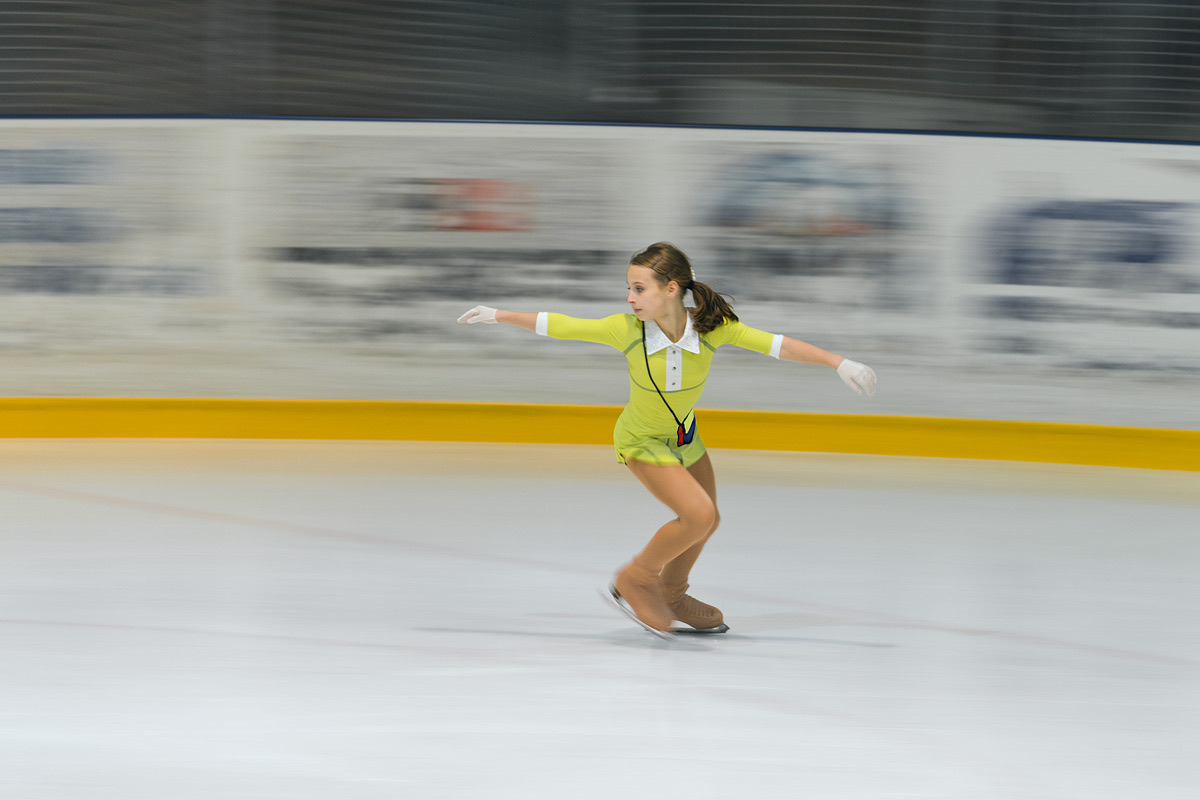
In this mode the photographer controls the sensitivity and the shutter speed, as well as exposure compensation. On Canon cameras the mode is marked Tv. The photographer chooses the shutter speed, and the camera picks the aperture value so that the frame is neither too bright nor too dark.
When should you use mode S? In shoots where it is important to control the shutter speed. We know that shutter speed is responsible for how motion is rendered in the photo, so this mode is the one for moving subjects and active scenes. Shooting a sports event, we can set a shutter speed short enough to avoid blur in the frame, and the camera does the rest. Mode S is sometimes useful in poor light too, because it lets us set the longest shutter speed acceptable for the shoot and avoid blur and camera shake. But if the frames come out too dark with these settings, raise the ISO, or better still, find a brighter spot to shoot. Which shutter speed suits which subject is in what shutter speed is.
A, aperture priority
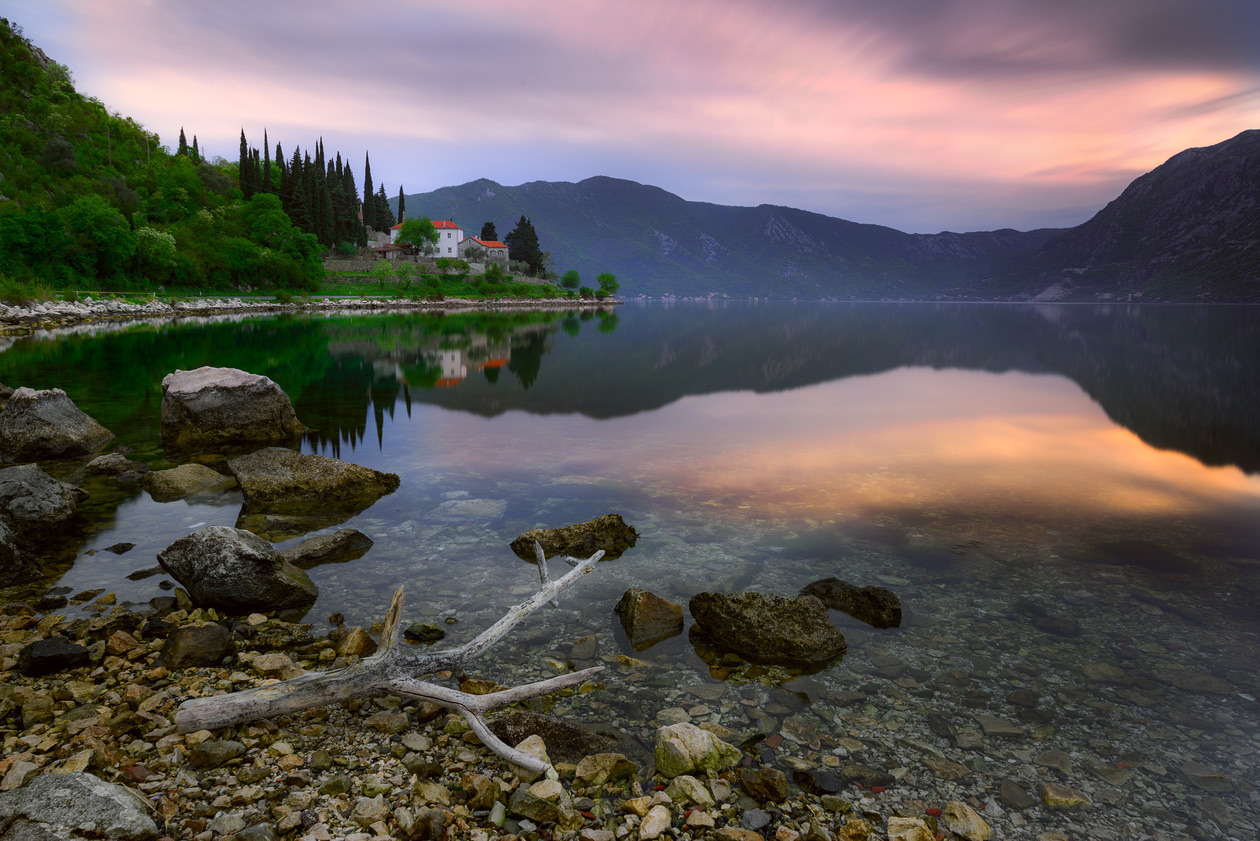
This mode lets the photographer control the aperture, and the camera adjusts the other exposure parameters to the aperture chosen. If mode S is used most frequently for reportage, mode A is used more for unhurried, posed shooting. Controlling the aperture matters most when we are not working with the rendering of motion but with depth of field and the degree of background blur. Usually that means posed portraits and landscapes.
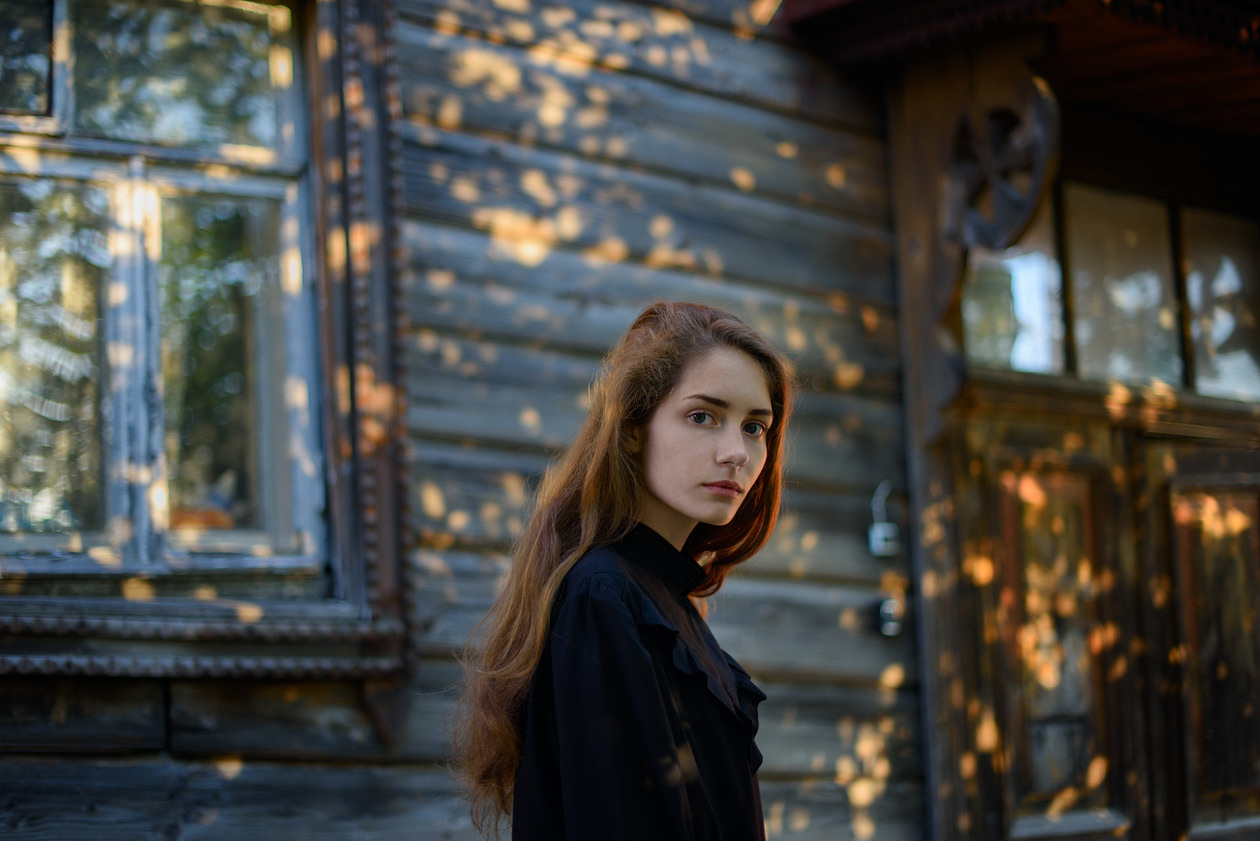
In portraits, the background behind the person is frequently blurred, and that requires shooting with the aperture open. In landscape photography, you usually want the whole scene sharp, from foreground to background, and for that you need to shoot with the aperture closed. The f-numbers for each case are in what aperture is.
When shooting portraits in mode A, keep a close eye on the shutter speed (its current value is shown on the camera screen and in the viewfinder). If the shutter speed gets too long (longer than 1/60 s), the frame will most likely be blurred. In mode A we can influence the shutter speed indirectly: by opening and closing the aperture and by adjusting the ISO. To make the camera use a shorter shutter speed, simply raise the ISO a little or open the aperture a little.
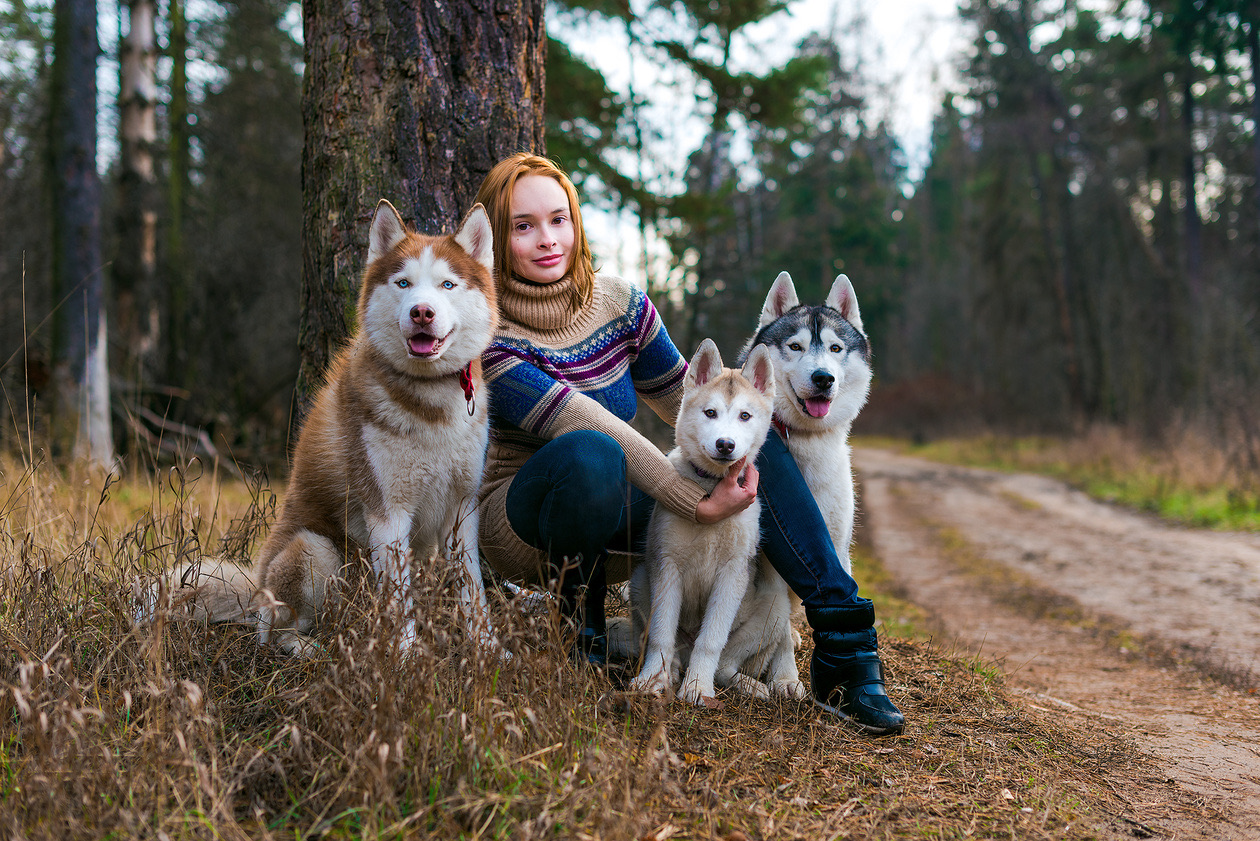
Mode A is also convenient for travel photos taken on a walk or an excursion. For considered landscape work, though, mode M is more convenient.
M, manual mode
As the name says, this is the mode that gives full control over all the shooting parameters. It is in this mode that we can see how the picture changes as each exposure parameter is adjusted (for example, only the shutter speed or only the aperture). The camera does not help you shoot in this mode and does not compensate for setting errors. Mode M is excellent for beginners as a learning tool and for advanced photographers as a mode for considered work. When is it important to control all the parameters at once? Above all, in difficult light: shooting a sunset or sunrise, working with backlight. Mode M is also used with studio flash.
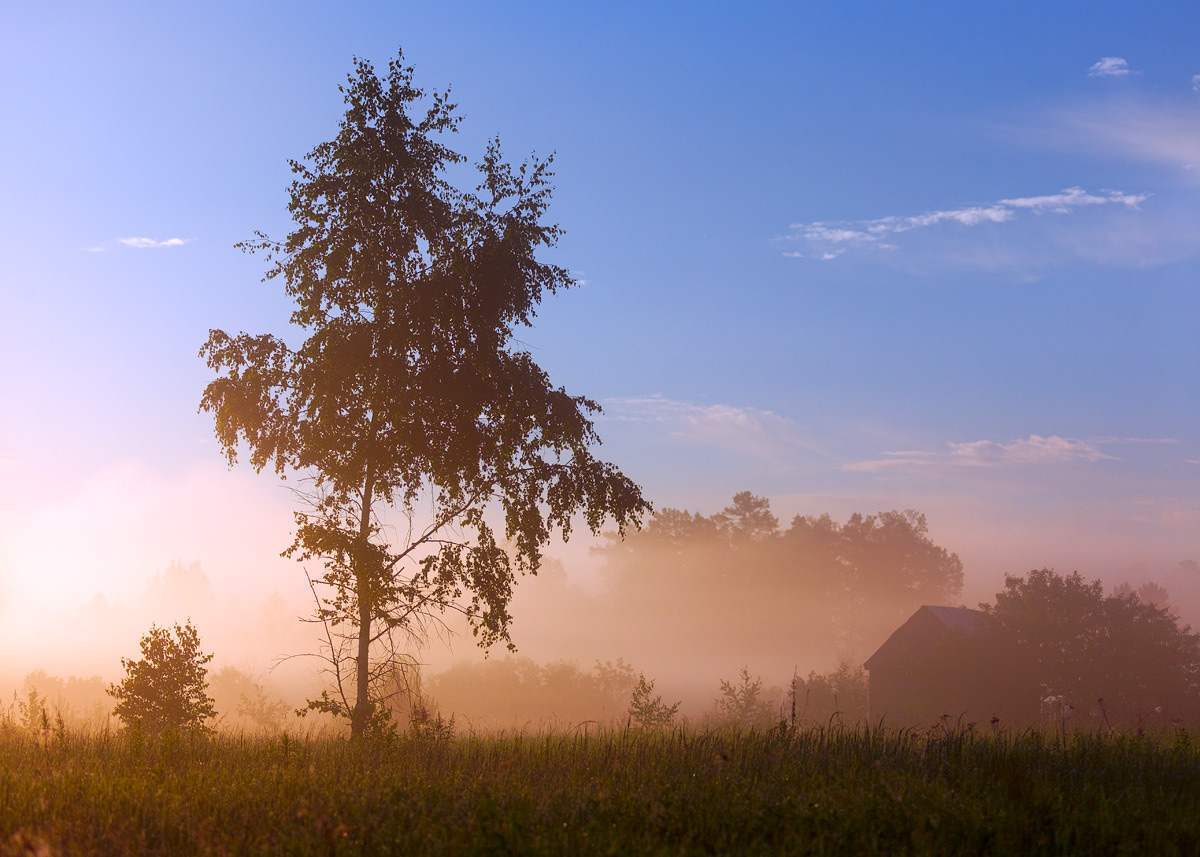
By the way, current Nikon cameras have one interesting feature: in mode M, you can leave the sensitivity under automatic control. That means we can set the exposure pair (shutter speed and aperture) however we like, and the camera adjusts the ISO so that the frame is bright enough. Exposure compensation also works in mode M then. So we can easily make the frame lighter or darker and shoot dynamic scenes without constantly changing the parameters by hand.
Contrary to a common misconception, experienced photographers do not shoot only in manual mode. They shoot in whichever mode, in their experience, suits the particular situation: portrait photographers frequently work in mode A, reporters may shoot in mode S, and so on. Mode M suits not only the most considered work with exposure but also learning photography. With it, a beginner can work out how the exposure parameters relate to each other and learn to control them quickly and accurately. Do not be afraid to shoot in mode M: it opens up a lot of creative room, and with it you will master the exposure parameters and understand in practice how they depend on each other.
Auto ISO in each mode
Almost every current compact camera and every DSLR has one useful function that not everyone pays attention to: automatic sensitivity, Auto ISO. When it is on, the camera picks the ISO value needed for a correct exposure.
Why use Auto ISO?
Let us start with the terms. The exposure pair is the combination of two variables (shutter speed and aperture) that sets the exposure for particular shooting conditions. Exposure is the amount of light that reaches the camera sensor. With the aperture, the photographer controls depth of field and limits the flow of light through the lens to shoot at long shutter speeds. By adjusting the shutter speed, you can render motion in the frame in different ways. The sensitivity parameter plays a supporting, technical role: it is raised when there is not enough light for comfortable handheld shooting. So why not hand ISO over to the camera?
Even professionals sometimes forget to change ISO when the light changes. A classic example: a photographer shoots reportage indoors, picks a high ISO, then follows the subjects outside into daylight and forgets to lower the sensitivity. The resulting frames are overexposed and noisy. Another example: a photographer shoots outdoors in mode M and fixes the shutter speed, aperture and sensitivity. But the light keeps changing, and the frames come out at different brightness: one too dark, the next overexposed. During a shoot, a photographer can get absorbed in the process, the subject or the work with a model and forget about ISO. Auto ISO helps you get good frames every time.
How Auto ISO works in each mode
In mode M, the photographer sets the shutter speed and aperture firmly, controlling depth of field and guarding against blur. ISO is handed to the camera, which picks the sensitivity from the meter reading. So here it is important to learn to set up metering properly and to use exposure compensation. Yes, with Auto ISO in mode M, exposure compensation works! On higher-end Nikon models (for example, the D7200, D750 and D810) you apply it with the usual +/- button, and on simpler models (the D3400 and D5500) through the quick menu opened with the i button.
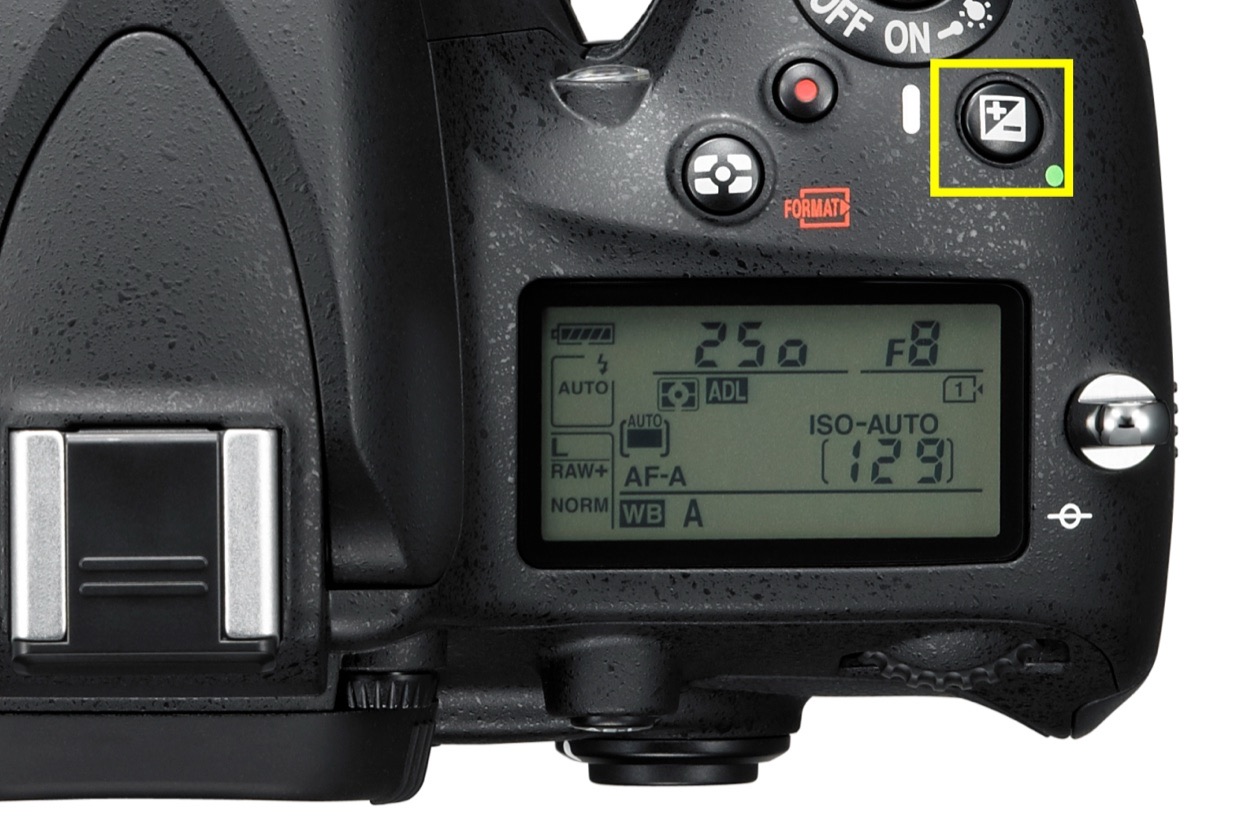
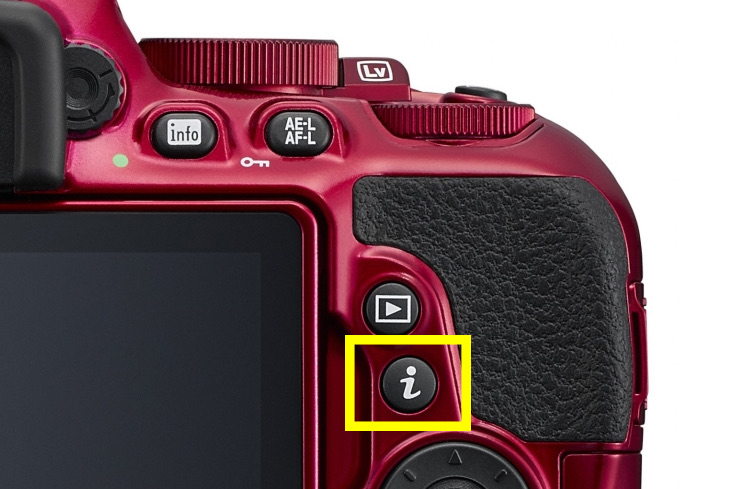
In practice, mode M with Auto ISO helps a great deal when you need to control both shutter speed and aperture and have no time to keep correcting the exposure by hand: on trips, in reportage, or in difficult light.
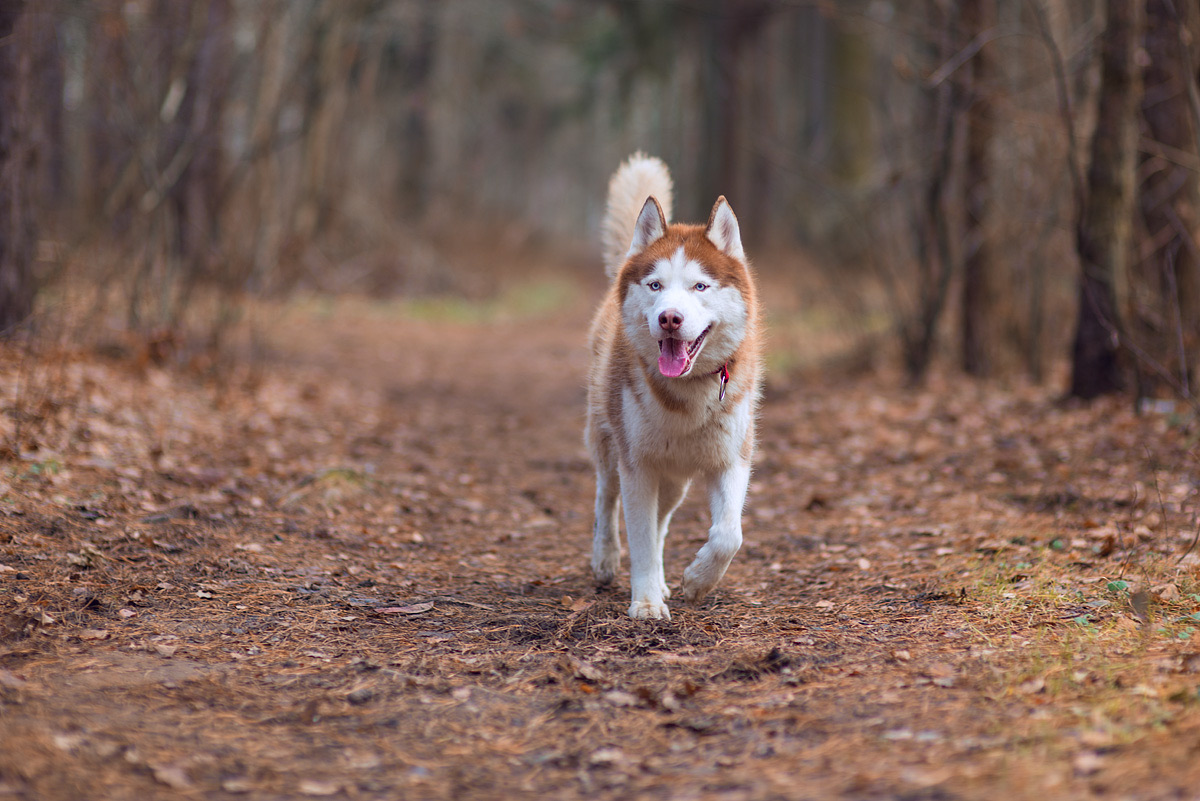
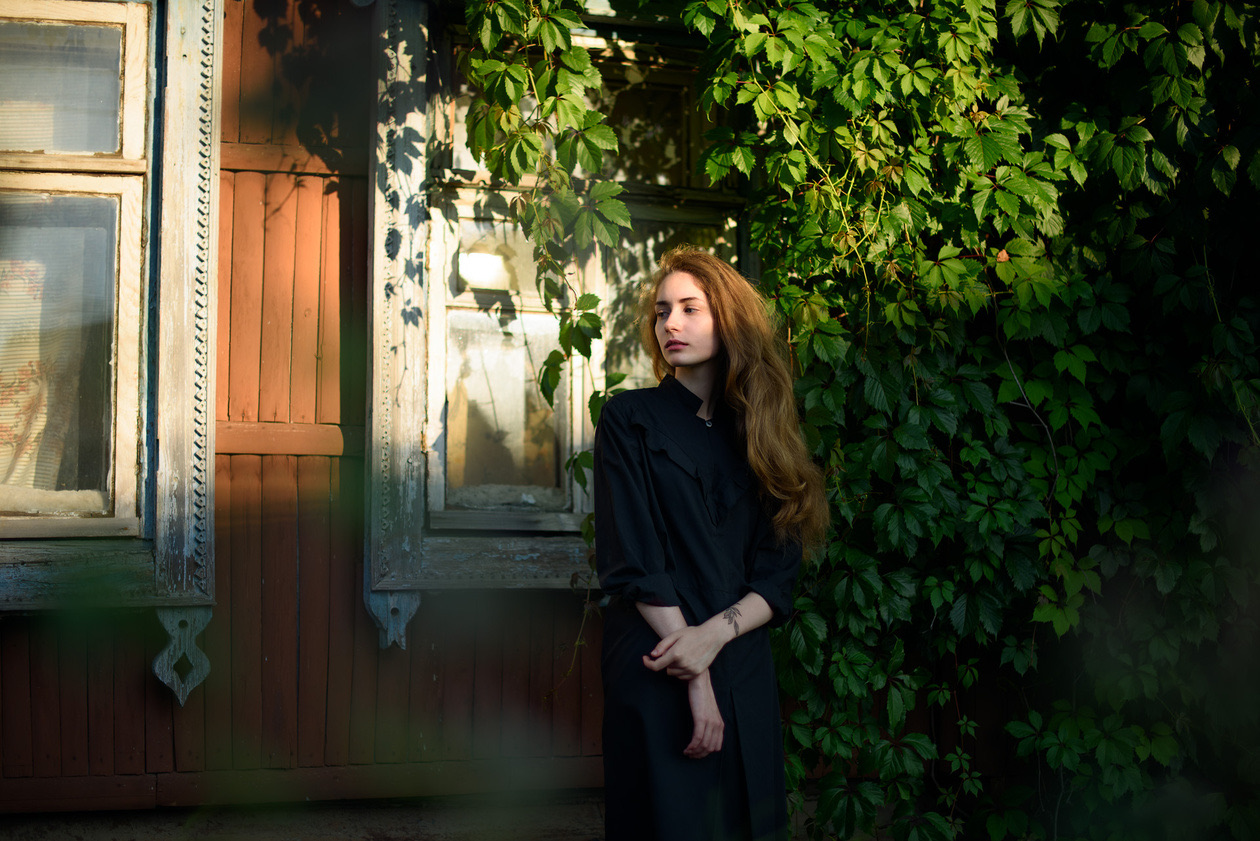
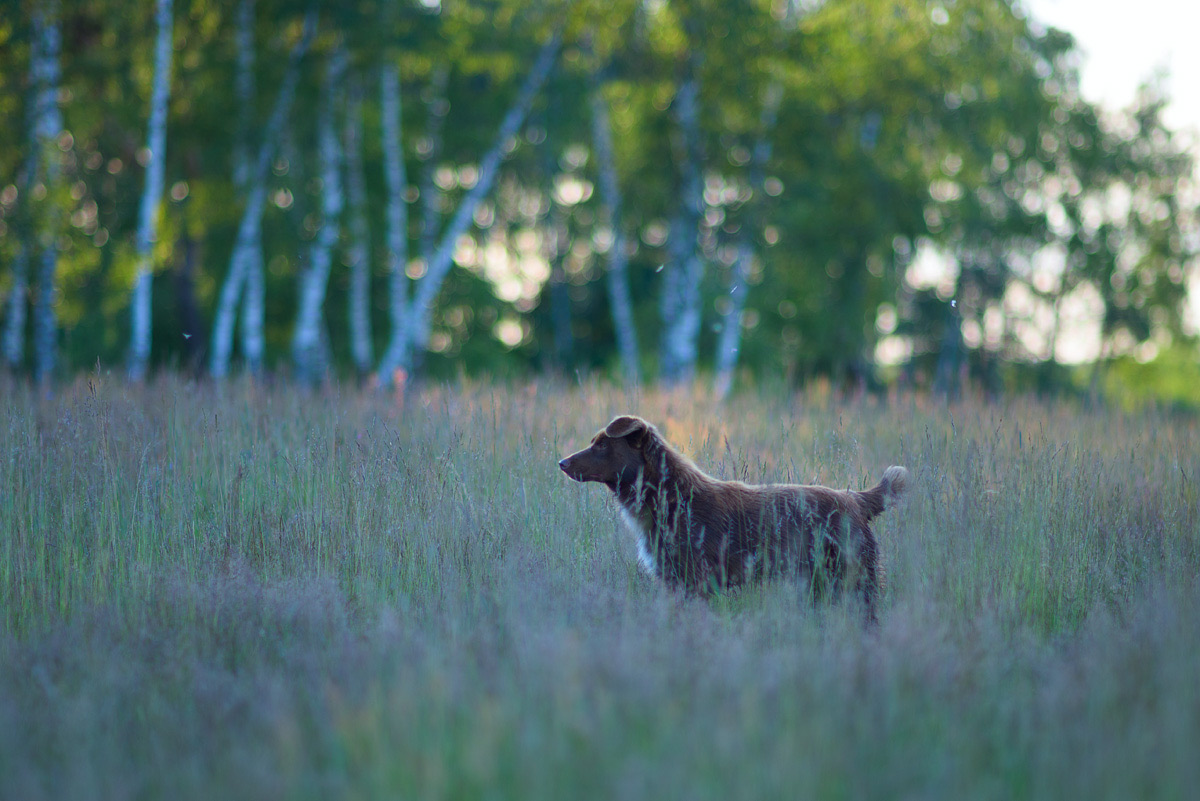
In mode A we control the aperture. In this mode beginners frequently get camera shake, blur from too long a shutter speed. The photographer's logic is simple: since the shutter speed is set automatically, there is no need to watch it, so they pick a low ISO, fix the aperture and go shooting. The camera then fits itself to those settings and sets too long a shutter speed. The result is blurred pictures. With Auto ISO on, however, the camera calculates the sensitivity so that the shutter speed stays short and the frames come out sharp.
All Nikon DSLRs offer equally flexible Auto ISO settings: we can set the maximum sensitivity and the longest shutter speed available to the camera. Here are the values set on the camera in the example:
| Auto ISO setting | Value in the example |
|---|---|
| ISO sensitivity | ISO 100 |
| Auto ISO sensitivity control | On |
| Maximum sensitivity | ISO 3200 |
| Longest shutter speed | 1/60 s |
How do you find a safe shutter speed and protect yourself from blur? In short, the shutter speed is set by the subject. The faster the motion, the shorter the shutter speed must be to "freeze" a moving subject. A person standing calmly needs around 1/60–1/125 s, a runner 1/250–1/500 s or shorter. The safe shutter speed also depends on the focal length of the lens. The longer it is (the more you zoom in), the shorter the shutter speed needs to be so the image does not blur from the camera trembling in your hands. For example, at a focal length of 50 mm it makes sense to use a shutter speed shorter than 1/100 s, and at 200 mm shorter than 1/400 s.
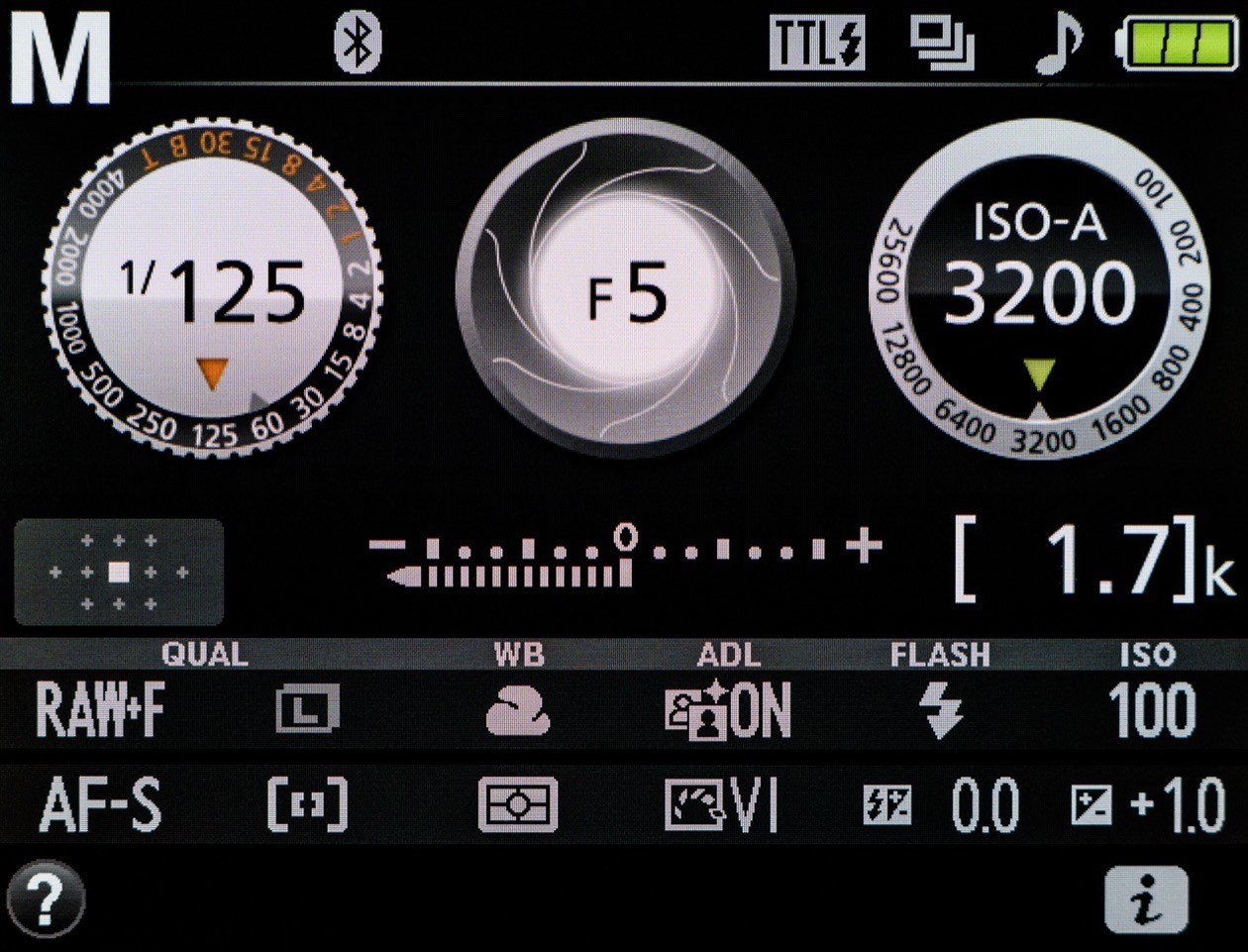
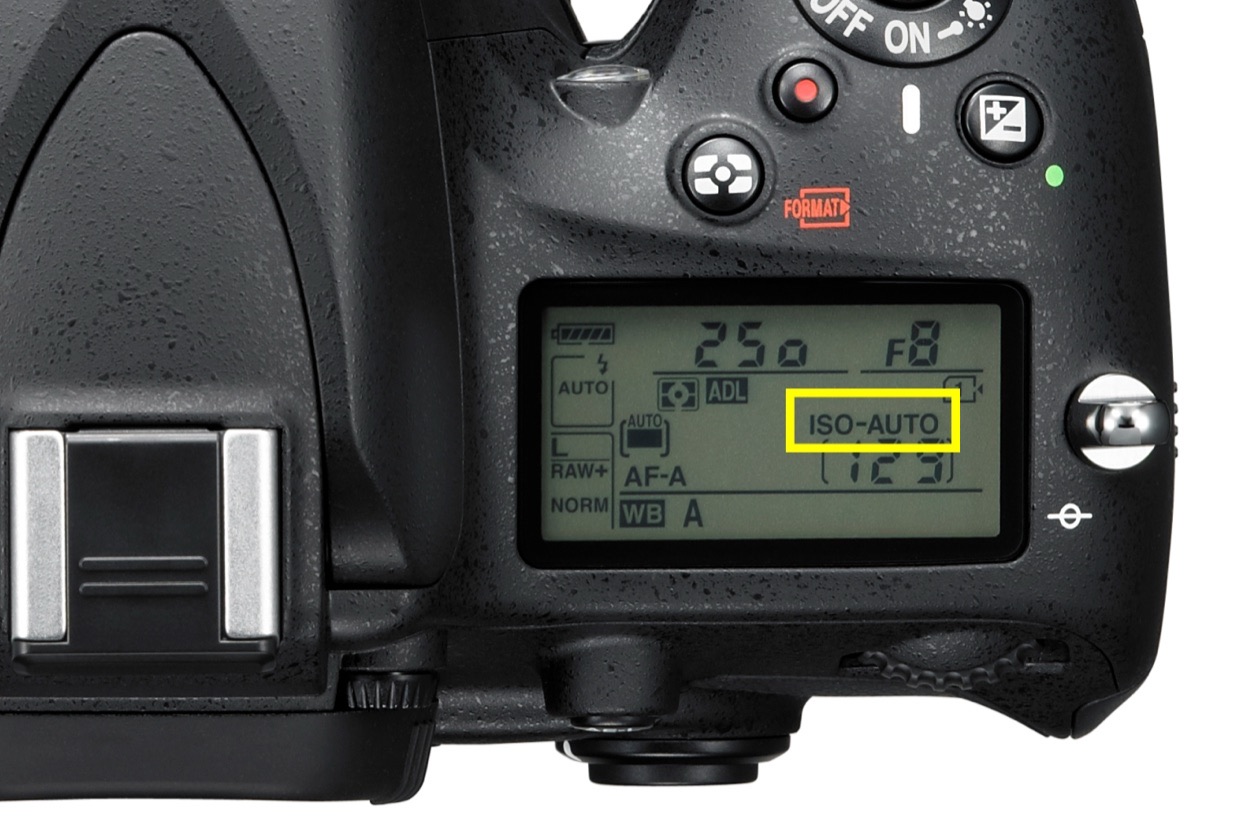
In mode S you set the shutter speed. Photographers frequently pick a short shutter speed and forget to adjust the sensitivity to the light. The result is frames with blocked-up shadows. Auto ISO comes to the rescue by adjusting the sensitivity to the actual conditions.
In mode P, ISO becomes the only exposure parameter the photographer controls. Hand it over to the camera, and you effectively get an automatic mode. So perhaps it is simpler to switch the camera to auto straight away and not think about the settings at all.
When not to use Auto ISO
Apart from its doubtful use in mode P, there are situations in which automatic sensitivity does more harm than good.
Studio shooting with strobes. When we shoot with studio flashes, the camera's automation cannot set the exposure correctly. With Auto ISO on, the sensitivity will be too high, and the result will be overexposed, noisy frames. In the studio, it is better to set all the exposure parameters by hand.
Tripod shooting at long shutter speeds. When working with long shutter speeds, use the minimum sensitivity for the best quality. On a tripod there is time to set every exposure parameter, so Auto ISO is not needed.
Auto ISO is a very practical function. It simplifies shooting and gives more consistent results. The ISO side of it, with an ISO chart, is in what ISO is in photography.
Exposure compensation in each mode
Editor's note: this section gathers what the lessons say about exposure compensation. Compensation tells the camera to make the frame brighter (plus) or darker (minus) than its meter wants, in stops. Each mode applies it by changing the setting the camera controls:
| Mode (Auto ISO off unless stated) | What changes when you dial in +1 EV |
|---|---|
| P | Shutter speed and aperture, one stop more light between them |
| S | Aperture opens one stop |
| A | Shutter speed doubles |
| M | Nothing, unless Auto ISO is on; then ISO doubles |
The meter assumes a scene of midtones, so the typical cases are a snowy landscape or a white object on a white background (plus compensation, otherwise they come out gray) and a dark subject on a black background (minus compensation). The worked examples with photos are in the exposure triangle explained, and the camera's metering modes, which decide what the meter looks at, are in metering modes and the histogram.
Rule of thumb: Use A when the background matters, S when motion matters and M when the light is difficult or comes from studio flash. Add Auto ISO with sensible limits to any of them except tripod and studio work, and correct the brightness with exposure compensation.
How to choose a mode, step by step
Editor's note: the lessons above reduce to a short order of decisions.
- Is the light controlled, as in a studio with strobes, or is the camera on a tripod? Use M at the minimum ISO.
- Does something in the frame move? Use S, or M with Auto ISO, and set the shutter speed for the motion.
- Does the background or the zone of sharpness matter? Use A, or M with Auto ISO, and set the aperture.
- Is the light difficult (sunrise, sunset, backlight)? Use M and check the result.
- None of these, or no time? P with Auto ISO keeps you ready for the unexpected.
Verdict
There is no single "professional" mode. Experienced photographers switch between A, S and M depending on the subject, and M with Auto ISO covers most fast-moving situations where both depth of field and motion matter. Learn in M, shoot in whichever mode puts the decisive setting in your hands, and keep exposure compensation within reach in every mode.
Frequently asked questions
- What is aperture priority mode?
- Aperture priority (A on Nikon and Sony, Av on Canon) is a mode in which you set the aperture and the camera sets the shutter speed to get a correctly exposed frame. You also control ISO and exposure compensation. Use it when depth of field or background blur matters, as in posed portraits and landscapes, and watch that the shutter speed does not get longer than 1/60 s.
- What is shutter priority mode?
- Shutter priority (S on Nikon and Sony, Tv on Canon) is a mode in which you set the shutter speed and the camera picks the aperture. Use it when motion matters, such as sport, children or traffic, and in poor light to stop the camera from choosing a shutter speed that blurs. If frames come out dark and the aperture value blinks, raise ISO or turn on Auto ISO.
- When should you use manual mode?
- Use manual mode (M) when you need to control every exposure setting: in difficult light such as sunrise, sunset and backlight, with studio flash, and for considered landscape work. It is also the best mode for learning how the settings depend on each other. For fast-changing scenes, combine M with Auto ISO, so you keep the shutter speed and aperture while the camera adjusts the brightness.
- What is exposure compensation?
- Exposure compensation is a setting that makes the frame brighter or darker than the camera meter wants, measured in stops (EV). Plus compensation brightens, minus darkens. It works in P, S and A, where the camera then changes the setting it controls, and in M only when Auto ISO is on. Snow and white backgrounds usually need plus compensation, black backgrounds minus.
- What is program shift in P mode?
- In P mode the camera chooses both shutter speed and aperture, but you can switch to another pair with the same exposure by turning the command dial. This is program shift. If the camera picked a small aperture with a long shutter speed and you want a wide aperture with a shorter one, turn the dial until that combination appears.
- Does Auto ISO work in manual mode?
- Yes. In M with Auto ISO you set the shutter speed and the aperture, and the camera picks the ISO from the meter reading. Exposure compensation works in this combination too. It is the most useful setup for travel, reportage and difficult light, where you need to control both depth of field and motion but have no time to keep correcting the exposure by hand.
Sources
- EOS M50 Mark II manual: Aperture-Priority AE Mode (Av), Canon (2026)
- EOS M50 Mark II manual: Shutter-Priority AE Mode (Tv), Canon (2026)
- EOS M50 Mark II manual: Manual Exposure Mode (M), Canon (2026)
- ILCE-7SM3 Help Guide: Using the mode dial, Sony (2026)
- Exposure compensation, Wikipedia (2026)
- Mode dial, Wikipedia (2026)