What is ISO in photography?
by Konstantin Voronov · Photography Tips
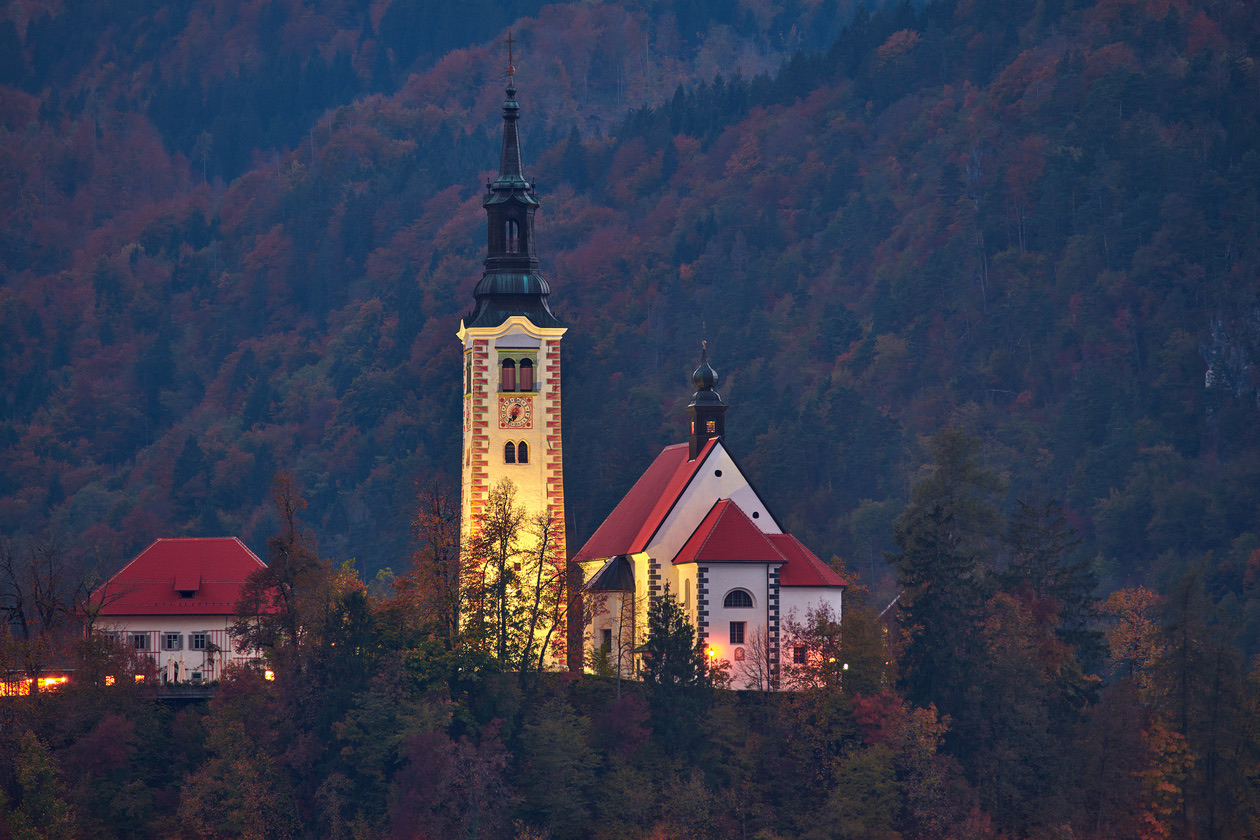
In short: ISO is the sensitivity setting: the higher the number, the less light the camera needs for a correctly exposed frame, and the more digital noise it shows. Each doubling (ISO 100 to 200 to 400) is one stop. Keep ISO at your camera's minimum when you can and raise it only to reach a shutter speed short enough for the subject.
Sensitivity (ISO) is one of the three exposure parameters. It describes how sensitive a camera sensor or a film is to light: the higher the value, the less light is needed for a correctly exposed picture. By raising or lowering it in manual mode (M), you directly control the brightness of the image. How it fits with shutter speed and aperture is in the exposure triangle explained.
What is ISO, and what does it stand for?
Sensitivity is expressed in ISO units, which were already used in film photography. Do not confuse sensitivity with the maximum aperture! The maximum aperture is a property of the lens.
ISO 100 film was designed for daylight shooting, while ISO 400 film let you shoot indoors effectively. The higher the ISO, the more sensitive the film is to light. On a film camera there was only one way to change the sensitivity: take out the cassette and load another. In digital photography it is much simpler: ISO changes at the press of a button, and you can also hand the parameter over to the camera.
Editor's note: ISO is the International Organization for Standardization, the body behind the scale. The method for determining ISO speed with digital still cameras is the standard ISO 12232, first published in 1998 and last revised in 2019 (Wikipedia, Film speed).
Technically, changing ISO works quite differently in digital photography. The sensitivity of the pixel sensors themselves does not change when you raise the setting. The picture becomes brighter because the electrical signals from the sensor are amplified and because of the algorithms that convert the analog signal into a digital one.
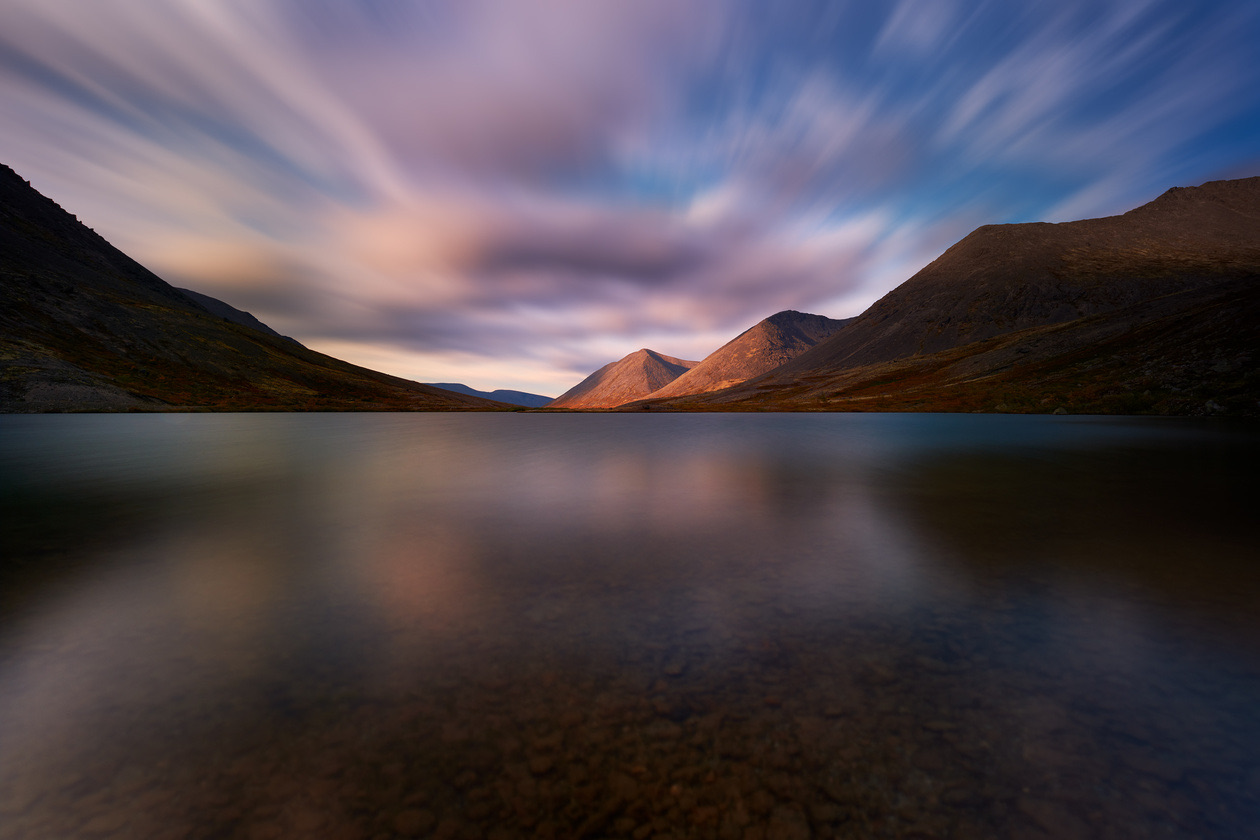
ISO chart
Editor's note: this chart is computed. Each full stop doubles the ISO number and halves the light the sensor needs. The third-stop values are the standard one-third steps of the ISO scale; above ISO 6400, cameras continue in exact doublings (12800, 25600) rather than the older rounded series (Wikipedia, Film speed). The last column shows the shutter speed that gives the same brightness if ISO 100 needs 1/15 s at a given aperture: the classic way to read what higher ISO buys you.
| Full stop | ⅓ stop higher | ⅔ stop higher | Light needed vs ISO 100 | Same frame as ISO 100 at 1/15 s |
|---|---|---|---|---|
| ISO 100 | ISO 125 | ISO 160 | 1 | 1/15 s |
| ISO 200 | ISO 250 | ISO 320 | 1/2 | 1/30 s |
| ISO 400 | ISO 500 | ISO 640 | 1/4 | 1/60 s |
| ISO 800 | ISO 1000 | ISO 1250 | 1/8 | 1/125 s |
| ISO 1600 | ISO 2000 | ISO 2500 | 1/16 | 1/250 s |
| ISO 3200 | ISO 4000 | ISO 5000 | 1/32 | 1/500 s |
| ISO 6400 | ISO 8000 | ISO 10000 | 1/64 | 1/1000 s |
| ISO 12800 | ISO 16000 | ISO 20000 | 1/128 | 1/2000 s |
| ISO 25600 | 1/256 | 1/4000 s |
Below ISO 100, the same logic runs down: ISO 64, the minimum of the cameras used for the photos on this page, needs about ⅔ stop more light than ISO 100.
Minimum and base ISO
Base ISO and minimum ISO are not always the same thing. The base ISO of a particular sensor can be quite high (for example, 800 or 1600), and the minimum ISO is derived from it by weakening the signal, the higher values by amplifying it. However, manufacturers do not tell photographers the base ISO, and in practice you do not really need it. It is more important to understand the minimum sensitivity.
The minimum numeric sensitivity on your camera is the ISO at which picture quality is highest and digital noise lowest. Remember it. Depending on the camera model, the minimum ISO differs: 64, 100 or 200. In genres where a long shutter speed is needed or does not matter, the minimum ISO is used. It is also used for the best picture quality in studio, product, advertising, landscape, interior and architectural photography. A tripod comes in handy, because the light is not always ideal and the shutter speed may become too long for handheld shooting.
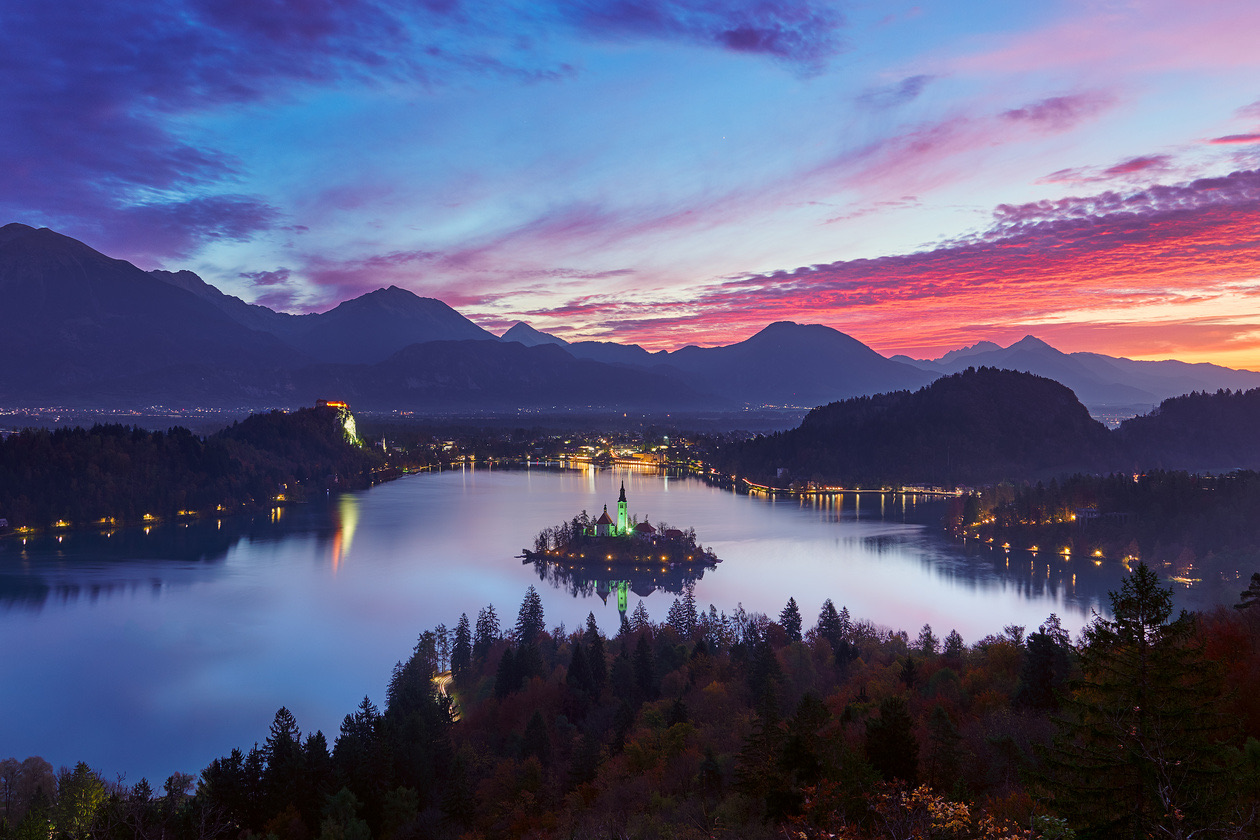
What is extended ISO?
If you keep lowering or raising the ISO, sooner or later you will run into the so-called extended ISO values. The camera shows them as Lo (lowered values) or Hi (raised values). The camera produces them in software. For example, with the raised Hi values, the shot is actually taken at the highest "numeric" ISO, and then the processor brightens the picture. Digital noise becomes more noticeable, because the brightness of the picture is raised.
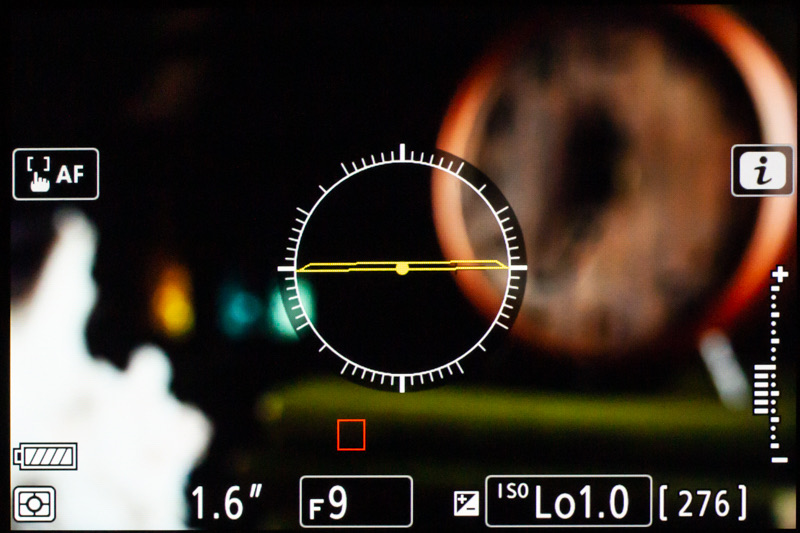
With the lowered values, a little information is lost in the highlights. That can lead to overexposed areas in the picture, or to less latitude in the highlights when processing RAW files.
What is digital noise?
Digital noise is the interference that appears when sensitivity is raised. It is always present, but at the minimum ISO it is practically invisible. The level of digital noise differs from camera to camera.
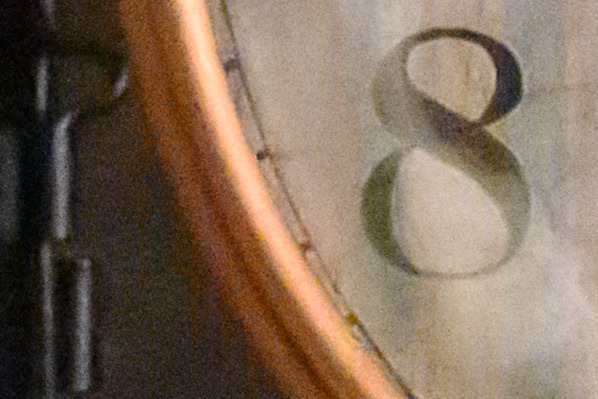
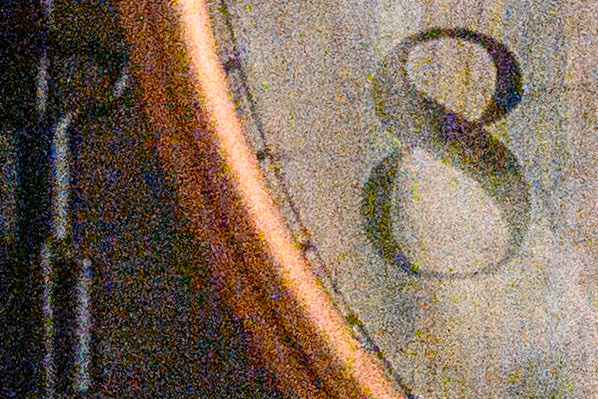
The pattern is simple: the larger and more modern the sensor, the less digital noise. Full-frame and DX (APS-C) sensors today produce so little noise that you can get good pictures at ISO 1600–3200, while the sensors of compacts, smartphones and cameras from the 2000s produce an almost unusable picture at those values. That is because on a large sensor area each light-sensitive pixel can be made larger, and it works better. For the same reason, high-resolution sensors produce a little more noise than comparable sensors with fewer megapixels. The Nikon D780 is a case in point: its sensor does not have a record number of megapixels, but it uses backside-illuminated technology that fits large light-sensitive pixels on its area. So the camera works very well even at very high ISO, as we saw when testing it.
Every current camera has built-in noise reduction, applied at every stage of making a picture. We can control it during in-camera processing and saving of the frame. The camera's processor smooths out the "grainy" structure of the noise, softening the picture. This noise reduction is turned on in the menu (on Nikon cameras it is the high ISO noise reduction item in the photo shooting menu), and it works only for JPEG.
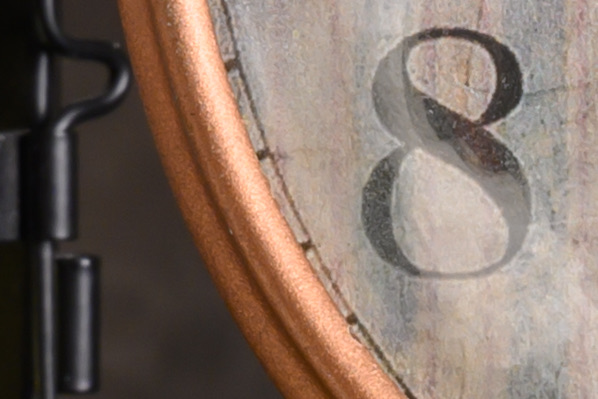
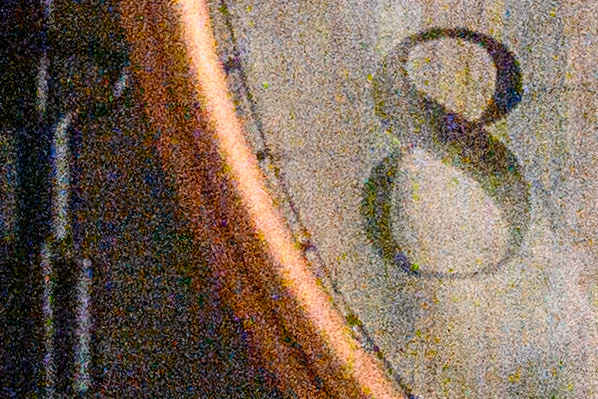
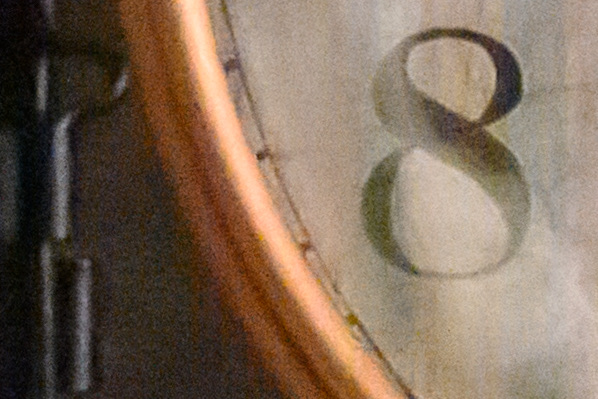
Noise reduction can cost fine detail, but if you shoot JPEG and want good frames straight away, turn this useful function on. When you shoot RAW, noise reduction can be done with the tools of a RAW converter.
Why and how to raise ISO
Sensitivity is raised only to shorten the shutter speed. When the scene is still, we do not depend on the shutter speed: with a tripod you can always shoot at the minimum ISO.
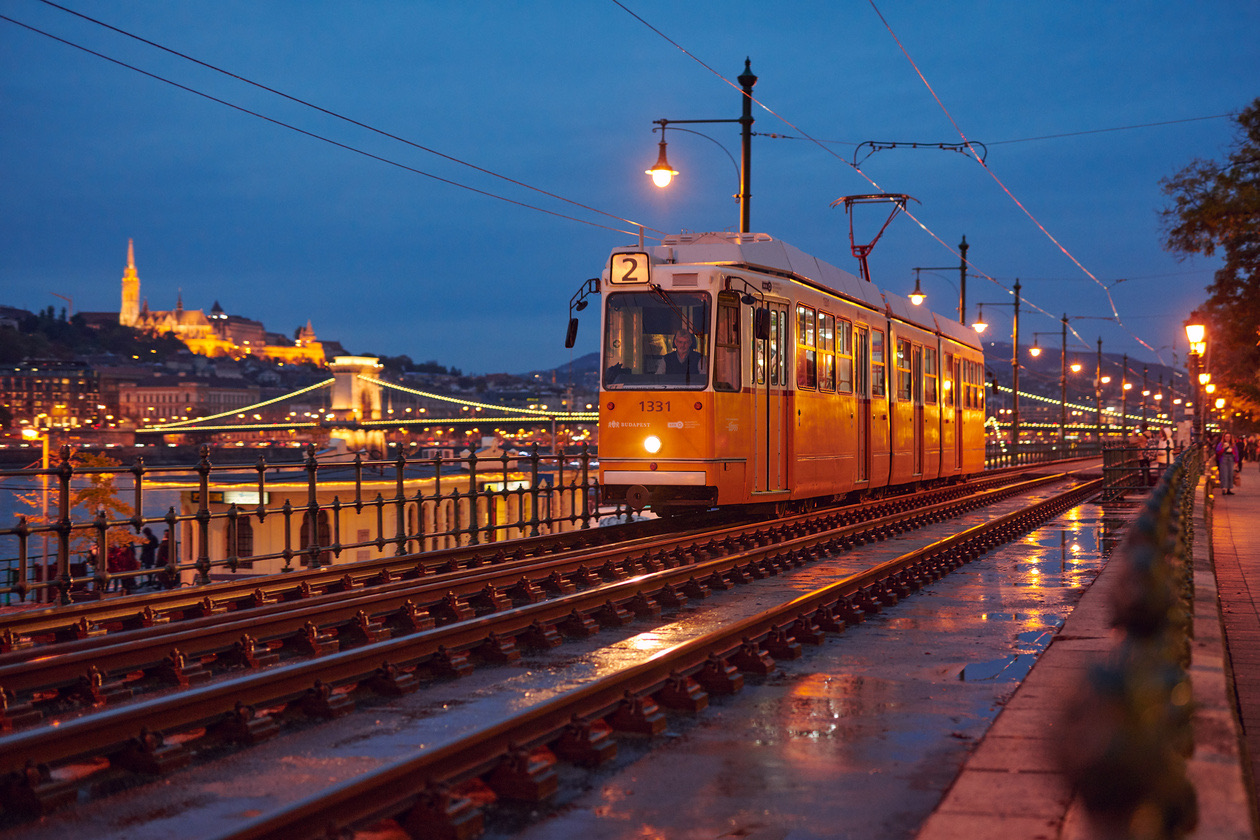
But what if you need to capture motion in weak evening light? At a very low ISO, the shutter speed (set by you or by the camera) would have to be too long, and the subject would blur. So first choose a suitable shutter speed, short enough for the motion. The aperture is easier to decide: it is set by how much depth of field you need, and in poor light you can open it wider for the same reason you raise ISO, to shorten the shutter speed. The aperture side is covered in what aperture is, the shutter side in what shutter speed is.
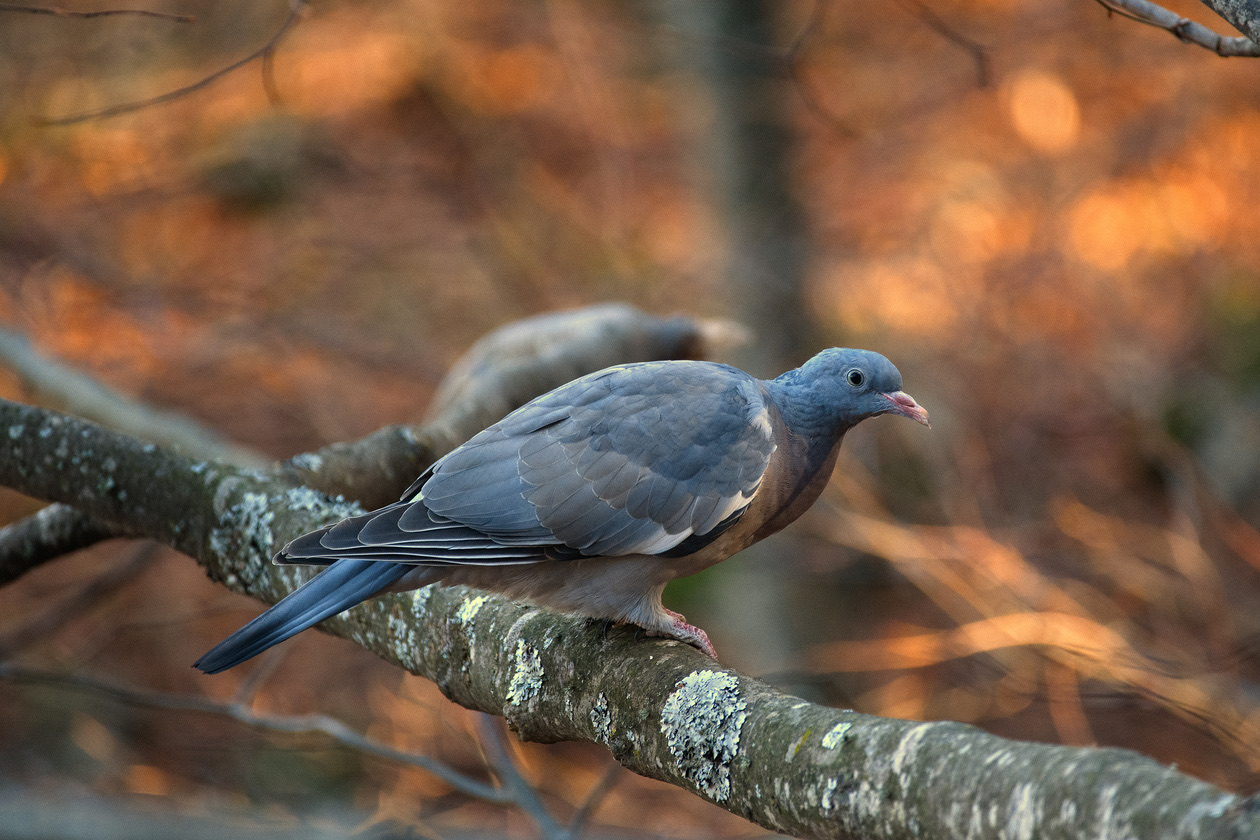
So we simply raise the ISO to the value at which we get a bright frame at the shutter speed we need. That is all there is to it. Other subjects work the same way: starting from the shutter speed you need, set a suitable sensitivity.
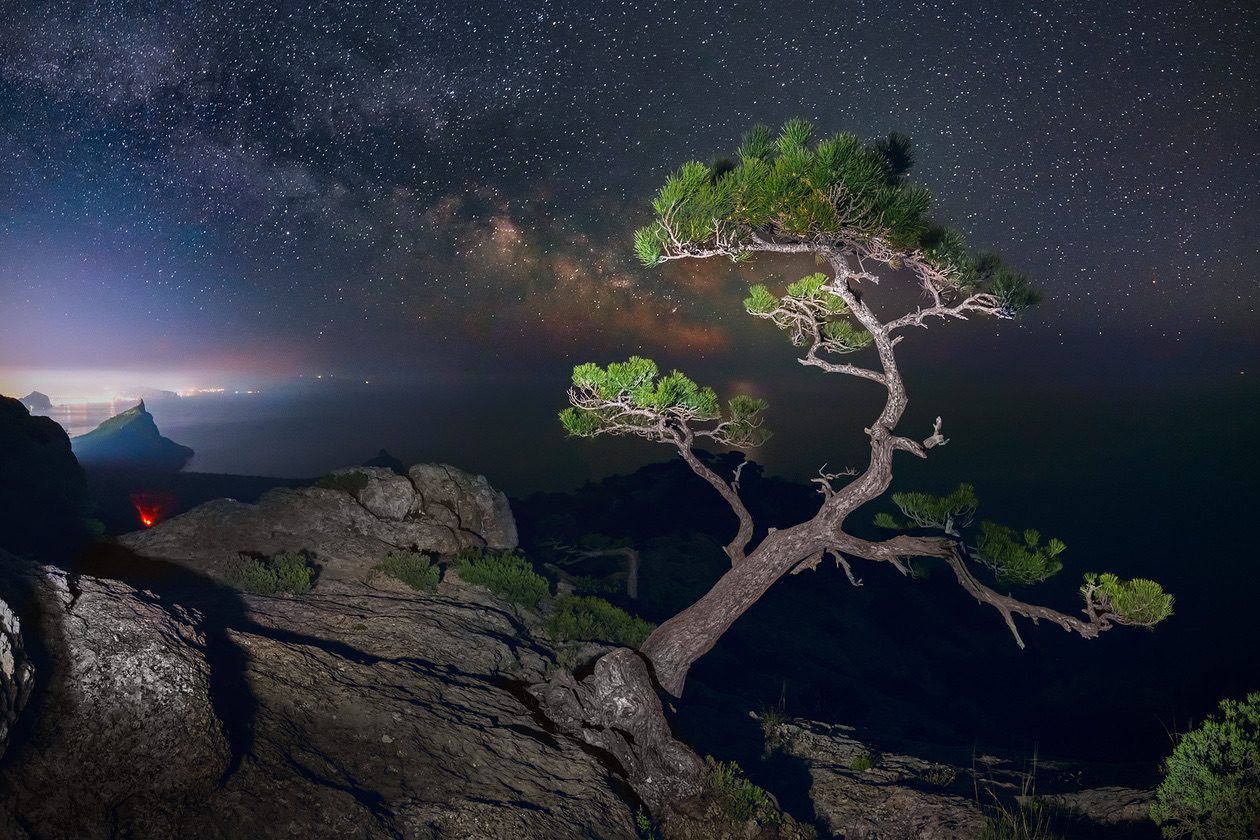
ISO is never raised "just in case", because the higher it is, the more digital noise. The point is to find a balance between the shutter speed your subject needs and the sensitivity.
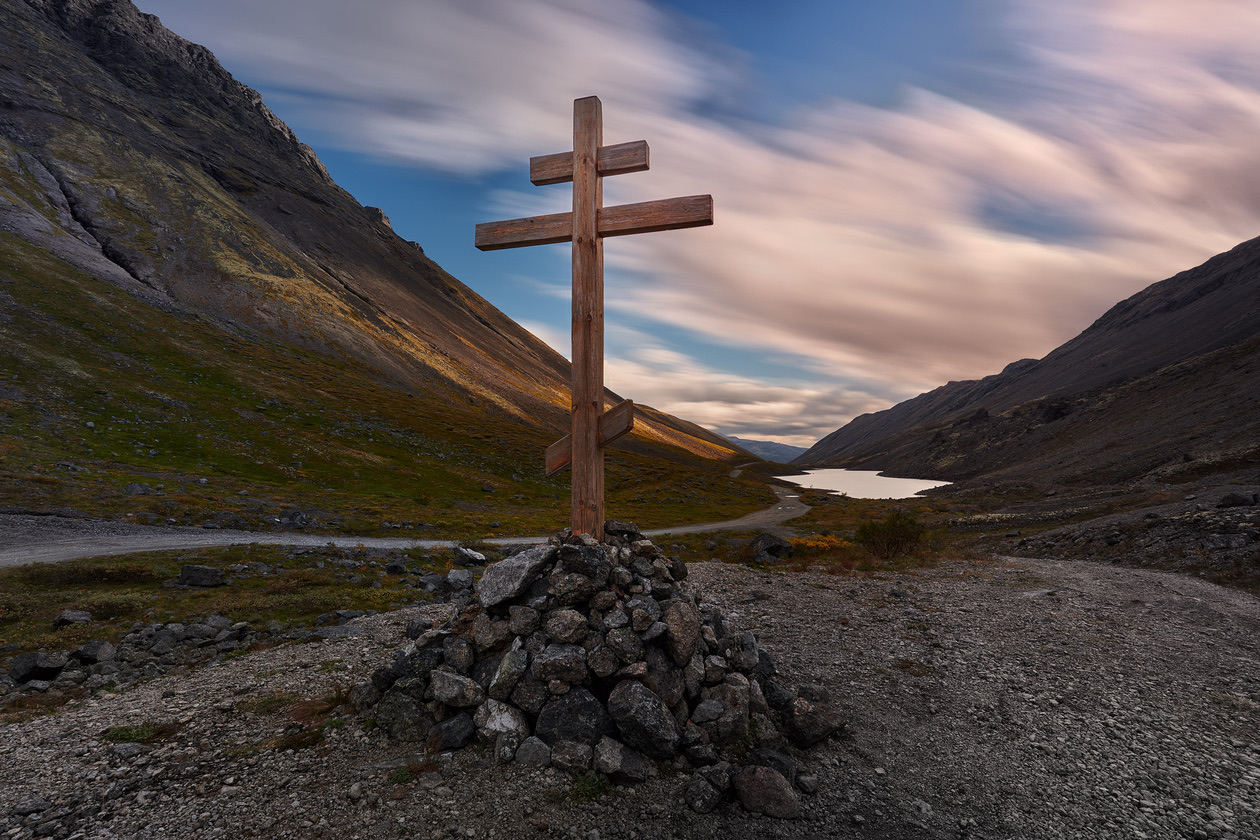
So the procedure for working with ISO is very simple:
- First, decide on the shutter speed the subject needs.
- Then set the aperture for the depth of field you want.
- Finally, pick the sensitivity that makes the frame bright enough at those two settings.
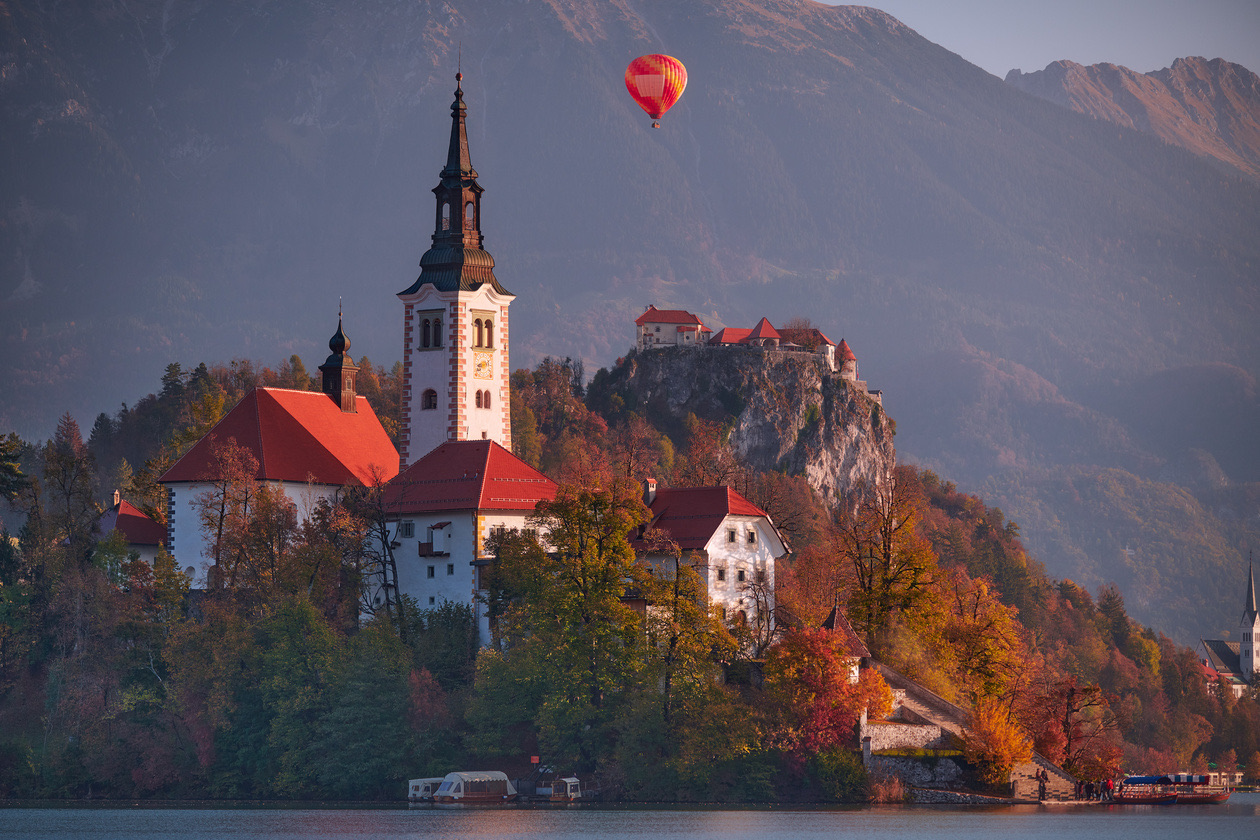
Typical ISO values for different light
There are no optimal sensitivity values for particular shooting conditions. But to make things easier for beginners, here is a short cheat sheet. Suppose you are walking with a camera without a tripod and are not shooting motion. You have a versatile kit lens on the camera and shoot at an aperture of around F5.6. For a shutter speed that suits handheld shooting, choose these values:
| Light | ISO |
|---|---|
| Sunny day | ISO 100–200 |
| Overcast day | ISO 200–400 |
| Evening | ISO 400–800 |
| A well-lit room, light from a window with daylight outside | ISO 800–1600 |
| Night city, bright city lights | ISO 1600–3200 |
| Room lighting | ISO 3200–6400 |
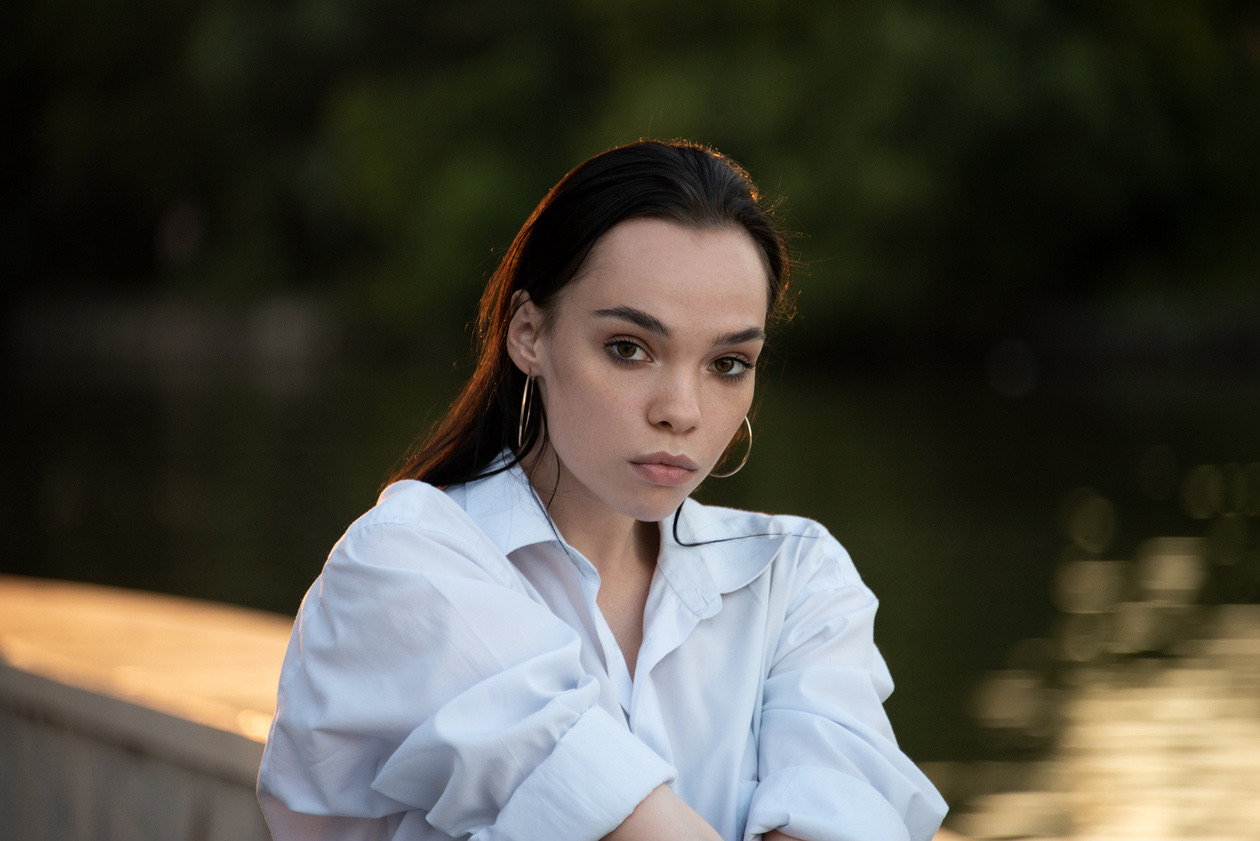
But it is better to start from your actual conditions and see what shutter speed you get at the ISO you chose. If the shutter speed is longer than 1/60 s, raise the ISO, because long shutter speeds almost guarantee a blurred photo.
Rule of thumb: If the shutter speed the camera shows is longer than 1/60 s (or longer than the handheld limit of your focal length), raise ISO one stop at a time until it is short enough. Never raise it further than that.
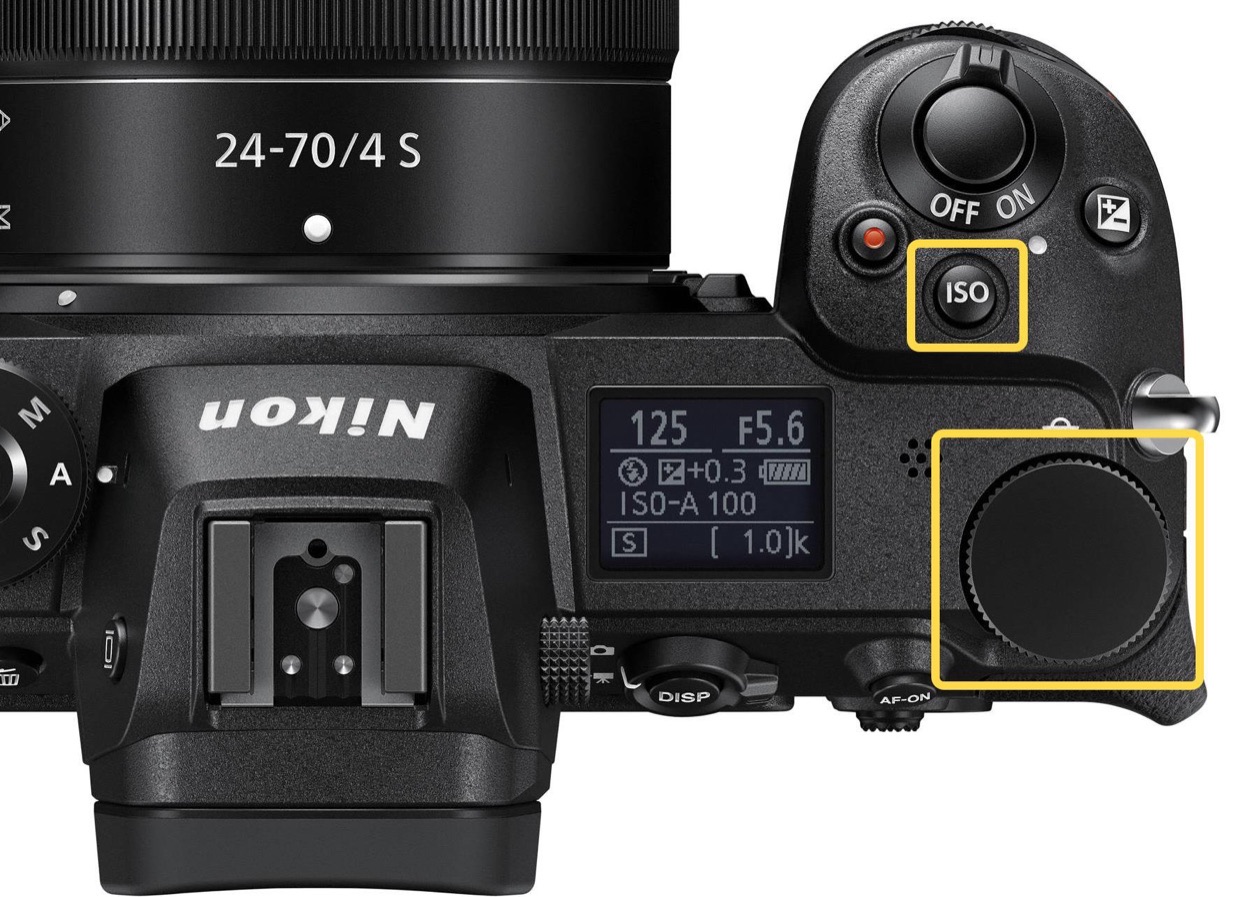
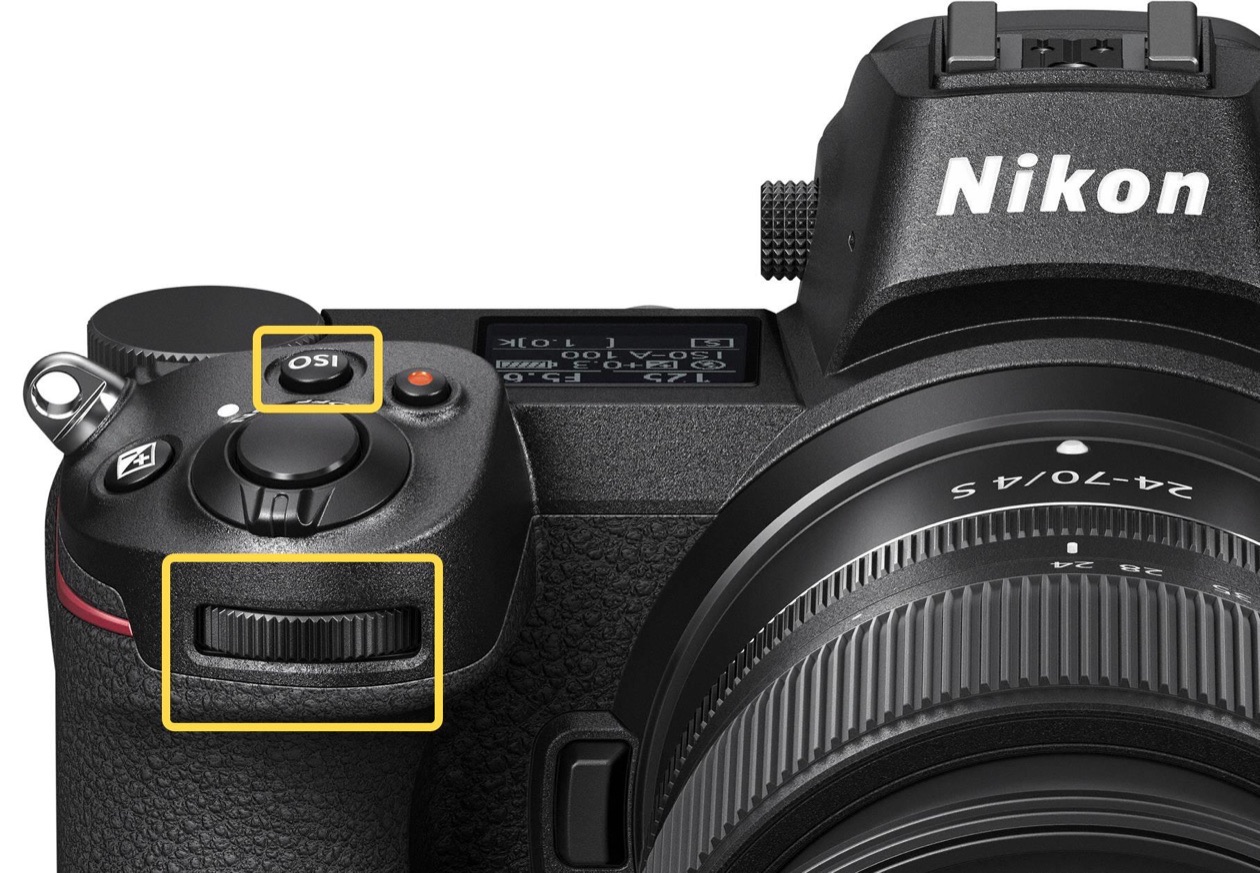
Auto ISO
In practice, ISO is the simplest and most "technical" exposure parameter. Judge for yourself: shutter speed controls not only the brightness of the image but also how motion is rendered; aperture controls both brightness and depth of field, the degree of background blur. ISO by itself controls only the exposure of the picture and the level of digital noise, which on current cameras you need not worry about much. So of the three exposure parameters, ISO is the first candidate for automation. Every current Nikon camera has an Auto ISO function for this. It works sensibly and predictably; you just need to understand a few simple settings.
Here they are, with the values set on one of the cameras used for this lesson:
| Setting | Example value | What it does |
|---|---|---|
| ISO sensitivity | ISO 100 | The value the camera aims for: set it high and the camera tends toward high values, set it low and it tries to stay low |
| Auto ISO sensitivity control | On | Lets the camera change ISO itself |
| Maximum sensitivity | ISO 6400 | The highest ISO the camera may use, so frames are not ruined by noise |
| Maximum sensitivity with flash | ISO 6400 | The same limit when a flash fires, a newer item on advanced cameras |
| Longest shutter speed | 1/125 s | In A and P, the shutter speed at which the camera starts raising ISO instead of lengthening the exposure |
We still set the sensitivity by hand: the camera uses that value as its reference when adjusting ISO. Below it, we can set the maximum ISO available to the camera, so that it cannot shoot at too high a sensitivity and we do not get frames ruined by digital noise. The longest shutter speed is set so that in the modes where the camera controls both shutter speed and sensitivity (A and P), it finds the right balance between them and does not set too long a shutter speed at low ISO. Editor's note: Sony calls the two limits ISO Range Limit and ISO AUTO Min. SS in its menus (Sony Help Guide); other makers use similar items.
Auto ISO is an extremely useful tool. It is worth turning off in only two cases: when shooting from a tripod (where the photographer can set the exposure thoughtfully) and when working in the studio with strobes, where any automation gets in the way. How Auto ISO behaves in each shooting mode is covered in aperture priority, shutter priority and manual.
Verdict
Yes, ISO is the simplest of the three exposure parameters, but it is worth practicing with. Exposure is like a scale with three pans: to shoot well, you need to balance all three parameters, shutter speed, aperture and sensitivity.
Editor's note: in practice that means three habits. Know your camera's minimum ISO and use it whenever the camera is on a support. Set Auto ISO with a maximum ISO you find acceptable and a longest shutter speed that matches your lens, and let it work for everything handheld. Treat the noise you see at ISO 1600–3200 on a full-frame or APS-C camera as the price of a sharp picture: blur from a slow shutter speed cannot be fixed later, and noise can be reduced in processing.
Frequently asked questions
- What is ISO in photography?
- ISO is the sensitivity setting, one of the three exposure parameters alongside shutter speed and aperture. The higher the number, the less light the camera needs for a correctly exposed frame. In a digital camera the pixels themselves do not become more sensitive: the image gets brighter because the sensor signal is amplified and converted, which also makes noise more visible.
- What does ISO stand for in photography?
- ISO is the International Organization for Standardization, the body whose standards define the sensitivity scale. The same numbers were used for film, where ISO 100 film was meant for daylight and ISO 400 for indoors. For digital cameras the determination of ISO speed is described in the standard ISO 12232, last revised in 2019.
- What ISO should I use?
- Use the lowest ISO that still gives a short enough shutter speed. As a starting point for handheld shooting with a kit lens at about f/5.6: ISO 100–200 on a sunny day, 200–400 on an overcast day, 400–800 in the evening, 800–1600 indoors by a daylit window, 1600–3200 in a lit-up city at night and 3200–6400 under room lighting.
- What is base ISO?
- The base ISO of a sensor is the setting from which the camera derives the others, weakening the signal for lower values and amplifying it for higher ones. Makers do not publish it, and it matters less in practice than the minimum numeric ISO, such as 64, 100 or 200, which gives the best quality and lowest noise on your camera.
- What do Lo and Hi ISO settings mean?
- They are extended ISO values that the camera produces in software. A Hi setting is really shot at the highest numeric ISO and then brightened by the processor, so noise becomes more visible. A Lo setting, such as Lo-1.0 on the Nikon Z 7, which equals ISO 32, slightly reduces the information in the highlights.
- When should you turn Auto ISO off?
- In two cases: when shooting from a tripod, where you have time to set the exposure yourself at the minimum ISO, and in the studio with strobes, where any automation gets in the way. Otherwise Auto ISO is a useful tool, provided you set a maximum ISO and the longest shutter speed the camera may use.
Sources
- Film speed, Wikipedia (2026)
- Image noise, Wikipedia (2026)
- F-number (one-third-stop scales), Wikipedia (2026)
- ILCE-7SM3 Help Guide: menu list including ISO Range Limit and ISO AUTO Min. SS, Sony (2026)
Originally published on Prophotos.ru.